How Do I Install IPTV on Smart TV UK? Complete Guide
Step-by-step guide to installing IPTV on Smart TV in the UK. Works with Samsung, LG, Sony, and other brands. Easy setup instructions included.
Hisense Smart TV: IPTV Setup on VIDAA OS & Google TV
How to Install IPTV on a Smart TV in the UK
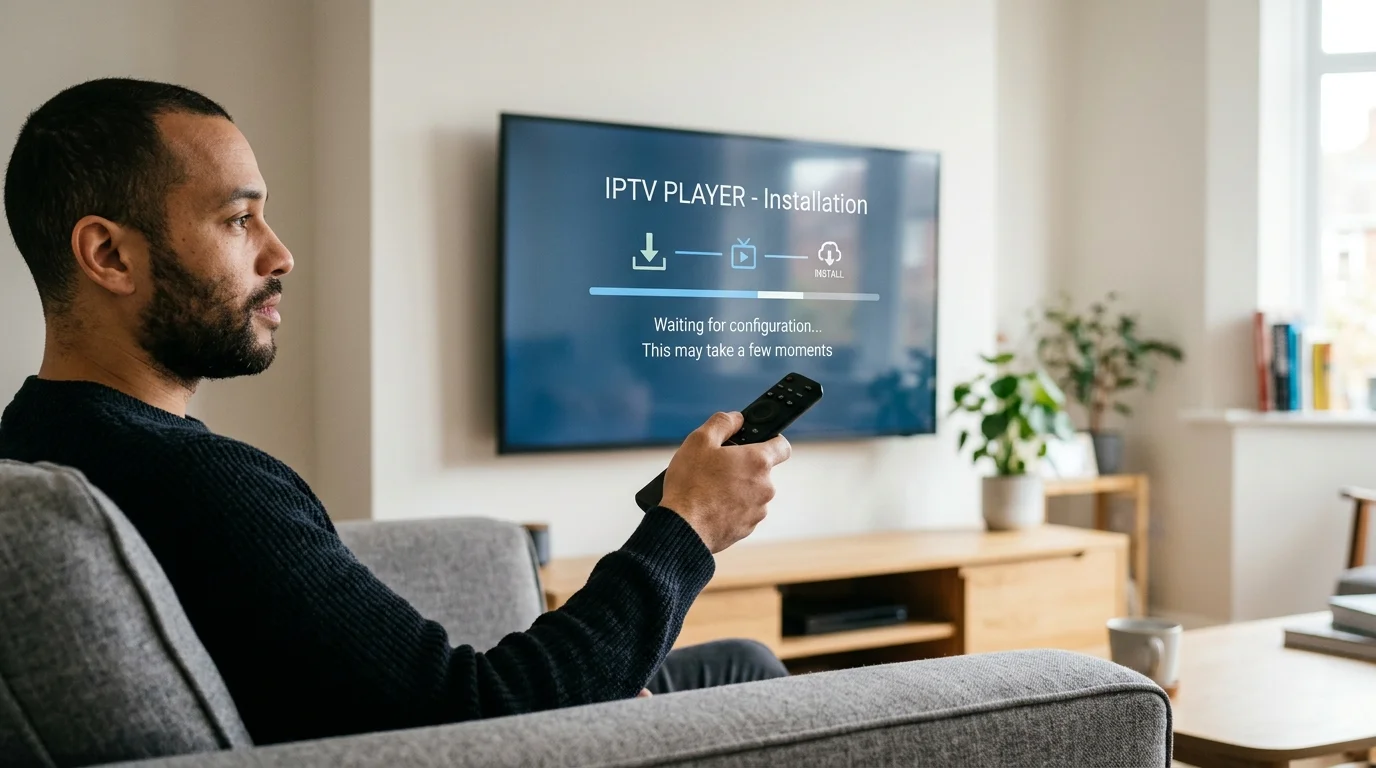
Smart TV installation has improved dramatically in 2026. Most Samsung, LG, and Sony TVs now support quality IPTV apps directly from their app stores — no Firestick required. Here is the complete setup guide for every major Smart TV brand.
Samsung Smart TV: Step-by-Step Guide
Samsung Tizen OS (all Samsung TVs from 2016 onwards) supports IPTV via apps available in the Samsung App Store.
Recommended app: IBO Player
- Press the Home button on your Samsung remote
- Navigate to Apps and open the Samsung App Store
- Search for "IBO Player" or "Nanomid"
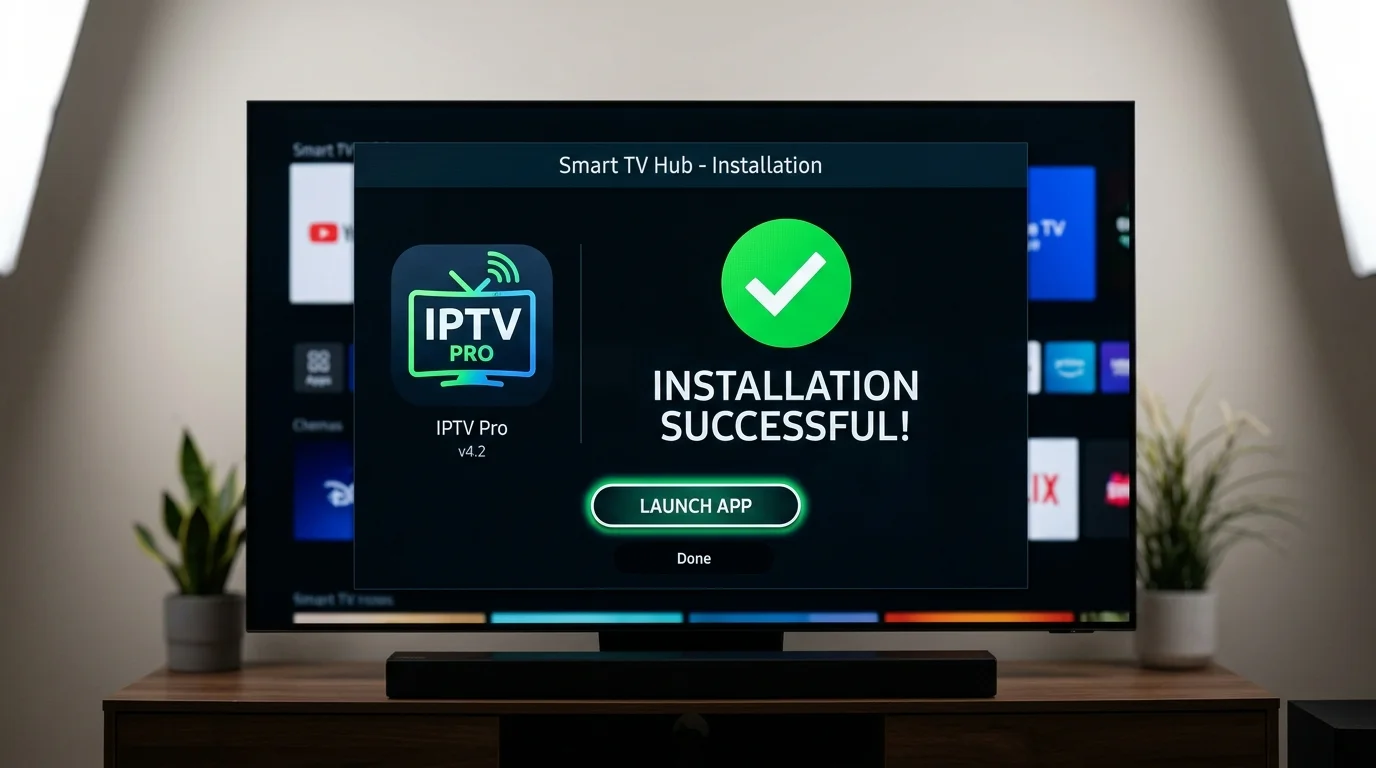
- Download and install the app (takes under a minute)
- Open the app — you will see a MAC Address on screen
- Message IPTV UK Elite on WhatsApp with your MAC Address
- We activate your subscription remotely within minutes
- Return to the app and your full channel list loads automatically
If IBO Player is unavailable in the UK store, change your TV's country to Ireland (Settings > General > System > Location) to access a wider selection.
LG Smart TV: Step-by-Step Guide
LG WebOS TVs (2018 and newer) support IPTV apps via the LG Content Store.
Recommended app: SS IPTV or GSE Smart IPTV
- Press the Home button on your LG Magic Remote
- Open the LG Content Store
- Search for "SS IPTV" or "GSE Smart IPTV"
- Install the chosen app
- Open it and select "Add Playlist" then "Xtream Codes" login
- Enter your IPTV UK Elite server URL, username, and password
- The full EPG guide and channel list loads automatically
For LG TVs with webOS 6.0 or newer, some users prefer connecting a Firestick 4K via HDMI for the TiviMate experience — the LG Magic Remote controls the Firestick seamlessly.
Sony Bravia: Android TV and Google TV
Sony Bravia TVs from 2015 onwards run Android TV or Google TV, giving access to the full Google Play Store.
Best app: IPTV Smarters Pro (free) or TiviMate (best performance)
- Open Google Play Store on your Sony TV
- Search for "IPTV Smarters Pro" and install it
- Open the app and choose "Login with Xtream Codes API"
- Enter your IPTV UK Elite server address, username, and password
- All channels, EPG, and VOD load automatically
Sony Google TV models (2021 and newer XR range) also support TiviMate via sideloading through the Downloader app.
Hisense Smart TV
Hisense VIDAA OS TVs support the Smart IPTV (SIPTV) app available in the Hisense App Gallery. Newer Hisense models running Google TV (A7H, U7H, U8K series) can install IPTV Smarters from Google Play directly.
Pro Tips for Best Smart TV Performance
- Use wired Ethernet — connect your TV via a Cat5e or Cat6 cable to the router for zero-buffering 4K IPTV streams
- Keep your TV firmware updated — TV manufacturers regularly update app store availability
- Clear app cache monthly — go to Settings > Apps > [App Name] > Clear Cache to prevent slowdowns
- Use a dedicated IPTV DNS — some users find setting their DNS to 8.8.8.8 (Google) or 1.1.1.1 (Cloudflare) reduces buffering on slower connections
Need help with your specific TV model? Our 24/7 WhatsApp support team has set up IPTV on hundreds of Smart TV models and can walk you through any setup in minutes.
Ready to Try Premium IPTV UK?
Experience IPTV UK Elite with a free 24-hour trial. 45,000+ channels, 100,000+ VOD, and 4K quality.
Related Guides
Best IPTV Apps for Samsung & LG Smart TVs 2026
IBO Player, Nanomid, and IPTV Smarters Pro ranked for Samsung Tizen and LG WebOS.
TutorialsInstall IPTV on LG TV 2026
How to sideload and configure IPTV apps on LG WebOS 6+ with full channel guide.
TutorialsXtream Codes on Firestick Guide
Add your IPTV subscription using Xtream Codes API in IPTV Smarters and TiviMate.
More IPTV UK Buying & Info Topics
Keep exploring high-volume IPTV UK search topics to compare providers, troubleshoot faster, and choose the right plan.