How to Install IPTV on LG Smart TV (2026 Updated)
Simple guide for LG WebOS users. Learn how to get premium UK TV directly on your LG television without any extra boxes.
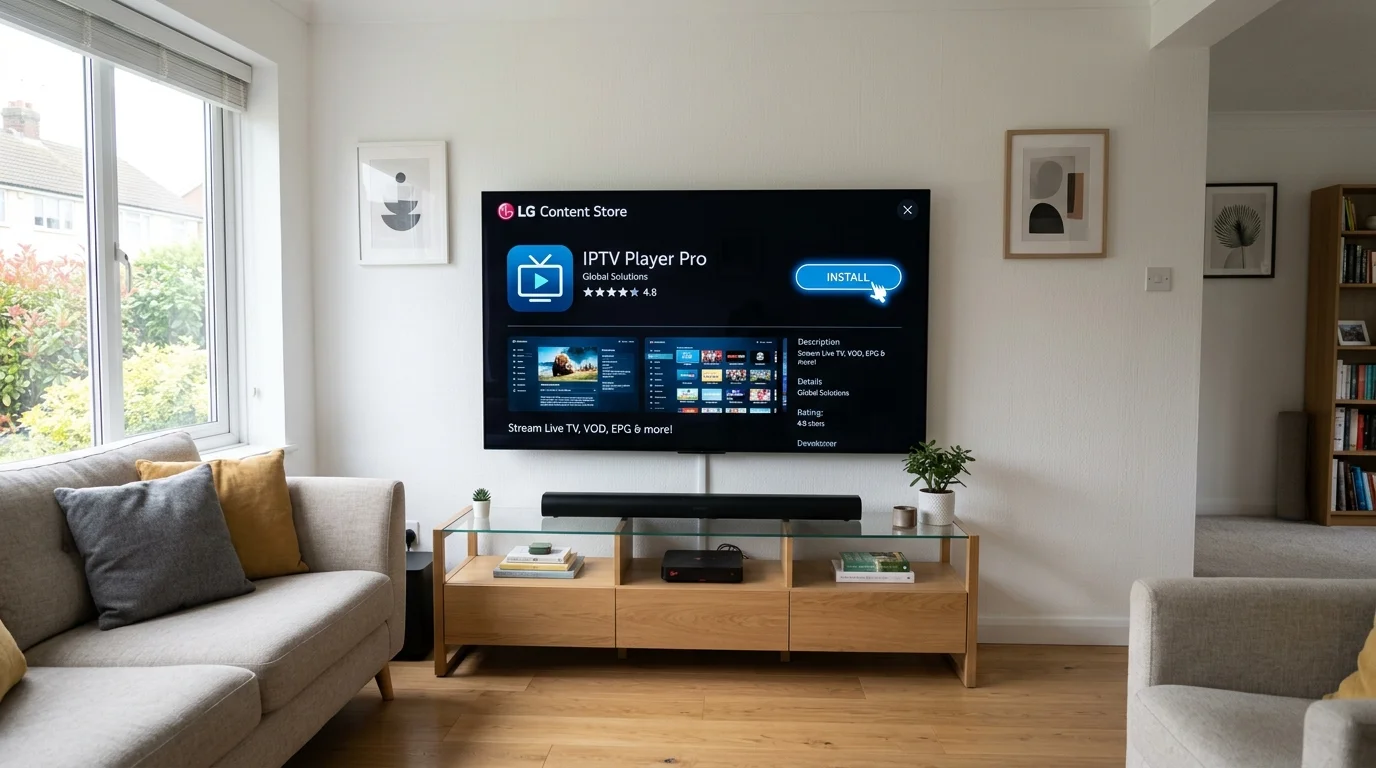
Related Guides: IPTV Installation Tutorials & App Reviews
LG WebOS: The Magic Remote Advantage
LG Smart TVs have a genuine edge over Samsung for IPTV: the Magic Remote. Its gyroscopic pointer lets you click on channels like a mouse, making navigation through thousands of channels dramatically faster than using a directional pad. Here is the complete guide to installing IPTV on your LG TV.
Checking Your LG WebOS Version
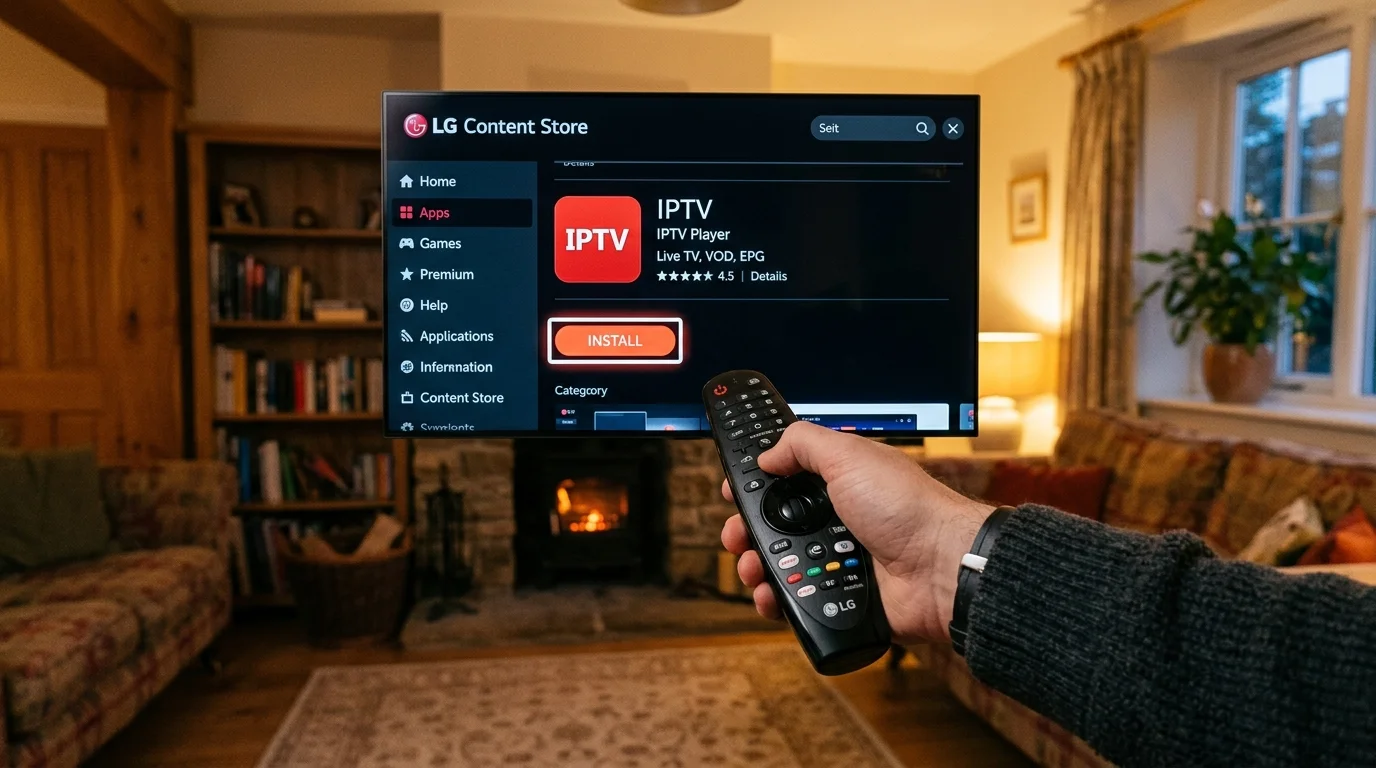
Before choosing an app, identify your WebOS version. Go to: Settings > General > About This TV > TV Information.
- WebOS 3.x (2016–17 TVs) — limited app support, use SS IPTV or Bay IPTV
- WebOS 4.x (2018–19 TVs) — IBO Player and IPTV Smarters Lite available
- WebOS 5.x or 6.x (2020–22 TVs) — best app selection, 4K HEVC support
- WebOS 22/23/24 (2022+ TVs) — full 4K HDR and latest app versions
Best IPTV Apps for LG TV
IBO Pro Player (Recommended)
IBO Pro Player is the most reliable and regularly updated IPTV app in the LG Content Store. It supports Xtream Codes API, M3U playlists, and XMLTV EPG. The interface is clean, with a poster-art VOD browser and a full electronic programme guide.
Cost: Free with a 7-day trial, then approximately £8/year for the full version.
SS IPTV (Best Free Option)
SS IPTV (Smart Screen IPTV) is completely free and available in the LG Content Store. It supports both M3U URLs and Xtream Codes. The interface is simpler than IBO Player but completely functional for live TV and EPG.
IPTV Smarters Lite
Where available on LG, IPTV Smarters Lite is the same Smarters interface familiar from Android and iOS. Availability varies by LG store region.
Bay IPTV
Bay IPTV is a simple, lightweight alternative that works reliably on older WebOS 3.x TVs where IBO Player may not be available.
Step-by-Step: Installing IBO Pro Player
- Press the Home button on your LG Magic Remote
- Navigate to the LG Content Store (the shopping bag icon in the quick access bar)
- Use the search function and type "IBO Player" or "IBO Pro Player"
- Select the app and press Install
- Once installed, press Launch
- In IBO Player, navigate to Add Playlist
- Select Xtream Codes API
- Enter your IPTV UK Elite credentials: server URL, username, password
The channel list downloads in 60–90 seconds, after which all 45,000+ channels are accessible.
Troubleshooting: Apps Not Appearing in LG Store
If IBO Player is not visible in your UK-region LG Content Store, this is a regional restriction. To access it:
- Go to Settings > General > System > Location
- Change the service country to Republic of Ireland (or Germany)
- Restart the LG Content Store
- The app should now appear
Note: Changing the service country does not affect your TV's language or other regional settings.
LG 4K IPTV Requirements
LG WebOS 5.x and above (2020+ OLED, NanoCell, QNED TVs) supports hardware H.265/HEVC decoding, enabling smooth 4K IPTV playback through IBO Player and SS IPTV. You need at least a stable 25 Mbps broadband connection. Sky Sports, TNT Sports, and select VOD titles stream in 4K through IPTV UK Elite on compatible LG hardware.
For LG OLED 4K owners particularly, the combination of OLED's perfect blacks and a high-bitrate IPTV stream makes for genuinely stunning picture quality — often better than the equivalent streaming service.
Once loaded, you will have access to all 45,000+ channels and 100,000+ movies. Grab your free trial and see the difference on your LG TV.
Ready to Try Premium IPTV UK?
Experience IPTV UK Elite with a free 24-hour trial. 45,000+ channels, 100,000+ VOD, and 4K quality.
Related Guides
Install IPTV on Smart TV UK
Step-by-step installation guide for Samsung, LG, Hisense, and Sony Smart TVs.
ReviewsBest IPTV Apps for Samsung & LG Smart TVs 2026
IBO Player, Nanomid, and IPTV Smarters Pro ranked for Samsung Tizen and LG WebOS.
TutorialsInstall Downloader on Firestick 2026
Enable ADB debugging and use Downloader to sideload any IPTV app on Fire TV Stick.
More IPTV UK Buying & Info Topics
Keep exploring high-volume IPTV UK search topics to compare providers, troubleshoot faster, and choose the right plan.