Best IPTV Apps for Samsung & LG Smart TVs (2026)
Stop using bad apps! We rank the best IPTV players available directly on Samsung Tizen and LG WebOS TV stores.
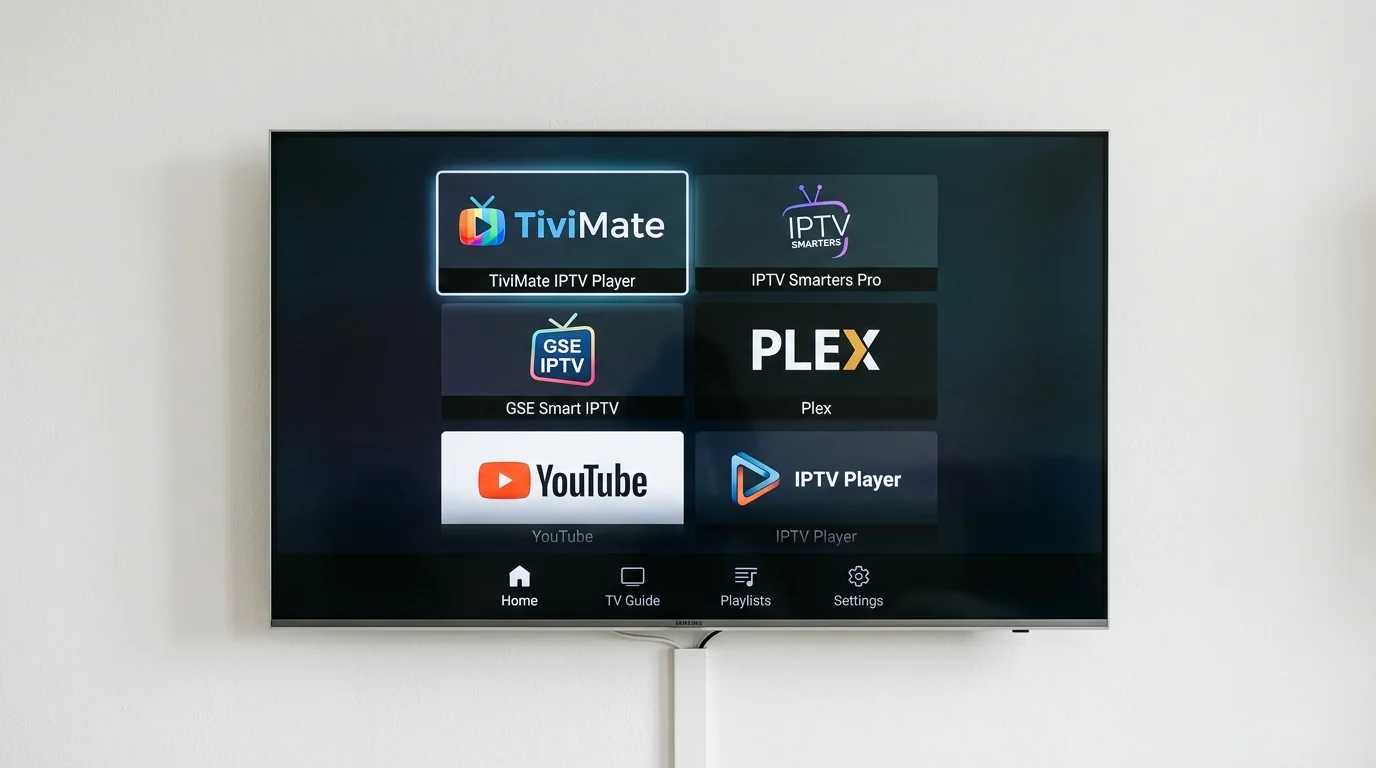
Installing SS IPTV on LG Smart TVs (WebOS)
No Firestick? No Problem.
If you have a modern Samsung, LG, Sony, or Hisense Smart TV, you might not need a Firestick at all. Built-in app stores have improved dramatically, and for many users the TV itself handles IPTV perfectly. Here is what works on each platform.
Samsung Smart TV (Tizen OS)
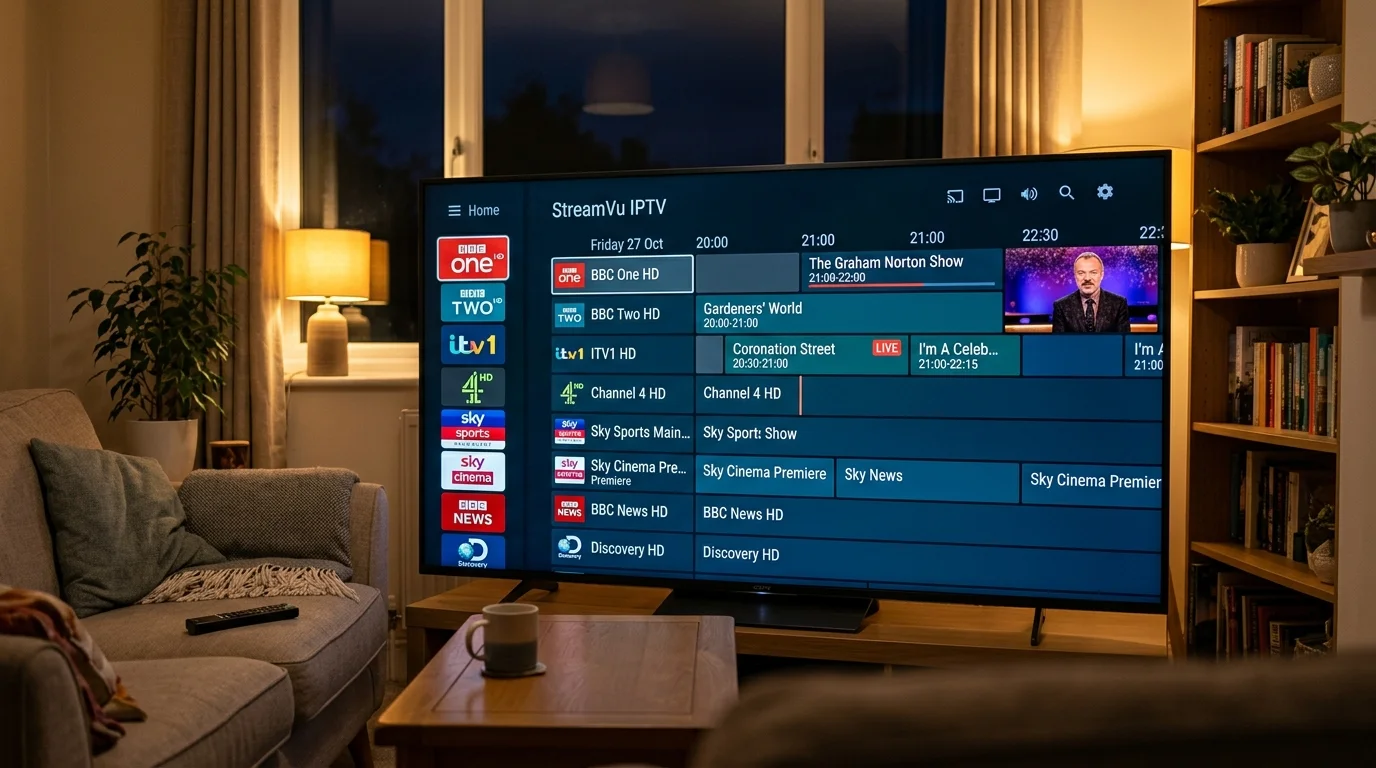
Samsung's Tizen app store includes several good IPTV options.
IBO Player (Recommended for Samsung)
IBO Player is the most stable paid IPTV app on Samsung. It costs approximately £8/year after a free trial period. Enter your IPTV UK Elite credentials via the Xtream Codes option and the app builds your full channel list automatically. Supports 4K streams on QLED and Neo QLED models.
To install: Open the Samsung Smart Hub > search "IBO Player" > install > open and select your connection method (Xtream Codes or M3U URL).
Nanomid (Easiest Setup)
Nanomid is the simplest app for non-technical users. You paste your M3U playlist URL and the app builds the channel list automatically. No account registration, no complex configuration. Ideal for setting up for elderly parents or non-technical family members.
Smart IPTV (SIPTV)
Smart IPTV works by activating via the SIPTV website — you enter your TV's MAC address (shown in the app) and upload your M3U playlist URL there. One-time payment of approximately £5. Reliable, with a clean grid EPG.
LG Smart TV (WebOS)
LG's Magic Remote makes navigating large channel lists significantly easier than most other remotes — particularly useful when scrolling through thousands of IPTV channels.
SS IPTV (Best for LG)
Available free in the LG Content Store. SS IPTV supports M3U and Xtream Codes, has a clean interface with VOD poster art, and is regularly updated for new WebOS versions.
To install: Press Home on your LG remote > LG Content Store > search "SS IPTV" > install > open and add your IPTV UK Elite M3U or Xtream Codes credentials.
IBO Player (Also on LG)
IBO Player is available for LG WebOS as well as Samsung Tizen. If you have a mixed-brand household, using IBO Player on both keeps the interface consistent.
Sony Bravia (Android TV / Google TV)
Sony Bravias from 2015 run Android TV, and models from 2021 run Google TV. Both have access to the full Google Play Store — not a limited manufacturer app store.
Best app for Sony Bravia: Install IPTV Smarters Pro directly from Google Play. All Xtream Codes features, VOD browsing, and 4K support are included. TiviMate also installs directly from Google Play on Sony Bravia, giving you Multi-View and recording functionality.
What if the App Isn't Available on My TV?
App availability in manufacturer stores fluctuates. If you cannot find your preferred IPTV app on your Samsung or LG store, the simplest solution is pairing an Amazon Firestick 4K Max via HDMI. HDMI 2.1 on modern TVs passes 4K HDR from the Firestick without any quality loss, and the Firestick has access to Amazon Appstore apps plus sideloaded ones.
How to Install
- Press the Home button on your remote
- Go to "Apps" or your TV's app store
- Search for "IBO Player", "SS IPTV", or "Nanomid"
- Install the app
- Open it and enter your IPTV UK Elite credentials (M3U URL or Xtream Codes API details)
Get your free trial credentials and tell us which TV brand you have — we will send you the exact setup steps for your device.
Ready to Try Premium IPTV UK?
Experience IPTV UK Elite with a free 24-hour trial. 45,000+ channels, 100,000+ VOD, and 4K quality.
Related Guides
Install IPTV on Smart TV UK
Step-by-step installation guide for Samsung, LG, Hisense, and Sony Smart TVs.
ReviewsBest IPTV Player Apps Ranked 2026
TiviMate vs IPTV Smarters vs GSE vs VLC — ranked for UK users on every device.
GuidesTiviMate Premium Guide UK
Unlock TiviMate Premium features — multi-panel, recording, catch-up, and EPG setup.
More IPTV UK Buying & Info Topics
Keep exploring high-volume IPTV UK search topics to compare providers, troubleshoot faster, and choose the right plan.