IPTV on Firestick UK 2026
Turn your Amazon Firestick into the ultimate TV streaming device. 45,000+ live channels, Sky Sports, Premier League, 100,000+ VOD — all in HD and 4K. Set up in under 10 minutes.
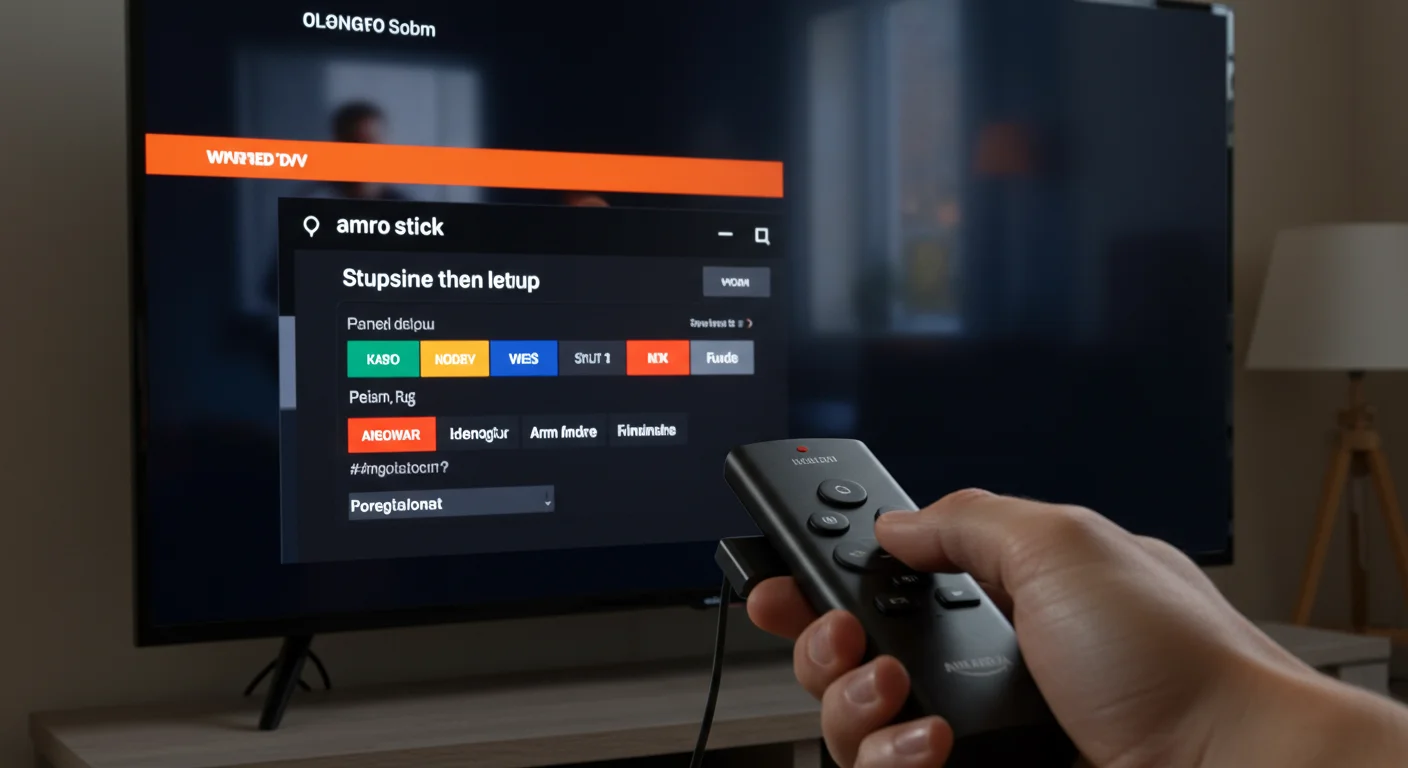
Why Use IPTV on Firestick UK?
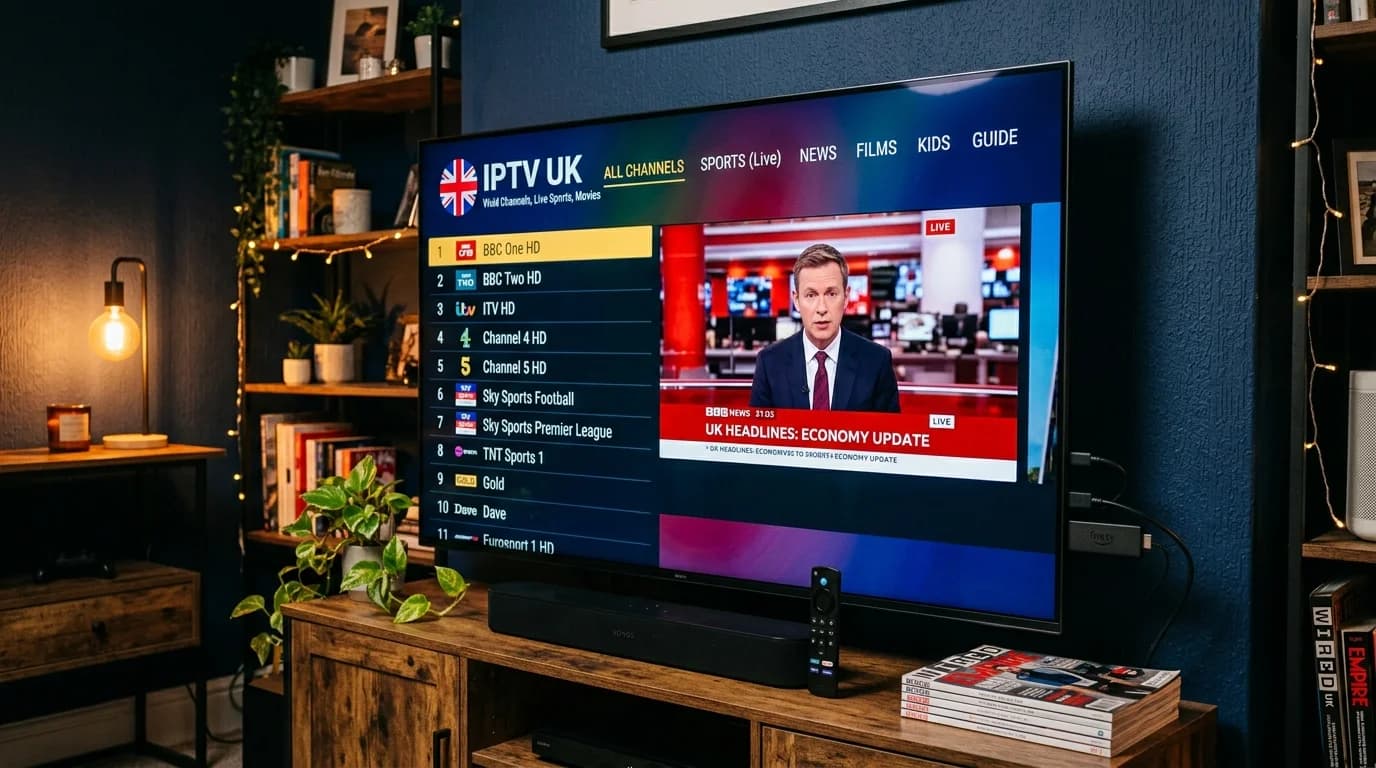
The Amazon Firestick is the UK's most popular streaming device — and for good reason. It's affordable, compact, plugs directly into any HDMI TV, and supports virtually every streaming app available. When paired with a premium IPTV subscription like IPTV UK Elite, the Firestick transforms into a complete television replacement capable of delivering thousands of live channels, catch-up TV, and on-demand movies far exceeding anything available through traditional pay-TV providers.
Unlike Sky or Virgin Media, IPTV on Firestick requires no satellite dish, no engineer installation, and no lengthy contract. You already own the hardware — the Firestick you have right now is all you need. Simply install a compatible IPTV app, enter your subscription credentials, and within minutes you're watching Sky Sports, Premier League football, BBC, ITV, Channel 4, and over 30,000 channels from around the world in full HD or 4K.
IPTV UK Elite has been optimised specifically for Amazon Firestick performance. Our servers deliver streams at consistent bitrates to ensure buffer-free playback even on older Firestick models. With a UK broadband connection of 10 Mbps or above, you'll enjoy smooth HD streaming, and 25 Mbps or above unlocks full 4K Ultra HD quality on any content broadcast in that resolution.
Compatible Firestick Models
IPTV UK Elite works perfectly on every Amazon Firestick and Fire TV device.
Firestick 4K Max (2023)
Best Firestick for IPTV. Wi-Fi 6E support, Dolby Vision, HDR10+, and blazing fast performance. Recommended.
Firestick 4K (2023)
Excellent 4K HDR streaming with Dolby Vision. Great value for 4K IPTV in the UK.
Firestick Lite
Budget option supporting HD streams. Perfect for bedrooms and secondary TVs. Handles HD IPTV flawlessly.
Firestick (3rd Gen)
The standard HD Firestick. Supports up to 1080p HD IPTV streaming with reliable performance.
Fire TV Cube (3rd Gen)
The most powerful Fire TV device. Built-in Ethernet port eliminates WiFi buffering. Ideal for living rooms.
Fire TV Stick (All Older Models)
All legacy Firestick models from 2016 onward are supported. May need to clear cache regularly.
How to Set Up IPTV on Firestick UK – Step by Step
Follow these 5 simple steps to get IPTV running on your Firestick in under 10 minutes.
Enable Apps from Unknown Sources
On your Firestick home screen, go to Settings (gear icon) → My Fire TV → Developer Options. Toggle on "Apps from Unknown Sources" and "ADB Debugging". This allows you to install IPTV apps not available in the Amazon App Store.
Install the Downloader App
Return to the Firestick home screen and use the search bar to find "Downloader". Install this free app from the Amazon App Store. Downloader lets you access any APK file via a URL — it's essential for sideloading IPTV apps.
Download IPTV Smarters Pro
Open the Downloader app and navigate to the IPTV Smarters Pro APK download URL (available from our WhatsApp support). Download and install the APK. IPTV Smarters Pro is the recommended app for its clean interface and Xtream Codes support.
Enter Your IPTV UK Elite Credentials
Open IPTV Smarters Pro and select "Login with Xtream Codes API". Enter the Server URL, Username, and Password sent to you by IPTV UK Elite when you subscribed. Your full channel list will load within seconds.
Start Watching Live TV
Browse through Live TV, Movies, or TV Series. Use the EPG (Electronic Programme Guide) to see what's on now and what's coming up. Favourite your most-watched channels for quick access. Enjoy HD and 4K streaming instantly.
Firestick IPTV Troubleshooting
Common issues and how to fix them quickly.
Buffering or Freezing
Restart router and Firestick. Clear IPTV app cache (Settings → Applications → Manage Installed Apps). Use a wired Ethernet adapter for the most stable connection. Try switching from 4K to HD stream.
Channels Not Loading
Force close and reopen the IPTV app. Check your subscription is active by logging into the portal. Ensure your internet is working. Contact IPTV UK Elite support via WhatsApp for a server status update.
App Crashing on Firestick
Clear the app cache and data, then restart the Firestick. If the issue persists, uninstall and reinstall the IPTV app. Older Firestick models benefit from Force Stop before launching the app.
EPG Not Showing
In IPTV Smarters Pro, go to Settings and trigger an EPG reload. If the guide is blank, wait 5–10 minutes for data to populate. Ensure your player is set to receive EPG from the Xtream Codes server.
Black Screen on Playback
Try switching the video player within the app (most IPTV apps offer multiple player options). Update the IPTV app to the latest version. Check the TV's HDMI-CEC settings aren't causing conflicts.
Slow Firestick Performance
Clear cache for all apps via Settings → Applications. Disable or uninstall apps you don't use. Restart your Firestick weekly. Ensure Firestick is not too hot — adequate ventilation helps performance.
Get IPTV on Your Firestick Today
From £12/month. 45,000+ channels. All devices. No contract.
IPTV Firestick UK – Frequently Asked Questions
How do I get IPTV on my Firestick in the UK?
Enable Apps from Unknown Sources in Firestick Developer Options, install the Downloader app, download IPTV Smarters Pro, then enter your IPTV UK Elite credentials to stream 45,000+ channels instantly.
What is the best IPTV app for Firestick UK in 2026?
IPTV Smarters Pro is the top choice for its easy setup and clean interface. TiviMate is excellent for advanced users wanting a premium EPG experience. Both work perfectly with IPTV UK Elite.
Does IPTV UK Elite work on all Firestick models?
Yes — all Firestick models from the original to the latest Firestick 4K Max are supported. The Fire TV Cube is also fully compatible. We recommend the Firestick 4K Max for the best 4K IPTV experience.
What internet speed do I need for IPTV on Firestick?
HD streaming requires 10 Mbps minimum. 4K Ultra HD requires 25 Mbps or above. Most UK broadband packages far exceed this. For the best experience, use a wired Ethernet connection via the Firestick Ethernet adapter.
Why is my IPTV buffering on Firestick?
Common causes: slow WiFi signal, app cache buildup, or peak-time server load. Solutions: move closer to your router, clear the IPTV app cache, use a wired connection, or switch from 4K to HD stream quality.
Is there a free trial for IPTV on Firestick?
Yes! IPTV UK Elite offers a free 24-hour trial with full access to all channels on your Firestick. No credit card needed. Contact us via WhatsApp to claim your trial immediately.