Is 4K IPTV Actually Real? What You Need for Ultra HD in 2026
Many providers claim "4K" but only deliver upscaled HD. I'll show you how to find real 4K IPTV and the hardware you need to run it.
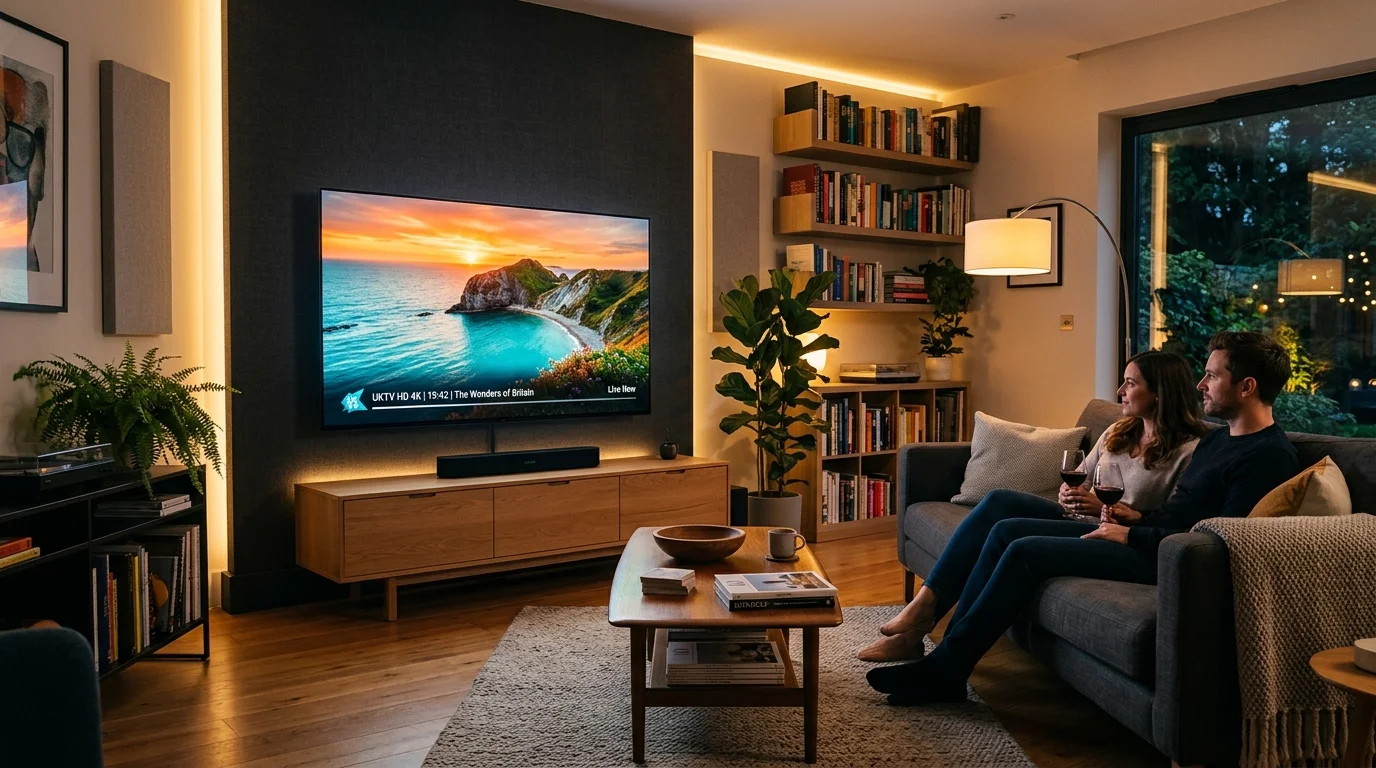
IPTV UK Elite Guides: 4K Speeds, Channels & Device Reviews
The "4K" Marketing Trap
If you've spent any time looking at IPTV websites, you'll see "4K" plastered everywhere. The truth? 80% of those streams are just 1080p being upscaled. If you want the real deal—crystal clear, high-bitrate Ultra HD—you need a provider that actually pays for 4K source feeds.
What Real 4K Requires (The Hard Truth)
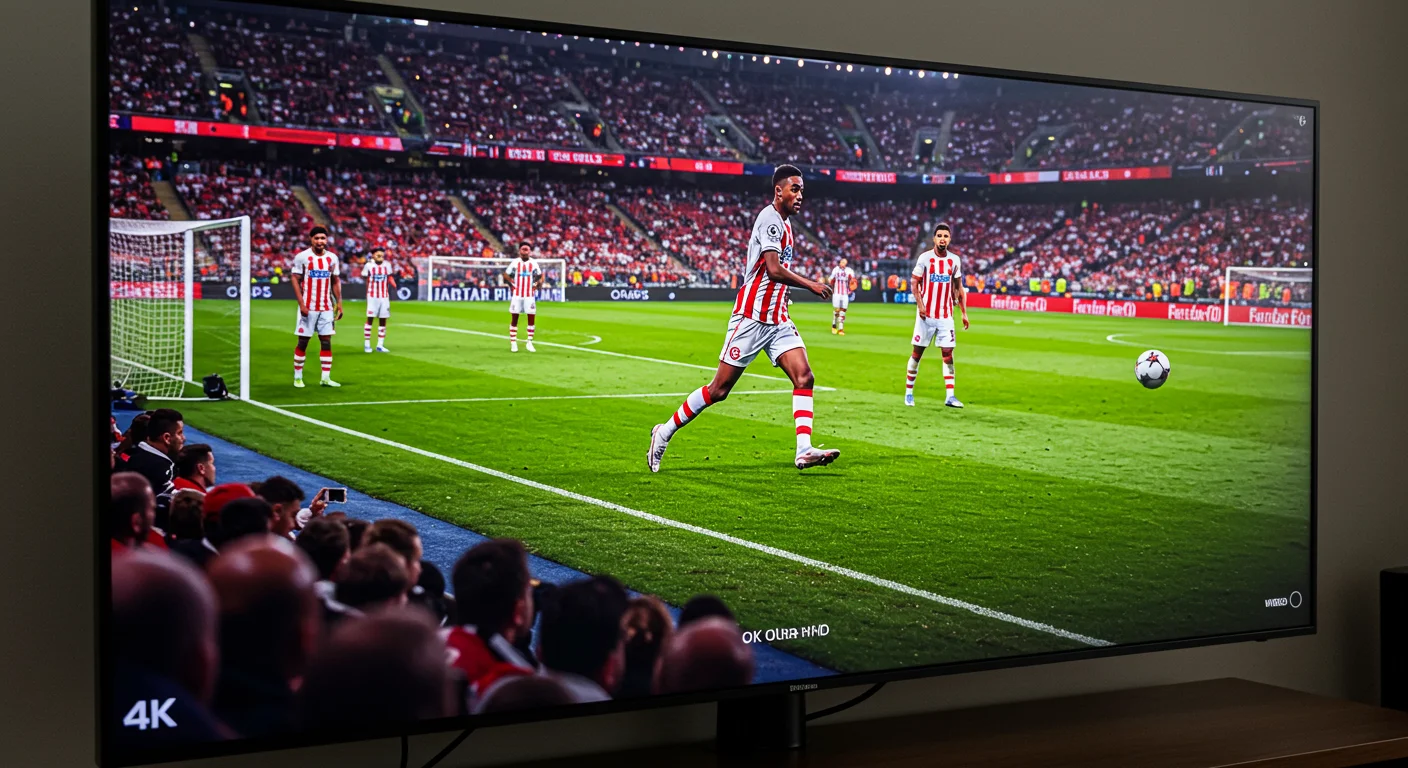
You can't stream real 4K on a budget setup. Here is what I tell my customers they need:
- A Solid 70 Mbps Connection: Don't listen to the guys saying 25 Mbps is enough. For a high-bitrate 4K football match, you need headroom. If the kids are on YouTube in the other room, you'll buffer.
- Premium Hardware: A basic Firestick Lite will struggle. You want the Firestick 4K Max or, better yet, the NVIDIA Shield Pro.
- A 4K Compatible App: Not all apps handle 4K codecs (like HEVC) well. I always recommend TiviMate for the best results.
Where Can You Find 4K Content?
On IPTV UK Elite, we have dedicated sections for 4K. This includes major Sports events, the latest Cinema releases, and even some Nature/Documentary channels that look incredible in UHD.
If you have a high-end OLED TV and you're still watching blurry HD, it's time to try our 4K streams.
What True 4K IPTV Actually Requires
The term "4K" is widely misused in IPTV marketing. Genuine 4K Ultra HD means a resolution of 3840 x 2160 pixels. For this to work correctly, several conditions must be met:
- A 4K TV (40 inches or larger to notice the difference at normal viewing distances)
- 4K source content — the IPTV stream must originate from a genuine 4K broadcast feed, not an upscaled HD signal
- 4K-capable streaming device — your Firestick, Android box, or Smart TV must support 4K decode and output
- Sufficient internet speed — a genuine 4K stream requires 25–50 Mbps of sustained throughput
- HDMI 2.0 or 2.1 cable — older HDMI 1.4 cables cannot carry 4K HDR signals at full bandwidth
If any of these elements is missing, you are not watching true 4K regardless of what the channel label says.
Codec Support: HEVC/H.265 Explained
Real 4K IPTV streams use HEVC (High Efficiency Video Coding), also known as H.265, to compress 4K video to a manageable bitrate without quality loss. Without hardware HEVC decoding, your device cannot play 4K streams smoothly.
Devices with HEVC hardware decoding: Amazon Firestick 4K, 4K Max, and 4K Max 2nd Gen; NVIDIA Shield Pro (2019 and 2023); Formuler Z11 Pro Max; Apple TV 4K (all generations); most Android TV boxes from 2019 onwards.
Devices WITHOUT HEVC hardware decoding: Amazon Firestick Lite (1080p max); older Firestick 3rd Gen (1080p max); budget Android boxes from 2018 and earlier.
Internet Speed Requirements for 4K IPTV
- 4K SDR (basic): needs approximately 30 Mbps with headroom
- 4K HDR (sport): needs approximately 50 Mbps with headroom
- 4K HDR (cinema): needs approximately 45 Mbps with headroom
- 4K Dolby Vision: needs approximately 60 Mbps with headroom
The "with headroom" figure accounts for other devices on your network. BT Full Fibre 150, Virgin Media M250, or Sky Ultrafast Plus all comfortably support 4K IPTV with multiple devices active simultaneously.
Which Devices Actually Display 4K IPTV Correctly?
Best for 4K IPTV:
- NVIDIA Shield Pro: Handles all HDR formats perfectly. Automatic refresh rate matching. Best-in-class for quality.
- Firestick 4K Max (2nd Gen): Excellent 4K HDR performance for the price. WiFi 6E sustains 4K speeds wirelessly.
- Apple TV 4K (3rd Gen): Outstanding HDR10+ and Dolby Vision handling.
Good for 4K IPTV:
- Formuler Z11 Pro Max: 4K capable with good HDR support via TiviMate.
- Android boxes with Amlogic S905X4 chip: Competent 4K playback.
Avoid for 4K IPTV: Budget Android boxes with Rockchip RK3228 or Allwinner chips — they claim 4K but deliver poor HEVC decode performance in practice.
HDR and Dolby Vision on IPTV
HDR (High Dynamic Range) improves contrast and colour accuracy significantly. IPTV UK Elite supports:
- HDR10: The baseline HDR standard. Supported by virtually all 4K TVs and devices.
- HDR10+: Dynamic metadata HDR. Firestick 4K Max and NVIDIA Shield Pro support this.
- Dolby Vision: The premium HDR format. Apple TV 4K and Firestick 4K Max support Dolby Vision output.
To verify your setup is delivering real 4K HDR, look for the HDR indicator on your TV (most 4K TVs show "HDR", "Dolby Vision", or "HDR10+" in the corner when an HDR signal is detected).
Contact IPTV UK Elite for a free trial to test 4K streams on your specific hardware before committing to a subscription.
Ready to Try Premium IPTV UK?
Experience IPTV UK Elite with a free 24-hour trial. 45,000+ channels, 100,000+ VOD, and 4K quality.
Related Guides
Best Internet Speed for 4K IPTV UK
Real-world speed tests on BT, Virgin, Sky, and EE — what you actually need for UHD.
GuidesIPTV Channels UK 2026 — Full List
Complete breakdown of all 45,000+ channels — sports, entertainment, news, and kids.
ReviewsNvidia Shield Pro IPTV Review
Is the Shield Pro worth £199 for IPTV? Performance, Plex, 4K, and TiviMate tested.
More IPTV UK Buying & Info Topics
Keep exploring high-volume IPTV UK search topics to compare providers, troubleshoot faster, and choose the right plan.