Best Internet Speed for 4K IPTV in UK (Real World Tests)
Don't believe the minimum specs. We tested 4K IPTV streams on various UK broadband connections to tell you what speed you REALLY need.
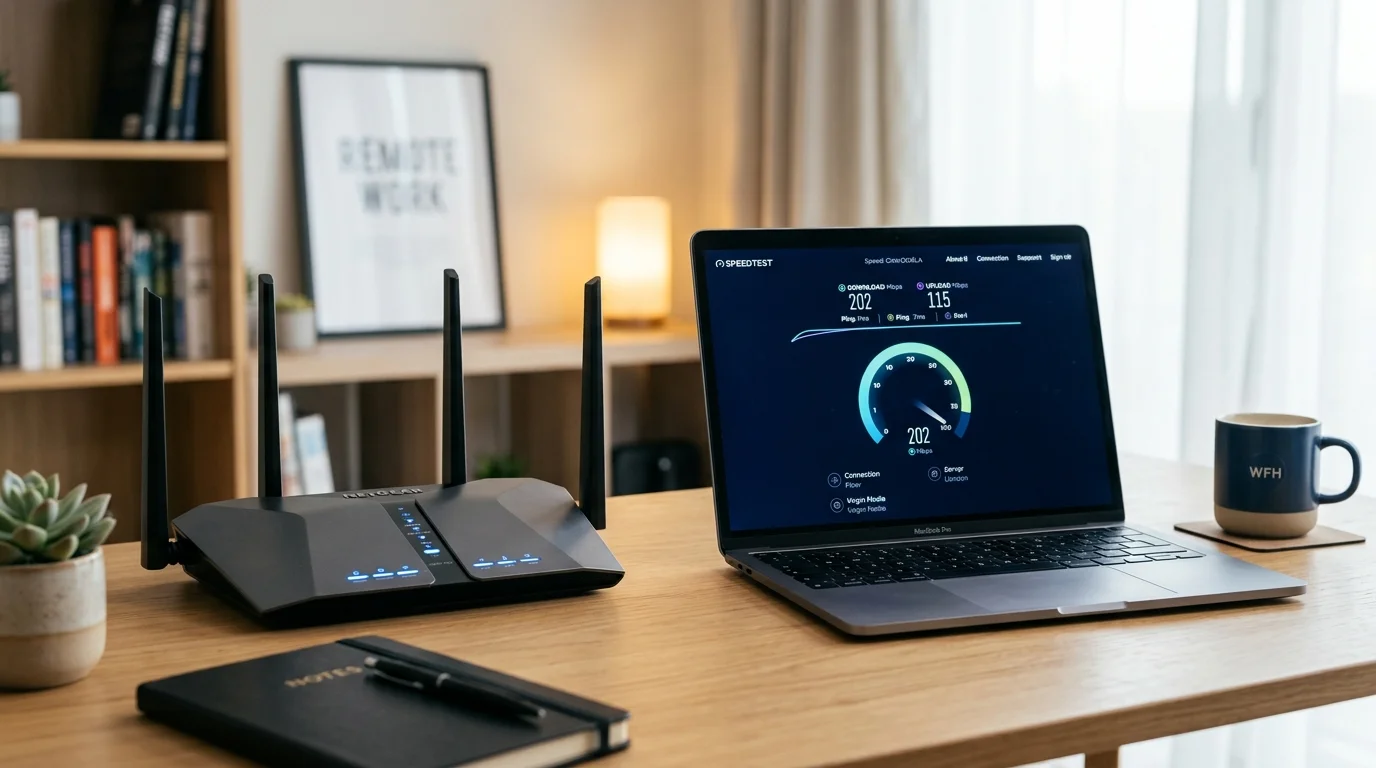
Ethernet vs Wi-Fi: Optimal Setup to Stop 4K IPTV Buffering
The "Official" Numbers vs Reality
Most providers say you need 25 Mbps for 4K. While technically true for compressed streams like Netflix, live IPTV 4K requires more headroom because the bitrates are often higher and there is no adaptive buffering like a catch-up platform uses.
What Speed Do You Actually Need?

Here are the real-world minimums based on testing across UK broadband connections:
| Stream Quality | Minimum Speed | Recommended |
|---|---|---|
| SD (576p) | 5 Mbps | 10 Mbps |
| HD (1080p) | 12 Mbps | 20 Mbps |
| 4K UHD (2160p) | 25 Mbps | 40–50 Mbps |
| 4K with HDR | 35 Mbps | 60 Mbps |
The key word is stable. A connection that averages 50 Mbps but drops to 8 Mbps during peak hours (typically 7–10 PM on BT FTTC) will still buffer on 4K streams.
UK Broadband Comparison for 4K IPTV
BT Superfast Fibre (FTTC, avg. 50 Mbps) — adequate for a single 4K stream if no other devices are active. During peak hours, throughput can drop to 20–30 Mbps on congested exchanges, making 4K unreliable.
BT Full Fibre 150 or 300 (FTTP) — excellent. Full fibre delivers consistent speeds around the clock, making it the best mainstream broadband for 4K IPTV. Available to 80%+ of UK homes.
Virgin Media M100 (100 Mbps, coaxial cable) — very good. Coaxial infrastructure delivers consistent throughput. The only caveat is Virgin's traffic management between 4–9 PM, which can reduce speeds slightly during peak hours. Still more than adequate for 4K.
Sky Broadband Ultrafast (avg. 145 Mbps, FTTC or FTTP depending on area) — excellent when on FTTP. The base Sky Broadband Essential package (avg. 36 Mbps) is borderline for 4K — fine for HD.
TalkTalk Fibre 65 (avg. 67 Mbps) — comfortable for 4K. TalkTalk's backbone routing can occasionally cause higher latency during major sports events when many subscribers are streaming simultaneously.
EE Full Fibre 100/300/900 — among the best for IPTV. EE's peering arrangements with major content networks mean low latency even during the Premier League.
The Household Factor
If you have children on TikTok, a partner on Zoom, and someone gaming online, all of that competes with your IPTV stream for bandwidth. A good rule of thumb: add 10 Mbps for each heavy internet user in the household when estimating the speed you actually need.
For example, a household with:
- 1× 4K IPTV stream: 40 Mbps
- 1× video call: +5 Mbps
- 2× 4K Netflix streams: +25 Mbps (Netflix uses adaptive bitrate)
- Total comfortable threshold: 70 Mbps
A BT Full Fibre 150, Virgin M100, or Sky Ultrafast package all comfortably handle this.
Wired vs Wireless
Wi-Fi introduces latency and packet loss that you won't see in a speed test but will see as buffering mid-match. If your router is more than 10 metres from your TV or you have thick walls, always connect your Firestick or Android box via Ethernet using a cheap TP-Link powerline adapter or a direct Cat5e cable. This alone can eliminate buffering on a connection that seems fast enough on paper.
For a reliable buffer-free experience, test the speed directly on your streaming device using the Speedtest app — not on your phone over WiFi — before troubleshooting anything else.
Ready to Try Premium IPTV UK?
Experience IPTV UK Elite with a free 24-hour trial. 45,000+ channels, 100,000+ VOD, and 4K quality.
Related Guides
The No-Buffering Checklist for 2026
Expert checklist for a perfectly stable, buffer-free IPTV experience on any UK connection.
TroubleshootingFix IPTV Buffering on BT & Virgin Media
Disable BT Web Protect and Virgin Web Safe to stop peak-hours buffering instantly.
Technical4K IPTV Services UK — What's Real?
Which providers actually deliver true 4K UHD vs upscaled HD — tested and verified.
More IPTV UK Buying & Info Topics
Keep exploring high-volume IPTV UK search topics to compare providers, troubleshoot faster, and choose the right plan.