How to Install Downloader on Firestick (2026 Guide)
The very first step for any IPTV user. Learn how to install the Downloader app and enable "Unknown Sources" on your Firestick.
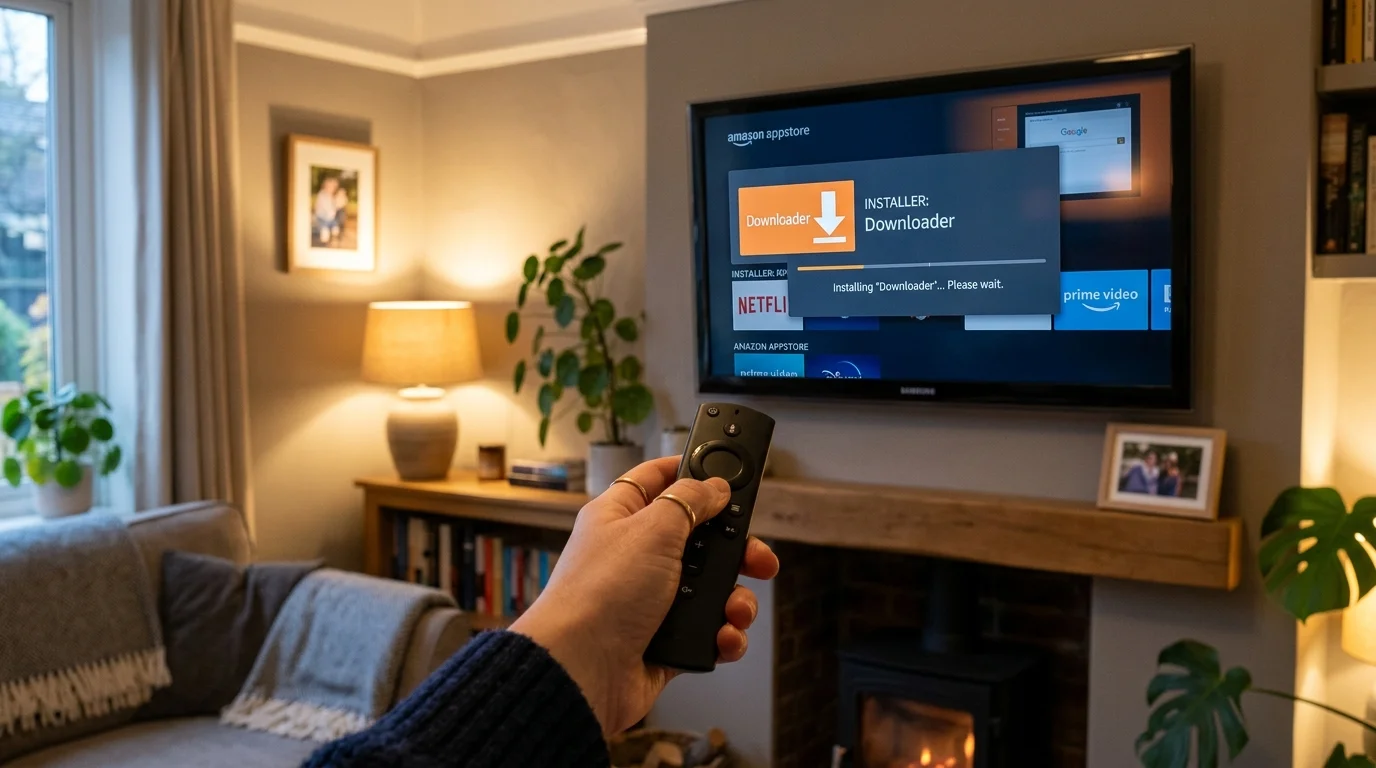
Downloader App: Your Gateway to IPTV on Firestick
The Gateway App
If you want to use IPTV Smarters or TiviMate on your Firestick, you first need an app called Downloader. Amazon does not include most IPTV apps in its official Appstore, so Downloader lets you install them from the web — a process called "sideloading."
Before You Start: Enable Developer Options
Amazon hides the settings needed for sideloading. Here is how to unlock them:
- On your Firestick home screen, go to Settings (the gear icon at the top right)
- Scroll right and select My Fire TV
- Select About
- Find Fire TV Stick and tap it 7 times quickly
- A message will appear: "You are now a developer"
- Go back to My Fire TV — you will now see Developer Options
- Select Install Unknown Apps and find Downloader in the list
- Toggle it to On
If Developer Options was already visible, skip steps 3–5.
Step-by-Step: Installing Downloader
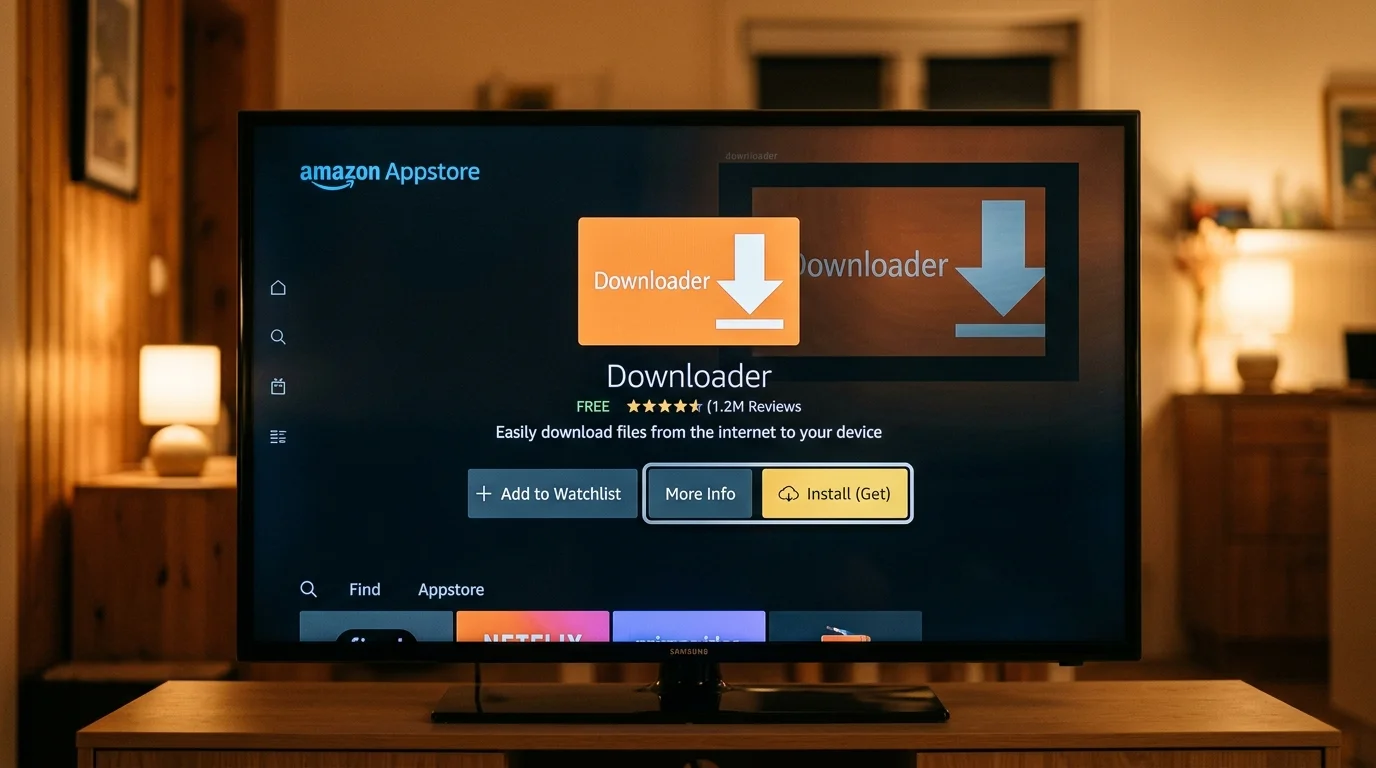
- From the Firestick home screen, press the microphone button on your remote and say "Downloader" — or press the search icon and type it manually
- Select Downloader from the search results (orange icon, published by AFTVnews)
- Press Get or Download and wait for it to install
- Before opening Downloader, complete the Developer Options steps above to grant it permission to install apps
- Open Downloader — you will see a URL/code input box
Installing IPTV Smarters via Downloader
Once Downloader is open:
- In the URL field, type the download address for IPTV Smarters Pro (we send you the exact shortcode via WhatsApp)
- Press Go — Downloader will download the APK file
- When the download completes, press Install
- After installation, press Open to launch IPTV Smarters Pro
- Tap "Add User", select "Login with Xtream Codes API", and enter your credentials
The whole process takes about 3–4 minutes from start to finish.
Why Does BT or Sky Sometimes Block the Download?
BT Web Protect and Sky Broadband Shield are parental control services that block some APK download URLs. If the Downloader shows an error or a "site blocked" page when downloading:
- For BT: Go to btwifi.com and temporarily disable BT Web Protect in your BT account settings
- For Sky: Log in to your Sky account > Broadband > Security > turn off Broadband Shield temporarily
Re-enable these after the IPTV app is installed. The apps themselves do not interact with parental control systems once installed.
Installing TiviMate via Downloader
TiviMate requires an extra step because it is a paid app on Google Play, but not available on Amazon. Our support team sends you the direct APK download URL via WhatsApp. The Downloader process is identical to IPTV Smarters. TiviMate Companion (the companion Android app used for the licence key) also needs to be sideloaded.
See our full TiviMate setup guide for the complete walkthrough including the Companion app activation.
What if the Installation Fails?
The most common reason for installation failure is "Unknown Sources" not being enabled for Downloader. Re-check: Settings > My Fire TV > Developer Options > Install Unknown Apps > Downloader > confirm it shows "On". If it still fails, the APK may be corrupted — delete it via Downloader's file manager and re-download.
Get your download shortcodes on WhatsApp and we will walk you through setup in real time.
Ready to Try Premium IPTV UK?
Experience IPTV UK Elite with a free 24-hour trial. 45,000+ channels, 100,000+ VOD, and 4K quality.
Related Guides
Xtream Codes on Firestick Guide
Add your IPTV subscription using Xtream Codes API in IPTV Smarters and TiviMate.
ReviewsBest IPTV Apps for Samsung & LG Smart TVs 2026
IBO Player, Nanomid, and IPTV Smarters Pro ranked for Samsung Tizen and LG WebOS.
GuidesTiviMate Premium Guide UK
Unlock TiviMate Premium features — multi-panel, recording, catch-up, and EPG setup.
More IPTV UK Buying & Info Topics
Keep exploring high-volume IPTV UK search topics to compare providers, troubleshoot faster, and choose the right plan.