IPTV on Smart TV UK 2026
Watch 45,000+ live channels directly on your Samsung, LG, Sony, or Hisense Smart TV. Sky Sports, Premier League, BBC, ITV and global channels in HD & 4K — no satellite dish required.
IPTV on Smart TV UK – What You Need to Know
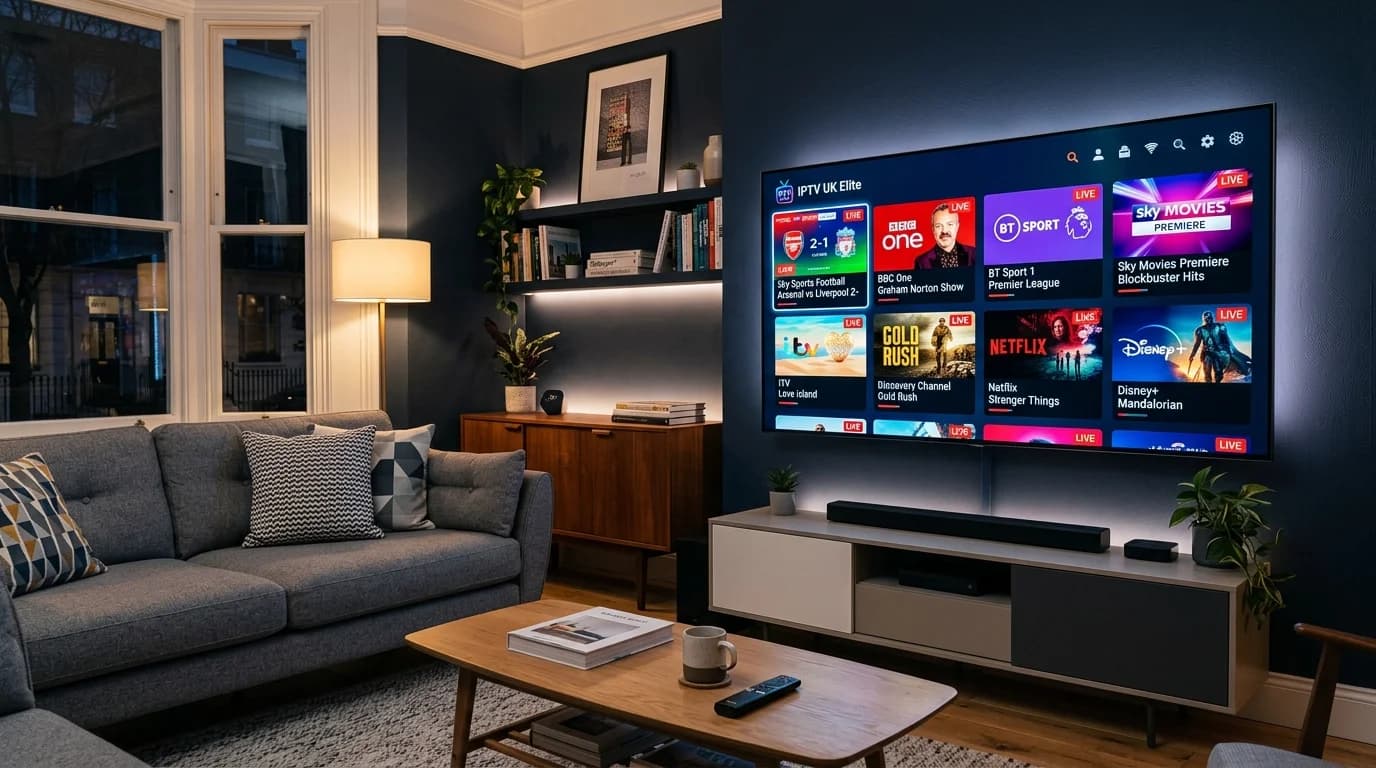
Smart TVs have become the centrepiece of the modern UK living room, and with IPTV UK Elite, your Samsung, LG, or Sony TV becomes dramatically more powerful. Instead of paying £40–£70 per month for a Sky or Virgin Media package, IPTV delivers the same channels — and thousands more — directly over your existing broadband connection for a fraction of the cost.
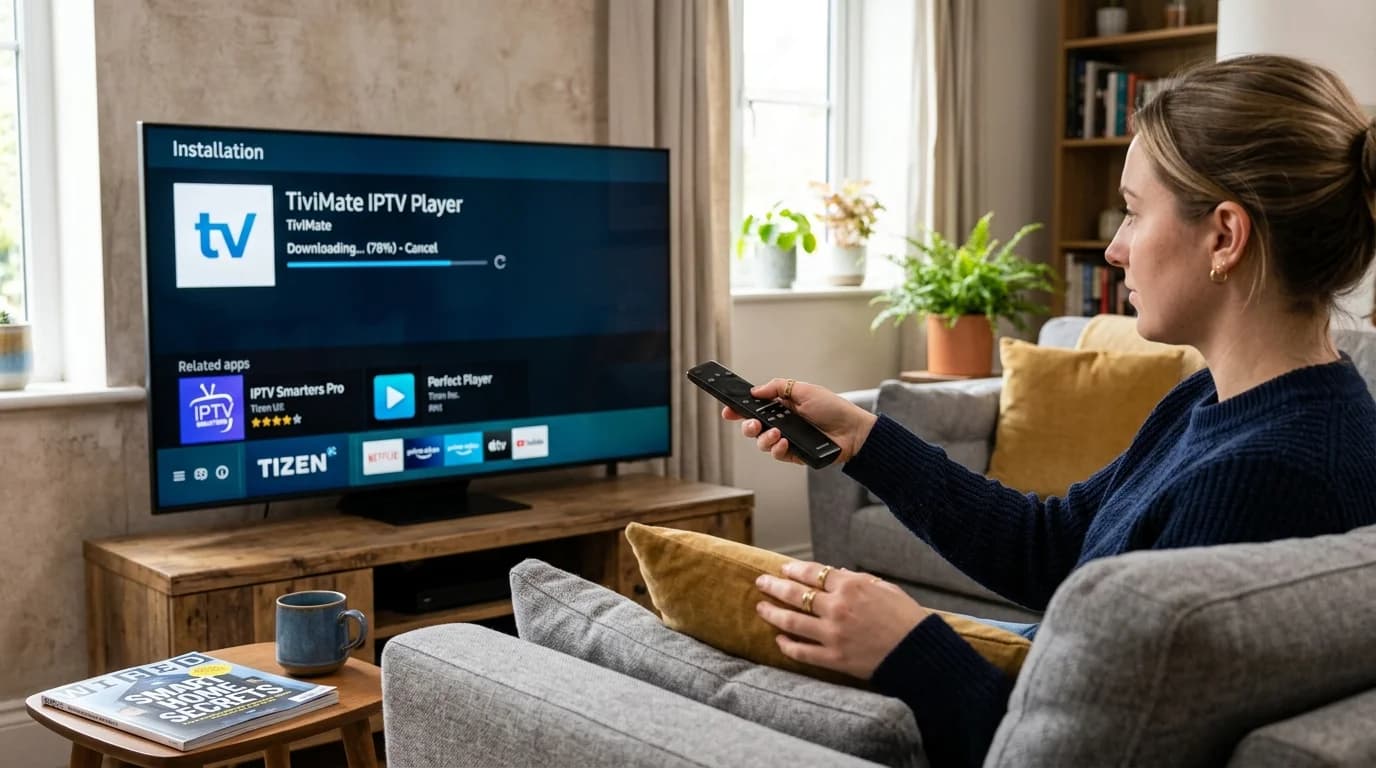
The great advantage of Smart TV IPTV is that no extra hardware is required. Your television already has the processing power, network connectivity, and app support needed to run an IPTV player. Samsung Tizen TVs, LG webOS TVs, and Sony Android TV or Google TV models each have their own app ecosystem, and dedicated IPTV players are available for all of them.
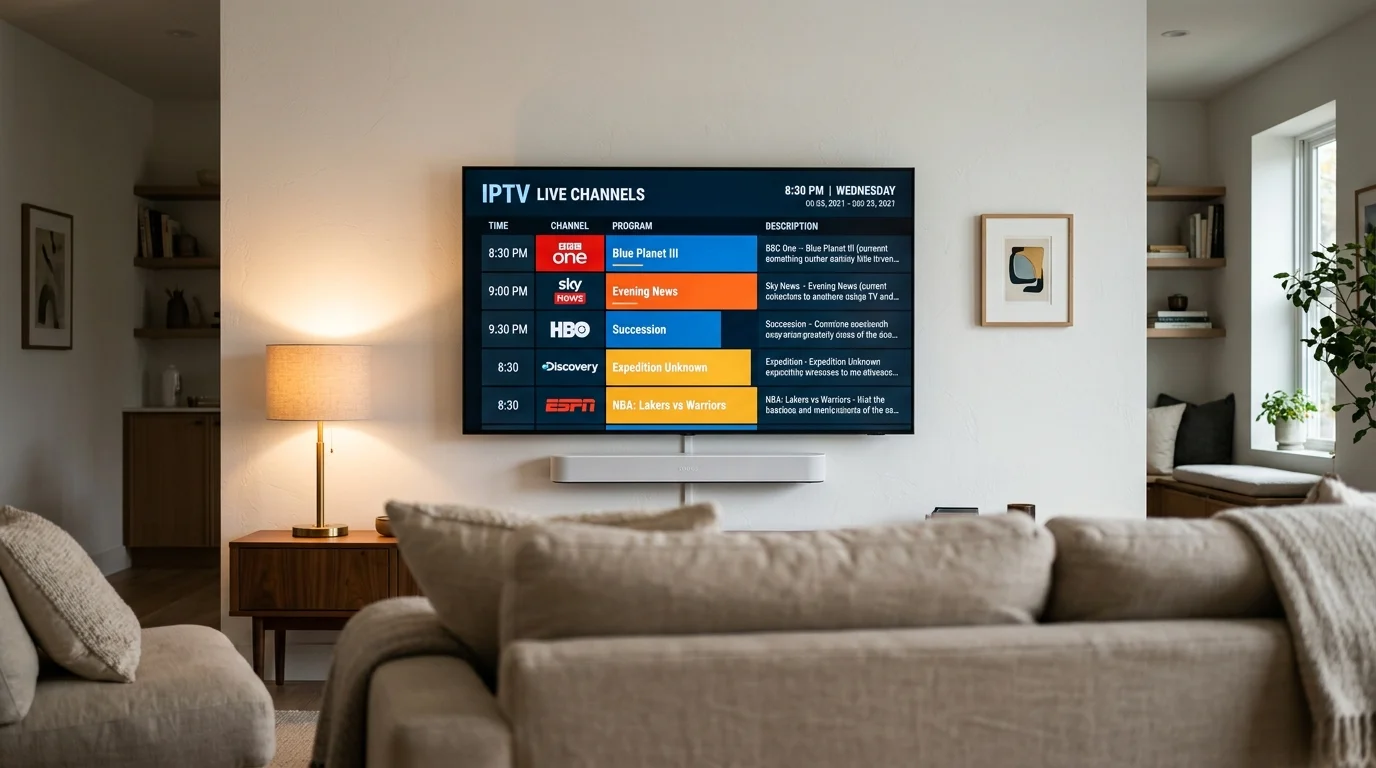
IPTV UK Elite provides full UK channel coverage including all Sky Sports channels, BBC One, BBC Two, ITV, Channel 4, Channel 5, and hundreds of specialist channels. Our 4K streams are optimised for large-screen viewing, delivering the kind of quality your Smart TV was designed to display. With 99.9% uptime and UK-based server infrastructure, buffering is a rarity rather than a routine frustration.
Smart TV Brands & IPTV Compatibility
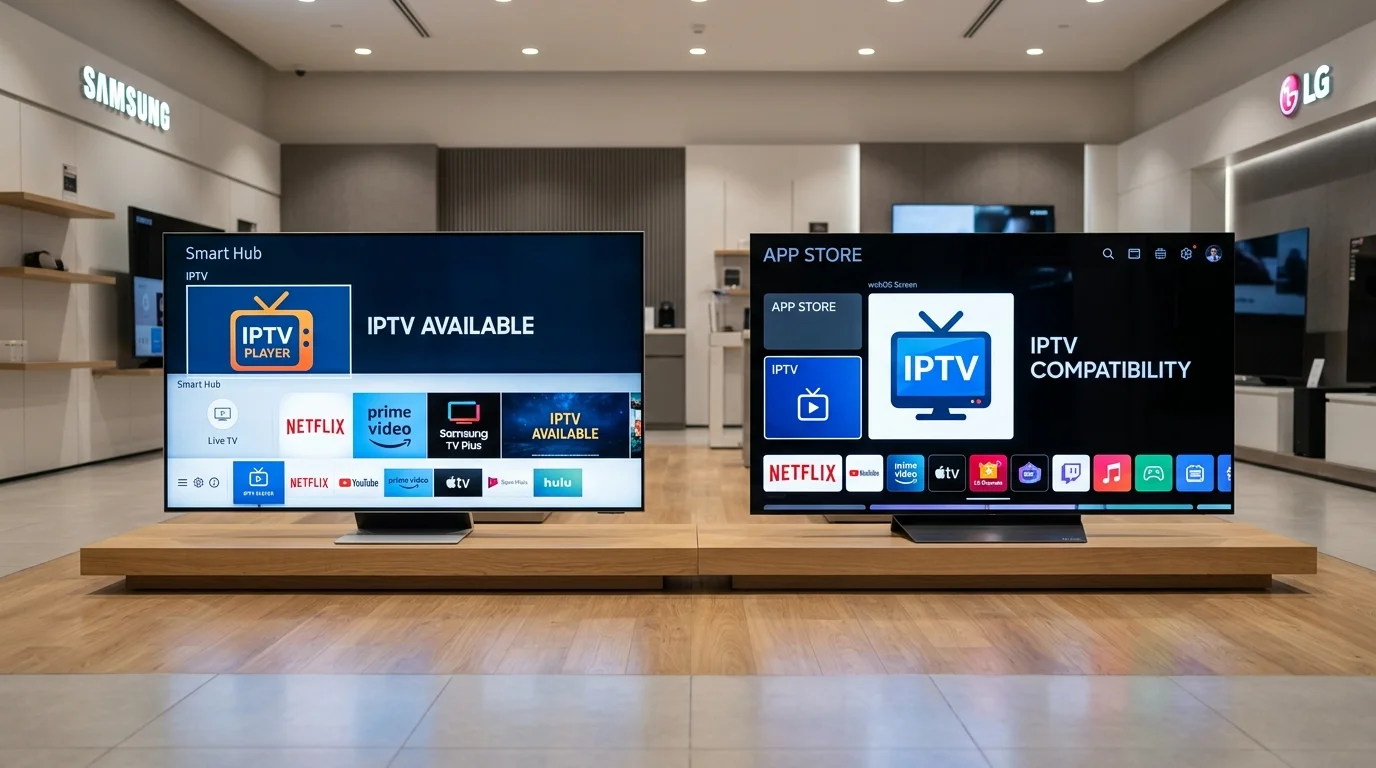
Every major Smart TV brand is compatible with IPTV UK Elite.
Samsung Smart TV (Tizen)
Recommended App: Smart IPTV / SS IPTV
Install from Samsung App Store. Enter your M3U URL or Xtream Codes. Best for Samsung QLED, Neo QLED, The Frame, and Crystal UHD series.
LG Smart TV (webOS)
Recommended App: SS IPTV / Smart IPTV
Available from LG Content Store. Supports EPG and Xtream Codes. Works on LG OLED, NanoCell, QNED, and all recent webOS models.
Sony Smart TV (Android/Google TV)
Recommended App: IPTV Smarters Pro / TiviMate
Install directly from Google Play Store. Full Google TV and Android TV support for all Sony BRAVIA models from 2018 onward.
Hisense Smart TV (VIDAA / Android TV)
Recommended App: IPTV Smarters / GSE Smart IPTV
VIDAA OS models use SS IPTV. Android TV Hisense models support the full Google Play Store with IPTV Smarters Pro.
Philips Smart TV (Android TV)
Recommended App: IPTV Smarters Pro / TiviMate
Philips Ambilight Android TV models fully support Google Play Store apps. Install IPTV Smarters Pro for the best experience.
TCL Smart TV (Android TV / Google TV)
Recommended App: IPTV Smarters Pro
TCL Android TV and Google TV models are fully supported. Install IPTV Smarters from the Play Store for instant access.
How to Set Up IPTV on Smart TV UK – Step by Step
Universal setup guide that works for Samsung, LG, Sony and other Smart TVs.
Identify Your Smart TV Operating System
Check your TV brand and model year. Samsung TVs from 2016+ use Tizen. LG TVs from 2014+ use webOS. Sony TVs use Android TV (2014–2021) or Google TV (2021+). Hisense and TCL vary by model — check Settings → About TV.
Open Your TV's App Store
Samsung: press the Home button → Apps. LG: press the Home button → LG Content Store. Sony/Android TV: press the Google Play icon. Navigate to the search function and search for your preferred IPTV app.
Install the IPTV App
Samsung: install Smart IPTV or SS IPTV. LG: install SS IPTV. Sony/Android TV: install IPTV Smarters Pro or TiviMate. Download and install the free app — all are available at no charge.
Subscribe and Get Your Credentials
Contact IPTV UK Elite via WhatsApp and select your plan. After payment you'll receive your M3U URL (for M3U-compatible apps) or Xtream Codes API details (Server URL, Username, Password) within minutes.
Enter Credentials and Start Watching
Open your installed IPTV app, select the login method (M3U URL or Xtream Codes), enter your credentials, and wait 30–60 seconds for your channels and EPG to load. Start watching live UK and international TV immediately.
Smart TV IPTV Troubleshooting
Fix common Smart TV IPTV issues quickly.
App Not Available in TV Store
If your IPTV app isn't in the store, install an Android TV box or Firestick that plugs into your TV's HDMI port. Alternatively, sideload APKs on Android TV models via USB.
Channels Loading Slowly
Connect your Smart TV to the router via Ethernet cable rather than WiFi. Restart both TV and router. Check if other devices on your network are consuming bandwidth.
EPG Not Showing on Samsung/LG
In the IPTV app settings, locate the EPG URL field and enter the EPG URL provided in your IPTV UK Elite welcome email. Trigger a manual EPG refresh and wait 2–3 minutes.
Buffering on 4K Channels
Ensure your internet speed is at least 25 Mbps for 4K. Switch from WiFi to wired Ethernet. Lower stream quality to FHD temporarily. Restart your router and Smart TV.
App Crashing on TV
Clear the IPTV app cache via TV Settings → Apps → [App Name] → Clear Cache. If the issue persists, uninstall and reinstall the app. Ensure your TV firmware is up to date.
Black Screen When Playing
This is often a codec issue. Switch the video decoder setting in the app from hardware to software decoding. Update the IPTV app to the latest version for improved codec support.
Start Watching on Your Smart TV Today
From £12/month. All Smart TV brands. 45,000+ channels. No contract.
IPTV Device & Setup Guides: Android Box, Fire TV & Smart TVs
IPTV on Android Box UK 2026
Best Android TV boxes for IPTV UK — 4K streaming with TiviMate and Smarters.
DevicesIPTV on Fire TV Cube UK 2026
Amazon's most powerful streaming device for IPTV — hands-free and 4K capable.
TutorialsHow to Install IPTV on Smart TV UK
Step-by-step guide to installing IPTV UK Elite on Samsung, LG and Sony Smart TVs.
Smart TV IPTV UK – Frequently Asked Questions
Can I get IPTV on my Samsung Smart TV in the UK?
Yes. Install Smart IPTV or SS IPTV from the Samsung App Store. Enter your IPTV UK Elite M3U URL or Xtream Codes credentials to access 45,000+ channels directly on your Samsung TV.
How do I get IPTV on an LG Smart TV?
Install SS IPTV or Smart IPTV from the LG Content Store. Open the app, enter your IPTV UK Elite credentials, and your full channel list with EPG will load in under a minute.
Does IPTV work on Sony Smart TVs?
Yes. Sony Android TV and Google TV models support the Google Play Store. Install IPTV Smarters Pro, enter your Xtream Codes credentials from IPTV UK Elite, and start streaming immediately.
What IPTV app is best for Smart TV UK in 2026?
Samsung: Smart IPTV. LG: SS IPTV. Sony/Android TV/Google TV: IPTV Smarters Pro or TiviMate. All are free to install and work with IPTV UK Elite subscriptions.
Is there a free Smart TV IPTV trial available?
Yes. IPTV UK Elite provides a free 24-hour trial on any Smart TV. Contact us via WhatsApp with your TV brand and we'll provide full setup support plus a free trial activation.
Do I need a smart TV to use IPTV UK Elite?
No — any TV with an HDMI port can be made IPTV-ready using a Firestick, Chromecast with Google TV, or Android TV box. Smart TVs offer the most seamless experience, but any TV can be used.