Common IPTV Error Codes & Fixes (Handy Guide)
What does "Error 401" or "Stream Loop" mean? We explain common IPTV status codes and how to fix them immediately.
Related IPTV Troubleshooting Guides: Buffering, Audio & Error Fixes
Your Complete IPTV Error Code Reference
IPTV errors fall into a small number of categories. Understanding what each error actually means lets you fix it in minutes instead of spending hours troubleshooting the wrong thing. Here is every common error you will encounter and exactly what to do.
Error 401: Unauthorized
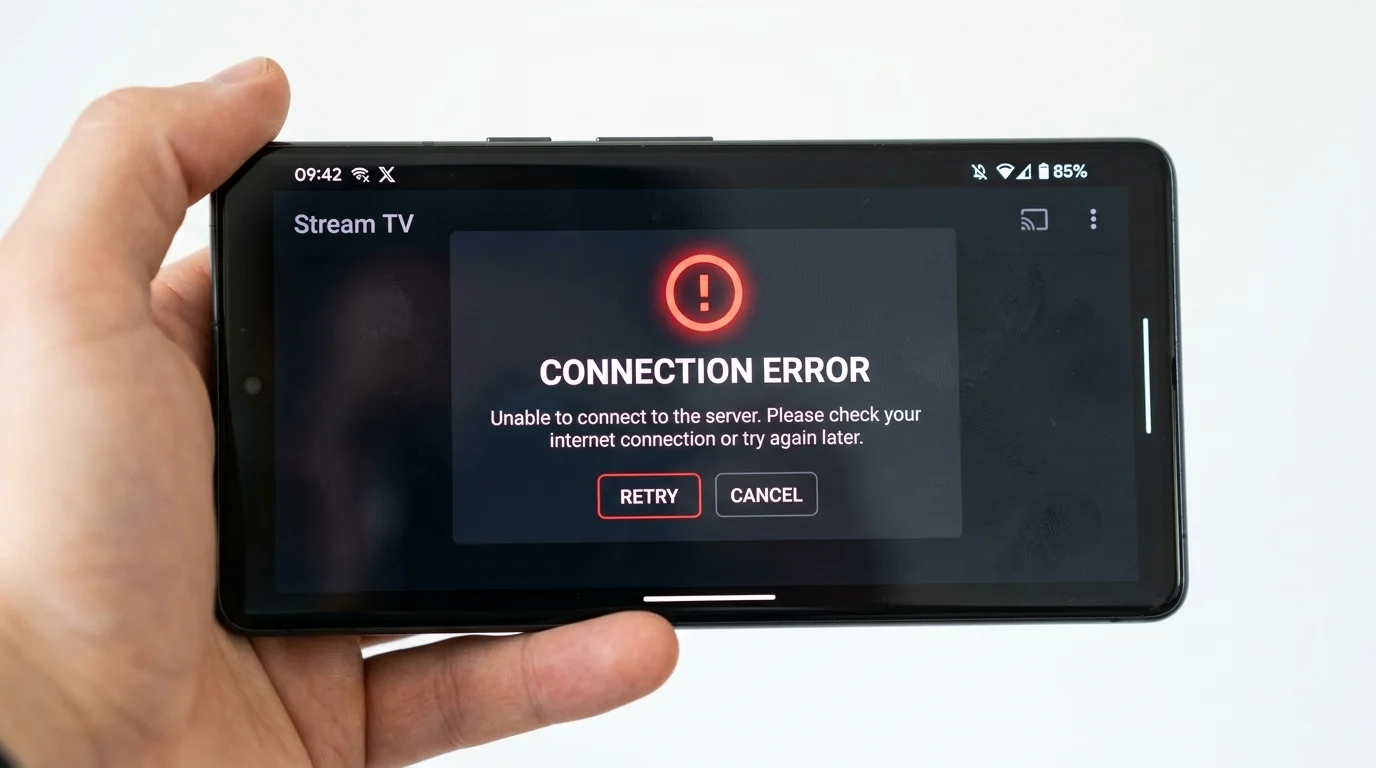
What it means: The IPTV server rejected your login credentials. Either your username or password is wrong, your subscription has expired, or your account has been suspended.
How to fix it:
- Double-check your credentials — copy and paste from the WhatsApp message rather than retyping. The username and password are case-sensitive.
- Check your subscription expiry date in TiviMate settings or ask IPTV UK Elite via WhatsApp.
- If you have a 1-connection plan and another device is already logged in, the server may reject your second login. Close the app on the other device.
- If credentials are definitely correct and the subscription is active, contact support — the account may need resetting on the server side.
For a detailed walkthrough, see our TiviMate 401 error fix guide.
Error 404: Stream Not Found
What it means: The specific channel stream URL does not exist on the server. The channel may be temporarily offline, moved to a new URL, or discontinued.
How to fix it:
- In TiviMate: press Menu > Refresh Playlists, or go to Settings > Playlists and tap your playlist > Refresh.
- In IPTV Smarters: go to Settings > Manage Playlists > Update your playlist.
- If the channel returns after a refresh, it was a temporary outage.
- If it remains missing after 24 hours, report the specific channel to IPTV UK Elite support via WhatsApp.
Black Screen (Sound but No Video)
What it means: Your app can connect to the stream and decode the audio, but cannot decode the video codec. This is a decoder mismatch, not a server problem.
How to fix it:
- In IPTV Smarters: Settings > Player > switch "Hardware Decoder" to "Software Decoder"
- In TiviMate: Settings > Playback > Player > try ExoPlayer instead of Auto
- In GSE Smart IPTV: Settings > Player Settings > change the decoder option
This is particularly common on budget Android boxes (Amlogic S905X2 and older) that do not support hardware H.265/HEVC decoding.
Stream Loop (Repeating 10–30 Seconds)
What it means: The player is buffering the same short segment and looping it. This can be a server-side issue during very high demand, or a buffer size problem in the app.
How to fix it:
- In TiviMate: Settings > Playback > "ts" buffer size — increase from the default to 8000–16000 KB
- Switch decoder from Hardware to Software (reduces processor speed bottleneck)
- If the loop persists, the server may be under heavy load. Try switching to an alternative stream for the same channel (in TiviMate, go to the channel EPG and check for "Multi-stream" options)
- If it only happens during big events, enable a VPN — ISP throttling during peak demand causes this pattern
No Data / Empty Playlist
What it means: The app connected to the server but received an empty response. This usually indicates BT Web Protect or another ISP filter is blocking the server URL.
How to fix it:
- Disable BT Web Protect (My BT account > Security > BT Web Protect > Off)
- Disable Sky Broadband Shield (My Sky > Broadband > Broadband Shield > Off)
- Disable Virgin Web Safe (My Virgin Media > Web Safe > Off)
- Try changing your DNS to Cloudflare (1.1.1.1) or Google (8.8.8.8)
- If none of these work, use a VPN to bypass ISP filtering
App Crashes on Startup
This is a device-specific issue, not a server problem. Clear the app cache: Settings > Applications > [IPTV App] > Clear Cache and Clear Data. Then re-enter your credentials. This resolves 90% of crash-on-startup issues.
For anything not covered here, screenshot the error and send it to our WhatsApp support line — we identify and resolve most errors within minutes.
Ready to Try Premium IPTV UK?
Experience IPTV UK Elite with a free 24-hour trial. 45,000+ channels, 100,000+ VOD, and 4K quality.
Related Guides
Fix IPTV Buffering on BT & Virgin Media
Disable BT Web Protect and Virgin Web Safe to stop peak-hours buffering instantly.
TroubleshootingFix No Audio / Sound on IPTV
Step-by-step audio troubleshooting for TiviMate, IPTV Smarters, and Smart TV players.
TroubleshootingTiviMate 401 Error Fix
Resolve TiviMate authentication failures caused by expired credentials or server-side blocks.
More IPTV UK Buying & Info Topics
Keep exploring high-volume IPTV UK search topics to compare providers, troubleshoot faster, and choose the right plan.