IPTV on iPhone & iPad UK 2026
Take your TV everywhere. Watch 45,000+ live channels, Sky Sports, Premier League, and 100,000+ VOD titles on your iPhone or iPad — at home, at work, or abroad. HD & 4K on WiFi or 5G.
IPTV on iPhone UK – The Mobile Revolution
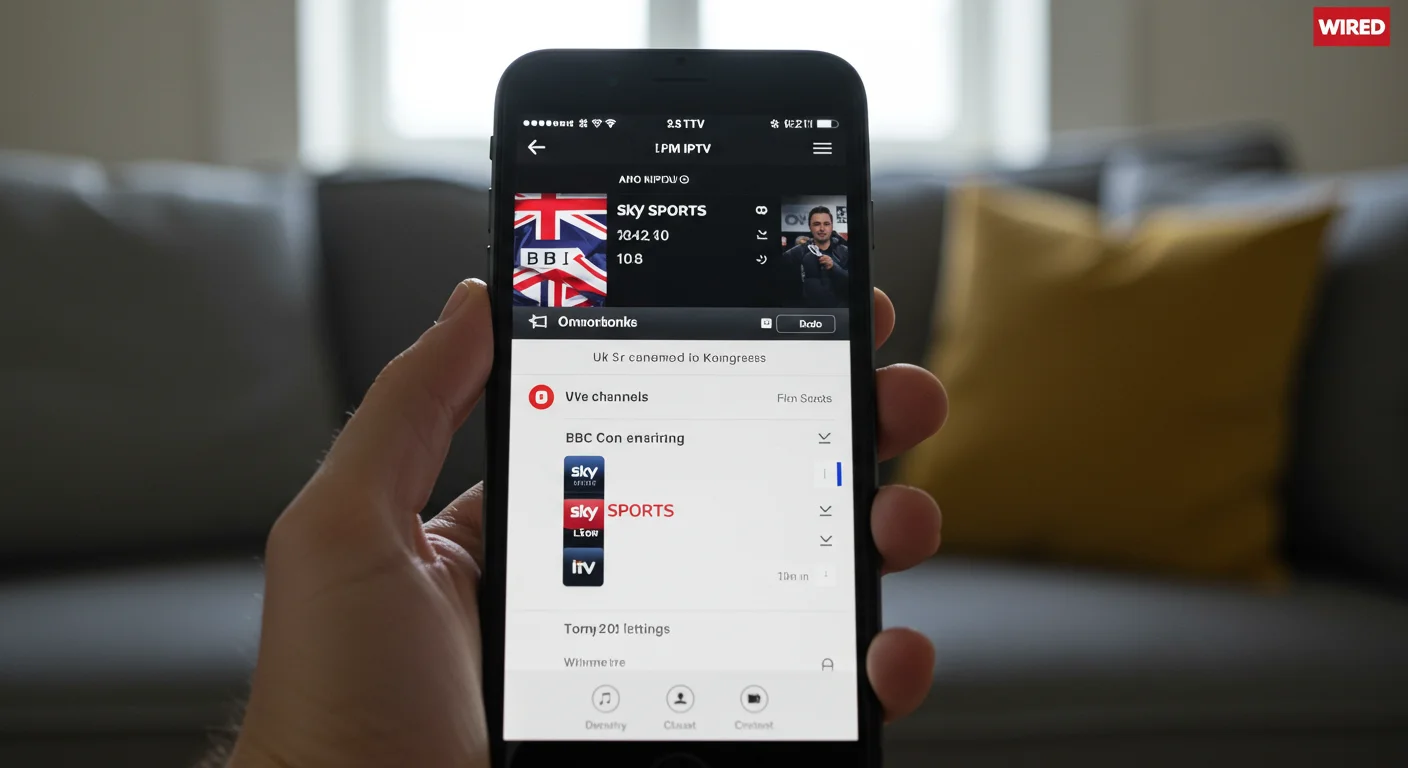
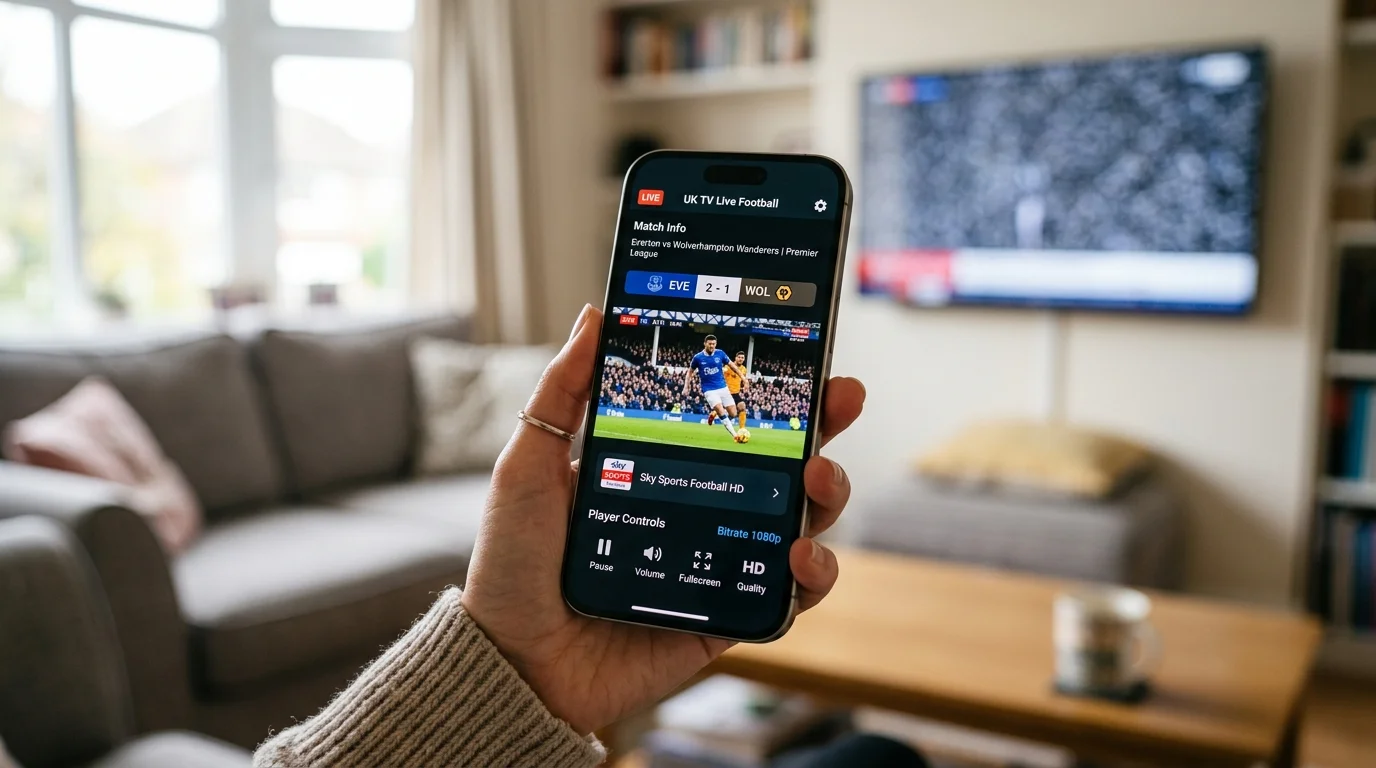
With iPhone and iPad IPTV, your entire television subscription fits in your pocket. Whether you're commuting to work, waiting at the airport, or relaxing in the garden, IPTV UK Elite delivers live UK channels, international sports, and on-demand content directly to your iOS device over WiFi or mobile data.
The iOS App Store contains several excellent IPTV players that work seamlessly with IPTV UK Elite. Unlike Android, iOS does not require sideloading or enabling unknown sources — simply download an app from the App Store, enter your subscription credentials, and begin watching. The setup process takes under five minutes on any iPhone or iPad model.
One of the biggest advantages of iPhone IPTV is AirPlay compatibility. Using AirPlay 2, you can instantly mirror your IPTV stream from your iPhone to any Apple TV, Samsung Smart TV, LG Smart TV, or Sony Bravia with AirPlay 2 built in. This means your phone becomes a remote control and portable TV in one — watch on the go, then cast to the big screen when you get home.
Best IPTV Apps for iPhone UK 2026
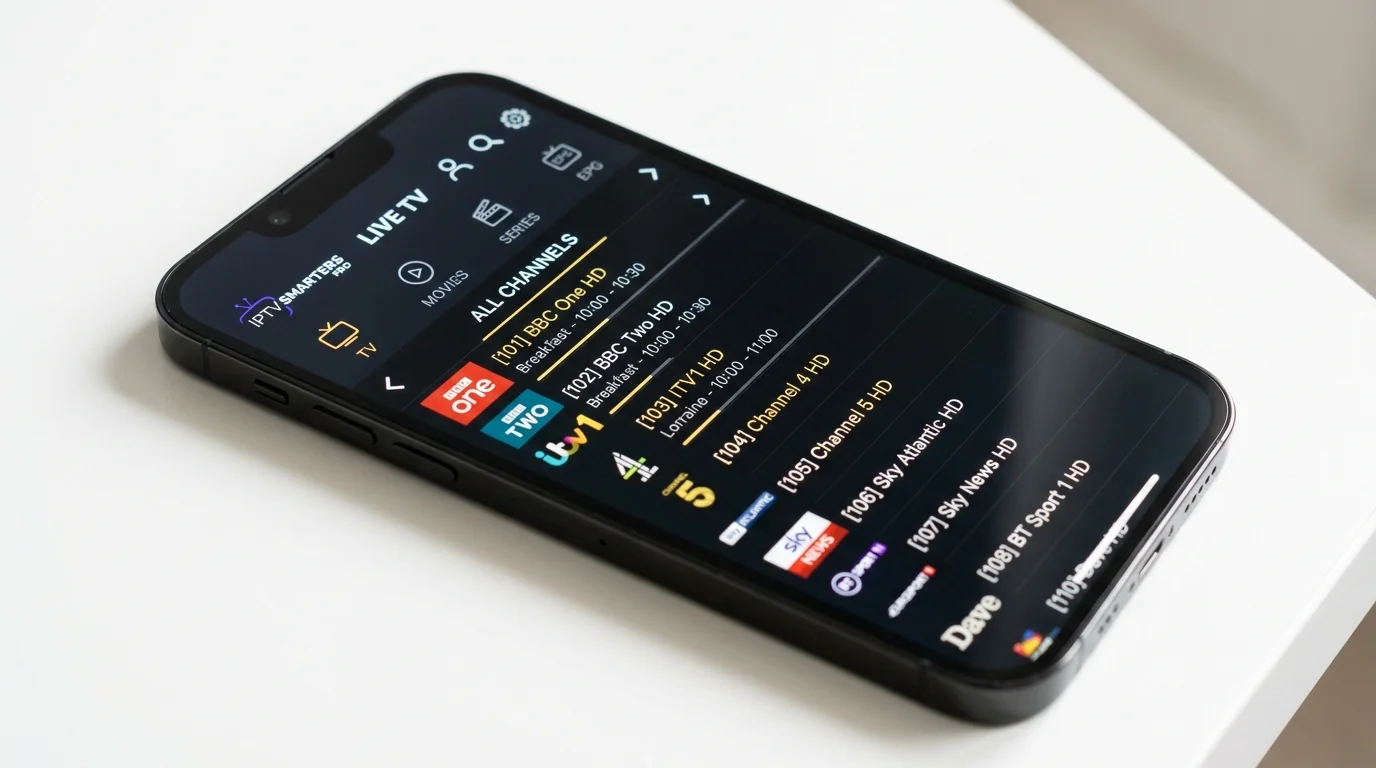
All available on the iOS App Store. All compatible with IPTV UK Elite.
IPTV Smarters Pro
★★★★★Best overall iOS IPTV app. Supports Xtream Codes, M3U, and MAC address login. Clean interface, EPG, multi-screen support, and favourites. Free to download.
GSE Smart IPTV
★★★★☆Excellent for M3U playlist management. Supports AirPlay natively. Great for users who prefer managing channel lists manually with custom categories.
Flex IPTV
★★★★☆Beautiful iOS-native interface. Smooth channel switching, EPG support, and AirPlay. Recommended for users who value aesthetics alongside functionality.
OTT Navigator
★★★★☆Feature-rich IPTV player with an excellent EPG and channel organisation system. Supports Xtream Codes and M3U. Great for large channel lists like IPTV UK Elite.
How to Set Up IPTV on iPhone – Step by Step
Get IPTV running on your iPhone or iPad in under 5 minutes.
Download an IPTV App from the App Store
Open the Apple App Store on your iPhone or iPad. Search for "IPTV Smarters Pro" and download it for free. No payment required for the app itself.
Subscribe to IPTV UK Elite
Contact IPTV UK Elite via WhatsApp and select your subscription plan (1, 3, 6, or 12 months). You'll receive your Server URL, Username, and Password instantly.
Open the App and Log In
Launch IPTV Smarters Pro. Tap "Login with Xtream Codes API". Enter your Server URL (provided by us), your Username, and your Password. Tap the login button.
Wait for Channels to Load
Your full channel list with over 30,000 channels and the EPG programme guide will load within 30–60 seconds. Channels are organised by category: UK, Sports, Entertainment, News, International, etc.
Watch Live or Cast to TV
Start watching directly on your iPhone, or tap the AirPlay icon to cast to your Smart TV or Apple TV. Use the EPG to browse upcoming programmes and never miss a live event.
Start Watching on Your iPhone Today
From £12/month. iPhone, iPad & Apple TV compatible. No contract.
IPTV Device Guides: Smart TV, Android Box & Mobile Data
IPTV on Smart TV UK 2026
Cast from your iPhone to a Smart TV — or watch IPTV directly on the big screen.
DevicesIPTV on Android Box UK 2026
Best Android TV boxes for home IPTV — pair with iPhone for the ultimate setup.
GuidesIPTV on 4G & 5G Mobile Data UK
Watch IPTV on your iPhone using EE, Vodafone, O2 and Three mobile data.
iPhone & iPad IPTV UK – Frequently Asked Questions
What is the best IPTV app for iPhone UK in 2026?
IPTV Smarters Pro is the top choice — free from the App Store, supports Xtream Codes, and offers a clean interface with EPG. GSE Smart IPTV and Flex IPTV are strong alternatives.
Can I watch IPTV on my iPad UK?
Yes. All iOS IPTV apps work on iPad. The larger screen makes iPad especially great for watching sports and movies. AirPlay lets you cast from iPad to any compatible Smart TV.
Can I cast IPTV from iPhone to my TV?
Yes — use AirPlay 2 to cast to Apple TV or any AirPlay 2 Smart TV (Samsung, LG, Sony 2019+). Many IPTV apps also support Chromecast casting.
Does IPTV work on iPhone with mobile data?
Yes. IPTV works on 4G and 5G. HD streaming uses around 2–3 GB per hour. 5G easily supports 4K streams. Use WiFi calling or monitor data usage if on a limited plan.
Is there a free IPTV trial for iPhone UK?
Yes. IPTV UK Elite offers a free 24-hour iOS trial. Contact us via WhatsApp to receive your trial credentials instantly — no credit card or App Store purchase needed.