Multi-Room IPTV: Setup Guide for Whole House 2026
Want IPTV in the lounge, bedroom, and kitchen? Here is how to set up a multi-room system cheaper than Sky Multiroom.
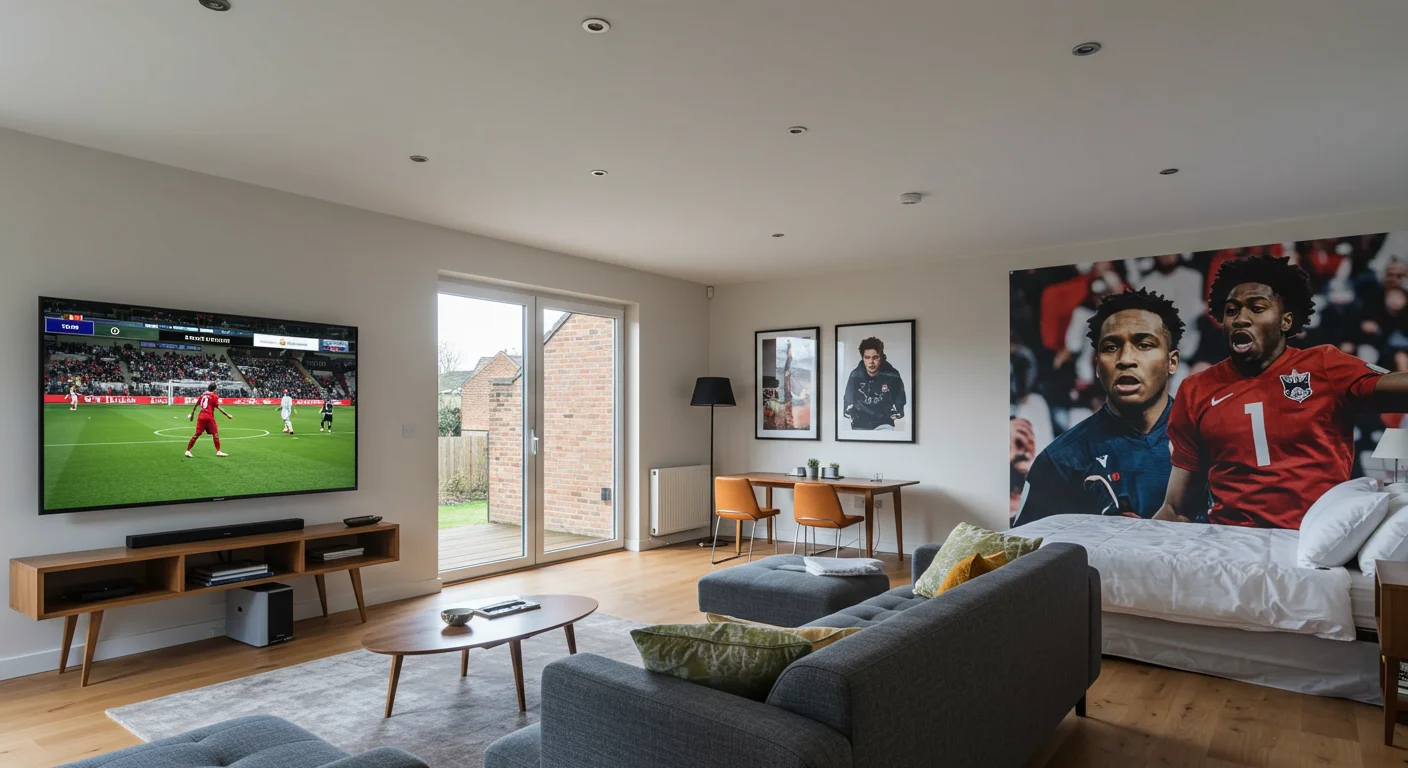
Set Up Multi-Room IPTV: Firesticks, App Install & Login
Stop Paying for "Mini Boxes"
Sky charges a fortune for "Multiroom" or "Whole Home" packs, plus the cost of the extra mini boxes. With IPTV, we do things differently.
We know households don't just watch one TV. The kids want cartoons in the bedroom, dad's watching football in the shed, and mum's watching a movie in the lounge.
How IPTV Multi-Room Works
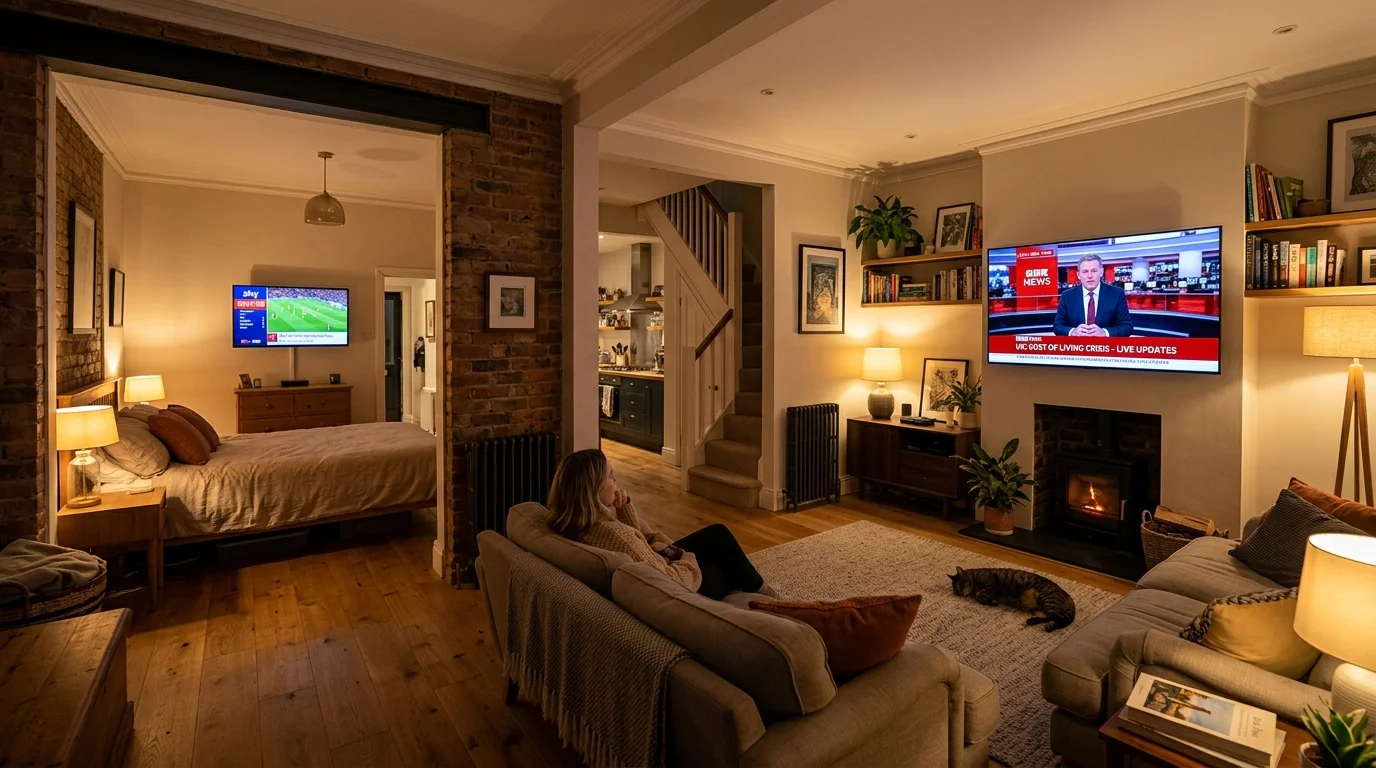
It's simple: you buy a subscription that allows multiple simultaneous "connections".
- 1 Connection: Watch on 1 device at a time.
- 2 Connections: Watch on 2 devices at the same time.
- 3 Connections: You get the idea.
At IPTV UK Elite, a 2-connection plan is only slightly more expensive than a single one, offering huge value compared to Sky.
The Setup
You just need a device for each TV. Firesticks are perfect for this because they are cheap (£25-30 mainly).
- Install your IPTV app (like Smarters) on all your Firesticks.
- Log in with the same username and password on all of them.
- That's it. Our server automatically manages the traffic.
Can I use it in different houses?
This is a common question. Generally, multi-room connections are meant for the same household (same IP address).
However, we are flexible. If you want to use one connection at home and one on your mobile while travelling (using 4G/5G), that works perfectly fine.
Just be careful sharing your login with friends across the country—simultaneous logins from different IP addresses can sometimes flag up security alerts.
Read more about Using IPTV on Mobile for when you're away from home.
How Many Simultaneous Connections Do You Need?
The number of connections you need equals the maximum number of TVs or devices you plan to use at the same time:
- 1 Connection: Solo viewer, one TV household, or careful switchers
- 2 Connections: Standard family home — lounge plus bedroom, or lounge plus smartphone
- 3+ Connections: Larger households, or parents and children watching simultaneously
At IPTV UK Elite, a 2-connection subscription costs only marginally more than a single connection. Most UK households find 2 connections more than sufficient for everyday use.
Best Devices for Each Room
Different rooms have different requirements:
Living Room (Main TV): The Firestick 4K Max or NVIDIA Shield Pro. You want the best picture quality here, ideally wired via Ethernet. TiviMate Premium gives you full EPG control.
Bedroom: A standard Firestick (3rd Gen) is perfect. It handles 1080p HD without breaking a sweat, and the compact size means it tucks neatly behind the TV.
Kitchen or Utility Room: A budget Android TV stick or an older smartphone running IPTV Smarters works great here. Kitchen viewing is casual — you do not need 4K in the kitchen.
On the Go (Mobile): The IPTV Smarters app on iOS or Android. Uses your phone's data or the home WiFi when back home. One connection covers both phone and tablet if you only use one at a time.
Network Requirements for Multi-Room IPTV
Running multiple IPTV streams simultaneously requires more bandwidth than many people expect:
- 2 HD streams simultaneously: approximately 16 Mbps total
- 3 HD streams simultaneously: approximately 24 Mbps total
- 2 x 4K streams simultaneously: approximately 50 Mbps total
For a typical 2-room HD setup, a 50 Mbps broadband connection (BT, Sky, or Virgin Media M100) is perfectly adequate. If anyone is gaming or video conferencing at the same time, upgrade to 100 Mbps+.
WiFi 5 (802.11ac) or WiFi 6 routers handle multi-room easily. If you have a Virgin Media Hub 3 or BT Smart Hub 2 already, you are set. For older routers, a £40 TP-Link Archer C6 upgrade makes a noticeable difference.
Multi-Room Cost Comparison: IPTV vs Sky Multiroom
Sky's Multiroom pricing (2026) for a second room requires an additional box hire (£5–10/month) plus the Multiroom Pack (typically £10/month extra), bringing the cost to approximately £15–20 per extra room per month.
With IPTV UK Elite, adding a second connection to your existing subscription adds a fraction of that cost. You also do not need to pay for an extra physical box — just use a Firestick you already own or a cheap new one.
Over 12 months, the savings versus Sky Multiroom easily cover the cost of the Firestick hardware and then some. The cost comparison against Sky and Virgin Media shows the full picture.
Ready to Try Premium IPTV UK?
Experience IPTV UK Elite with a free 24-hour trial. 45,000+ channels, 100,000+ VOD, and 4K quality.
Related Guides
How to Record IPTV UK (PVR Guide)
Record live TV with TiviMate Premium or a dedicated PVR — full setup walkthrough.
TechnicalIPTV on Mobile Data (4G/5G)
How much mobile data does IPTV use? SD vs HD vs 4K data usage with EE, O2, and Vodafone.
SafetyIPTV Parental Controls Guide
Set PIN locks, block adult channels, and create child-safe profiles in TiviMate and Smarters.
More IPTV UK Buying & Info Topics
Keep exploring high-volume IPTV UK search topics to compare providers, troubleshoot faster, and choose the right plan.