Using IPTV with 4G/5G Mobile Data in UK (Data Usage Guide)
How much data does IPTV use? detailed breakdown of data consumption for SD, HD, and 4K streaming on mobile networks.
On-the-Go IPTV Streaming: Optimize 4G/5G Data Usage
Watching on the Go
Streaming the Premier League on the bus or train is a great way to kill time, but it can also kill your data plan if you aren't careful.
How Much Data Does it Actually Use?
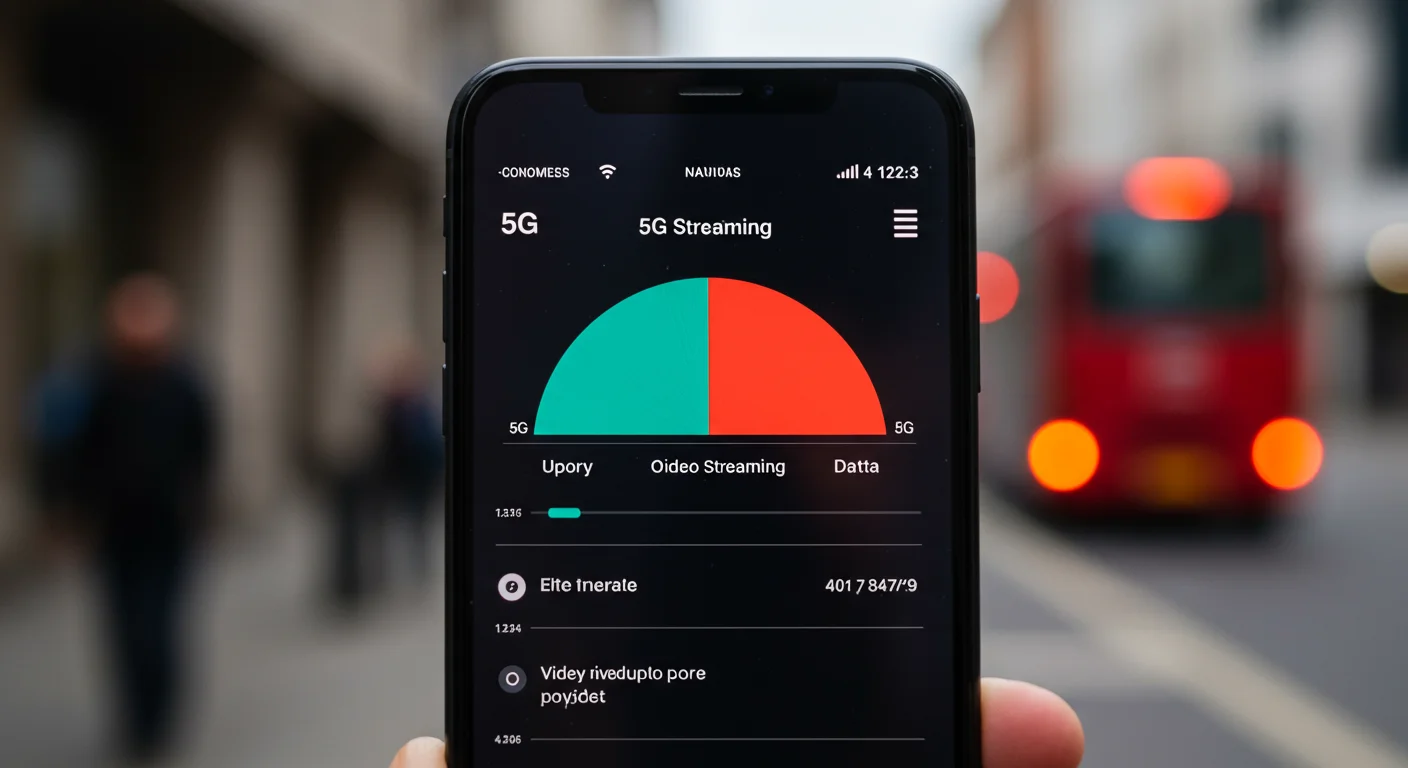
I did some tests using a 5G connection and here is what I found:
- SD (Standard Definition): Uses about 700MB per hour. This is fine for news or cartoons.
- HD (1080p High Def): Uses about 2GB per hour. This is likely what you will watch sports in.
- 4K (Ultra HD): Uses over 7GB per hour. Only use this if you have unlimited data!
Tips for Saving Data
- Get an Unlimited SIM: Networks like Smarty, Three, and Voxi offer unlimited 5G data for about £20/month. It's essential if you stream daily.
- Lower the Quality: In IPTV Smarters, you can usually pick a "SD" version of a channel if you are running low on gigabytes.
- Download on WiFi: VOD (Movies/Series) can often be downloaded to the phone while on home WiFi to watch offline later.
Best Networks for Streaming
In my experience, EE has the best 5G speeds for buffer-free streaming, but Three is often cheaper for unlimited data plans.
Data Usage Per Hour: What to Expect
Before streaming IPTV on mobile data, understand how much data each quality level consumes:
- SD (480p): approximately 0.5–0.9 GB per hour
- HD (720p): approximately 1.4–2.3 GB per hour
- Full HD (1080p): approximately 2.3–3.6 GB per hour
- 4K Ultra HD: approximately 6.8–11.3 GB per hour
For a typical 90-minute Premier League match in Full HD, expect to use approximately 5–6 GB of mobile data. If you are on an unlimited data plan (available from O2, Three, EE, and Vodafone), this is not a concern. On a limited plan, streaming in SD or 720p dramatically reduces data consumption without noticeably affecting small phone screens.
Data Saving Tips for IPTV on Mobile
Lower the stream quality in your app: In IPTV Smarters, go to Settings > Player Settings and set the default quality to 720p or lower. In TiviMate, choose lower-quality channels from your provider's channel list (often labelled "SD" versions).
Use WiFi whenever available: Connect to your home or office WiFi before launching IPTV. Most IPTV apps switch automatically between WiFi and mobile data as they become available.
Download VOD content on WiFi: If your IPTV subscription includes a VOD library, download films and series to your device on WiFi and watch offline.
Close background apps: Background apps consuming mobile data can throttle IPTV streams. Close unused apps before streaming on mobile.
Which UK Networks Give the Best Speed for IPTV?
Not all mobile networks perform equally for video streaming:
- EE: Consistently ranked the fastest 4G and 5G network in UK independent tests (Ofcom and RootMetrics). Best for IPTV in rural and urban areas alike.
- Three: Excellent unlimited data plans with generous speeds. Rated well for indoor 5G coverage.
- O2: Strong in city centres. Consistent speeds across most UK regions.
- Vodafone: Good 5G rollout in major cities. Can slow down during peak hours on congested 4G.
For live sports specifically (where buffering is unacceptable), EE's 5G network provides the most stable experience. Three's unlimited plans represent the best value for heavy IPTV mobile users.
Using Your Mobile as a Hotspot for IPTV
A mobile hotspot turns your phone's 4G/5G connection into a WiFi router for other devices like a Firestick or laptop. This is useful when travelling to a hotel or location with poor broadband.
To maximise hotspot performance for IPTV:
- Use 5G if available — 5G hotspot speeds regularly exceed 100 Mbps, more than enough for 4K.
- Place the streaming device close to the phone (hotspot range is limited).
- Reduce concurrent devices — every connected device shares the hotspot bandwidth.
- Check your mobile tariff allows tethering/hotspot — most UK unlimited plans do, but some budget plans restrict it.
On Three, hotspot usage counts from your standard allowance with no speed restriction on most plans. EE's unlimited plans include personal hotspot usage at full 5G speeds.
Ready to Try Premium IPTV UK?
Experience IPTV UK Elite with a free 24-hour trial. 45,000+ channels, 100,000+ VOD, and 4K quality.
Related Guides
IPTV on Nintendo Switch Guide
Watch live UK TV on Nintendo Switch — browser method and compatible player apps.
GuidesIPTV for Expats: UK TV Abroad
Watch live UK TV in Spain, France, Dubai, and anywhere — no satellite dish needed.
TechnicalThe No-Buffering Checklist for 2026
Expert checklist for a perfectly stable, buffer-free IPTV experience on any UK connection.
More IPTV UK Buying & Info Topics
Keep exploring high-volume IPTV UK search topics to compare providers, troubleshoot faster, and choose the right plan.