How to Set Parental Controls on IPTV (Protect Your Kids)
IPTV contains adult content and unrestricted movies. Learn how to lock channels, hide categories, and PIN protect your service.
Explore Related IPTV UK Elite Guides and Tutorials
Keeping Little Eyes Safe
IPTV gives you access to *everything*. And I mean everything. That includes adult channels and horror movies that you definitely don't want your 6-year-old stumbling into.
Luckily, locking this stuff down is easy.
Method 1: App-Level Locking (Recommended)
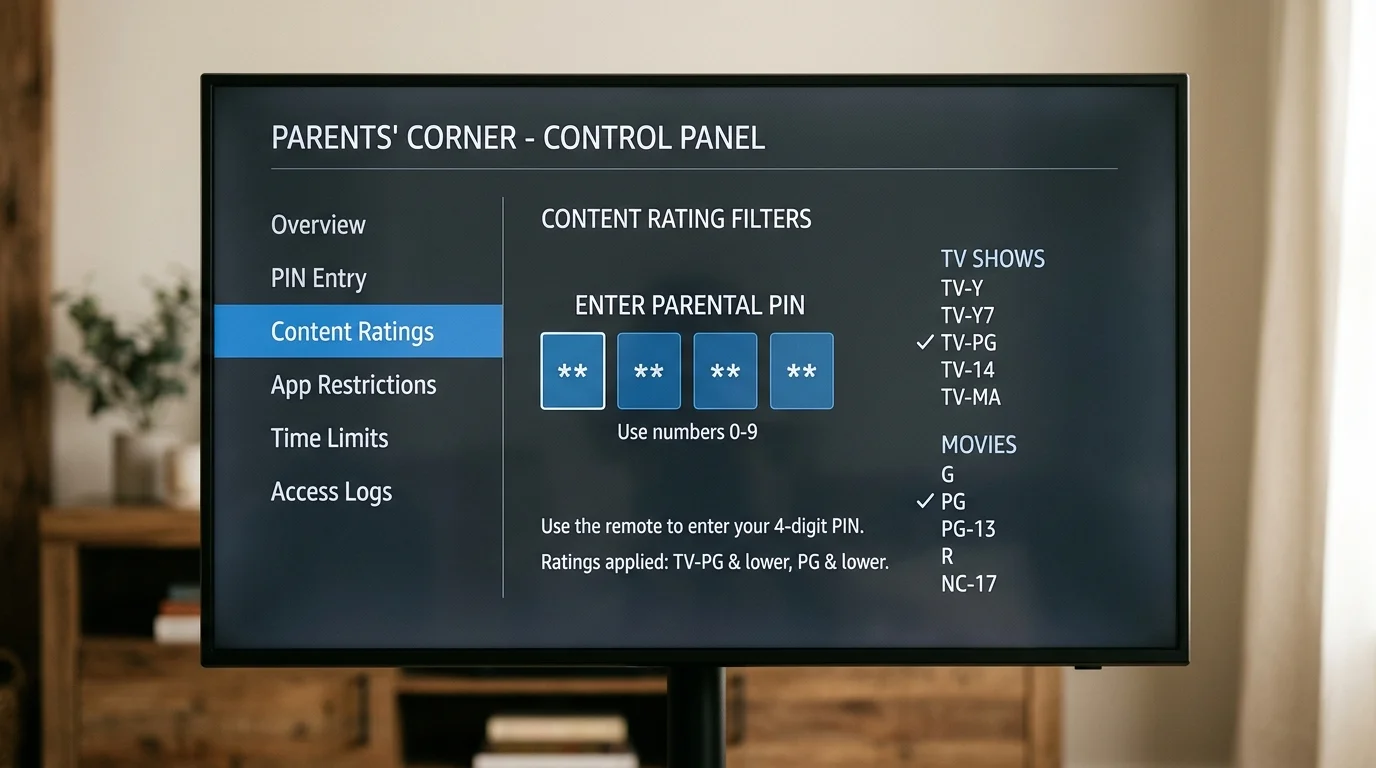
Most apps let you set a PIN.
In IPTV Smarters:
- Go to Settings > Parental Control.
- Set a 4-digit PIN (don't use 1234!).
- Tick the categories you want to lock (e.g., "Adult", "Movies - Horror", "Documentaries - Crime").
- Now, anyone clicking those categories needs the PIN.
In TiviMate:
- Go to Settings > Parental Control.
- Enable it and set a PIN.
- You can also go to your channel list, long-press a group (like "Adult"), and choose Hide Group. It completely vanishes from the list.
Method 2: Server-Level Removal
If you are really worried (maybe tech-savvy teenagers in the house?), ask us.
We can disable the adult category completely at our end. This means even if they hack the PIN, the channels simply aren't associated with your account anymore.
Just drop a message to our Support Team and ask for the "Family Filter". If you're using a Samsung TV or LG TV, we can often apply this even faster.
Setting Up PIN Lock in TiviMate
TiviMate Premium offers built-in PIN protection that prevents children from accessing specific channels or changing settings:
- Open TiviMate and go to Settings > Parental Controls.
- Enable parental controls and set a 4-digit PIN.
- On any channel in your channel list, long-press the Select button and choose Set as Adult or Lock Channel.
- Locked channels display a padlock icon. Attempting to open them prompts for the PIN.
You can also lock the entire settings menu so children cannot change the channel list or remove your subscription details. This is particularly useful if children use the device independently.
Pro tip: Lock all channels in an "Adults" group category, rather than locking them one by one. This is far more time-efficient when you have hundreds of channels to protect.
Channel Category Restrictions
Most premium IPTV services (including IPTV UK Elite) organise channels into categories: UK Channels, Sports, Movies, Adults, International, etc.
In TiviMate and IPTV Smarters, you can hide entire categories from the channel list:
- In TiviMate: Go to Settings > Groups, find the "Adults" or "XXX" group, and toggle it to hidden. The category disappears from the main channel list entirely.
- In IPTV Smarters: Go to the Channel Categories section, long-press any adult category, and select Hide.
Hidden categories still exist on the server but do not appear on screen. Contact IPTV UK Elite support and we can provide a family-friendly playlist that excludes adult content categories altogether.
ISP-Level Parental Controls
As an extra layer of protection, all major UK internet service providers offer free parental controls at the router level:
- BT: BT Parental Controls are free and configurable via your BT account online.
- Sky: Sky Broadband Shield is included free. Set Safe Search and content filters by time of day.
- Virgin Media: Web Safe filters adult content at the network level.
- TalkTalk: HomeSafe is TalkTalk's free parental filtering service.
ISP-level controls block access to adult IPTV content at the network level — even if someone knows how to change app settings, they cannot bypass the ISP filter without access to the router settings.
Age Ratings and Content Awareness in IPTV
Unlike traditional broadcast TV, IPTV does not have Ofcom-mandated watershed rules applied automatically. This means late-night programming that would be restricted on Sky or Freeview after 9pm may appear at any time in an IPTV guide.
Parental responsibility remains important even with controls in place. Reviewing the EPG with your children and setting channel locks proactively is the best approach.
IPTV UK Elite is committed to family-friendly service options. Ask our support team about our family-safe subscription configurations.
Ready to Try Premium IPTV UK?
Experience IPTV UK Elite with a free 24-hour trial. 45,000+ channels, 100,000+ VOD, and 4K quality.
Related Guides
Multi-Room IPTV Guide UK
Stream IPTV on multiple TVs simultaneously — connections, router settings, and app tips.
GuidesIPTV UK 24/7 Support
How IPTV UK Elite's round-the-clock WhatsApp support works — what's covered and response times.
GuidesIPTV Channels UK 2026 — Full List
Complete breakdown of all 45,000+ channels — sports, entertainment, news, and kids.
More IPTV UK Buying & Info Topics
Keep exploring high-volume IPTV UK search topics to compare providers, troubleshoot faster, and choose the right plan.