How to Record Live TV on IPTV (PVR Guide 2026)
Missed your show? Learn how to set up recording (PVR) on your IPTV service using Firestick, TiviMate, or Android Box.
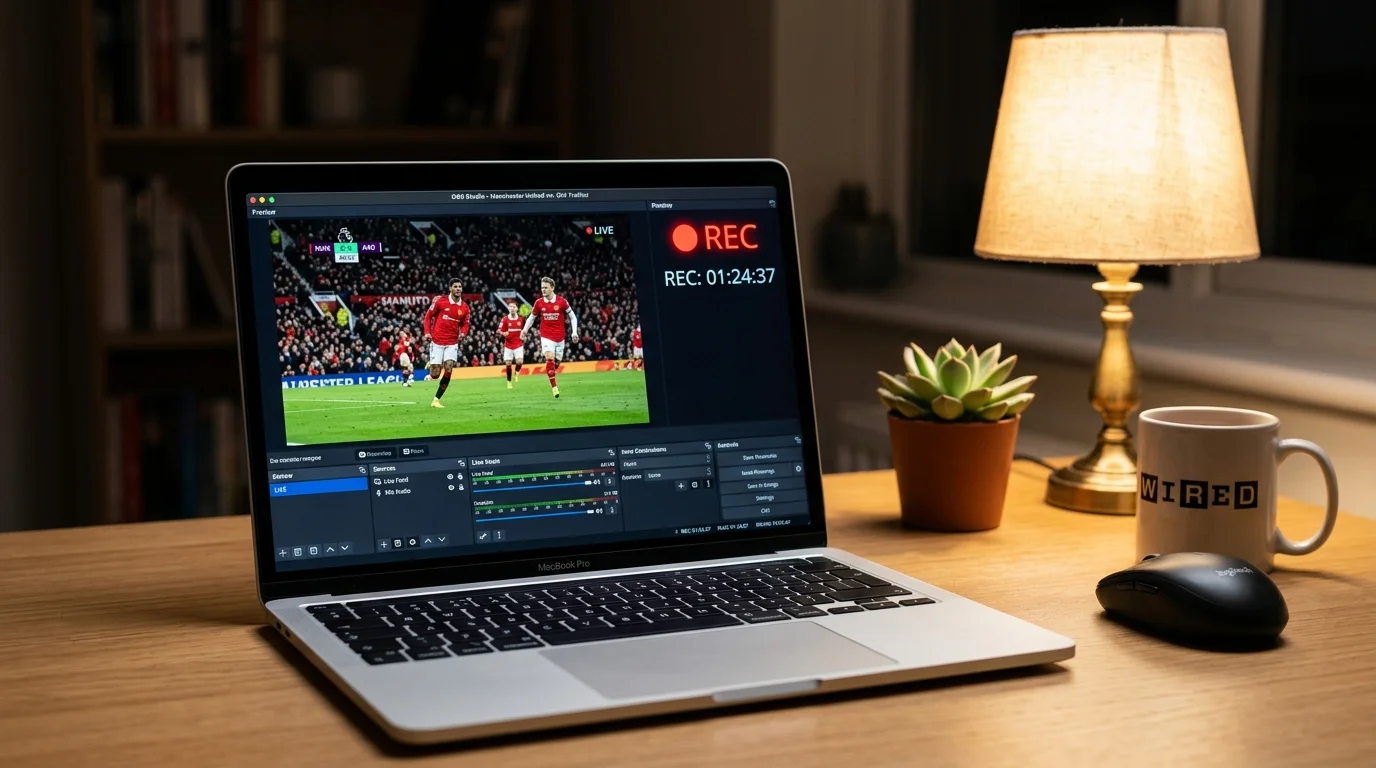
Explore IPTV UK Elite Guides: TiviMate, Multi-Room & 24/7 Support
Can I Record IPTV like Sky+?
One of the first questions I get asked is, "Can I still record my soaps?" The answer is yes, but it's a bit different to your old Sky or Virgin box.
Most IPTV apps don't have built-in storage, so you need to provide it.
The Best Setup: TiviMate + USB
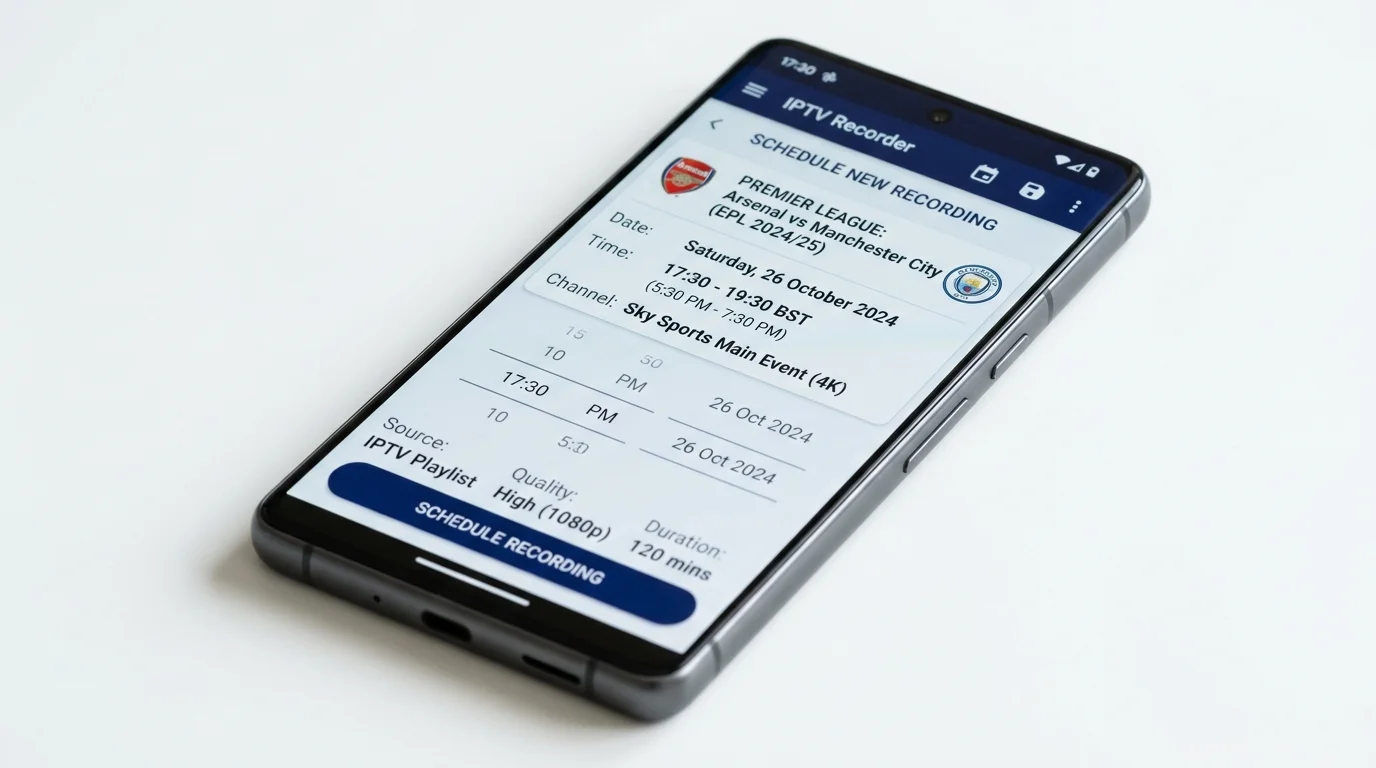
In my extensive testing, the TiviMate app combined with a simple USB drive is the most reliable recording setup.
What you need:
- A Firestick (4K Max is best).
- An OTG Cable (costs about £3 on Amazon). This allows you to plug a USB stick into your Firestick.
- A USB 3.0 stick (32GB or 64GB is plenty).
How to set it up:
- Plug the OTG cable into your Firestick power port, then plug the power cable and USB stick into the OTG cable.
- Format the USB stick to FAT32 so the Firestick can read it.
- Open TiviMate, go to Settings > Other > Recording.
- Point the "Recordings Folder" to your new USB drive.
Now, you can just go to the TV Guide, long-press "Select" on any future programme, and hit Record. It works surprisingly well.
The Cloud Alternative: Catch-up
Honestly? I barely record anything anymore because Catch-up is so good.
With IPTV UK Elite, most major UK channels have a 7-day rewind feature. You just scroll back in the guide to yesterday, click the show, and it plays instantly. No storage needed.
Common Recording Issues
- "Recording Failed": This usually means your device ran out of space. This is why the external USB stick is crucial.
- Corrupt Files: If your internet drops during the recording, the file might break. Recording requires a very stable connection.
If you are serious about recording, consider an NVIDIA Shield Pro, which has USB ports built right in.
Best PVR Apps for IPTV Recording in the UK
Not all apps support PVR recording, but these two stand out:
TiviMate Premium is the gold standard for recording on Firestick and Android devices. Once you unlock Premium (approximately £3.49/year via the Companion app), you gain full PVR capabilities. You can record while watching another channel, schedule series recordings, and set recordings directly from the EPG guide with a single long-press. Recordings save as .ts files, which play on any media player.
IPTV Smarters Pro also includes a recording feature under Settings > Player Settings. It is slightly less polished than TiviMate but works well on Android smartphones and tablets where TiviMate is not available.
Storage Requirements for IPTV Recording
Understanding storage needs prevents the dreaded "Recording Failed" error mid-episode:
- Standard Definition (SD): approximately 1 GB per hour
- High Definition (720p/1080p): approximately 3–4 GB per hour at typical IPTV bitrates
- 4K Ultra HD: approximately 7–10 GB per hour at HEVC H.265 compression
For most UK viewers recording soaps and sport, a 64 GB USB 3.0 stick (£8–12 on Amazon) is plenty. If you regularly record 4K sports, go for a 256 GB USB or a portable SSD for faster write speeds and fewer corrupt file issues.
Always use USB 3.0, not USB 2.0 — the faster write speed prevents buffer overruns during high-bitrate recording.
How to Schedule Recordings in TiviMate
Scheduling is the real power feature. Here is the step-by-step:
- Open TiviMate and navigate to the TV Guide (EPG).
- Browse to the programme you want to record in the future.
- Long-press the Select button on your remote on that programme.
- Choose Record for a one-time recording or Add Series Recording to record every episode automatically.
- TiviMate will alert you before the recording begins and start it automatically even if you are watching a different channel.
You can review all scheduled recordings under Menu > Recordings > Scheduled. From there, you can cancel, edit the duration (add a 10-minute buffer for live sport), or change the storage location.
Watching Your Recorded Content
All recordings appear in TiviMate > Recordings > Recorded. They are listed by channel and date. You can:
- Fast-forward and rewind freely — unlike live streams, recordings support full playback control.
- Resume from where you left off if you exit mid-programme.
- Delete recordings once watched to free up storage.
- Transfer files to a PC by removing the USB stick — the .ts format plays in VLC Media Player, Kodi, or any video player.
For the ultimate recording setup, pair the NVIDIA Shield Pro with a 1 TB external hard drive. The Shield's USB 3.0 port and powerful processor handle simultaneous 4K streaming and recording without a stutter.
Ready to Try Premium IPTV UK?
Experience IPTV UK Elite with a free 24-hour trial. 45,000+ channels, 100,000+ VOD, and 4K quality.
Related Guides
TiviMate Premium Guide UK
Unlock TiviMate Premium features — multi-panel, recording, catch-up, and EPG setup.
GuidesMulti-Room IPTV Guide UK
Stream IPTV on multiple TVs simultaneously — connections, router settings, and app tips.
GuidesIPTV UK 24/7 Support
How IPTV UK Elite's round-the-clock WhatsApp support works — what's covered and response times.
More IPTV UK Buying & Info Topics
Keep exploring high-volume IPTV UK search topics to compare providers, troubleshoot faster, and choose the right plan.