TiviMate Premium Guide: Is it Worth it for UK Users?
TiviMate is considered the gold standard of IPTV players. We review the free vs premium features and why it might be the best £25 you spend.
TiviMate Premium Companion Setup & Troubleshooting Guides
The Best £25 You Will Ever Spend on IPTV
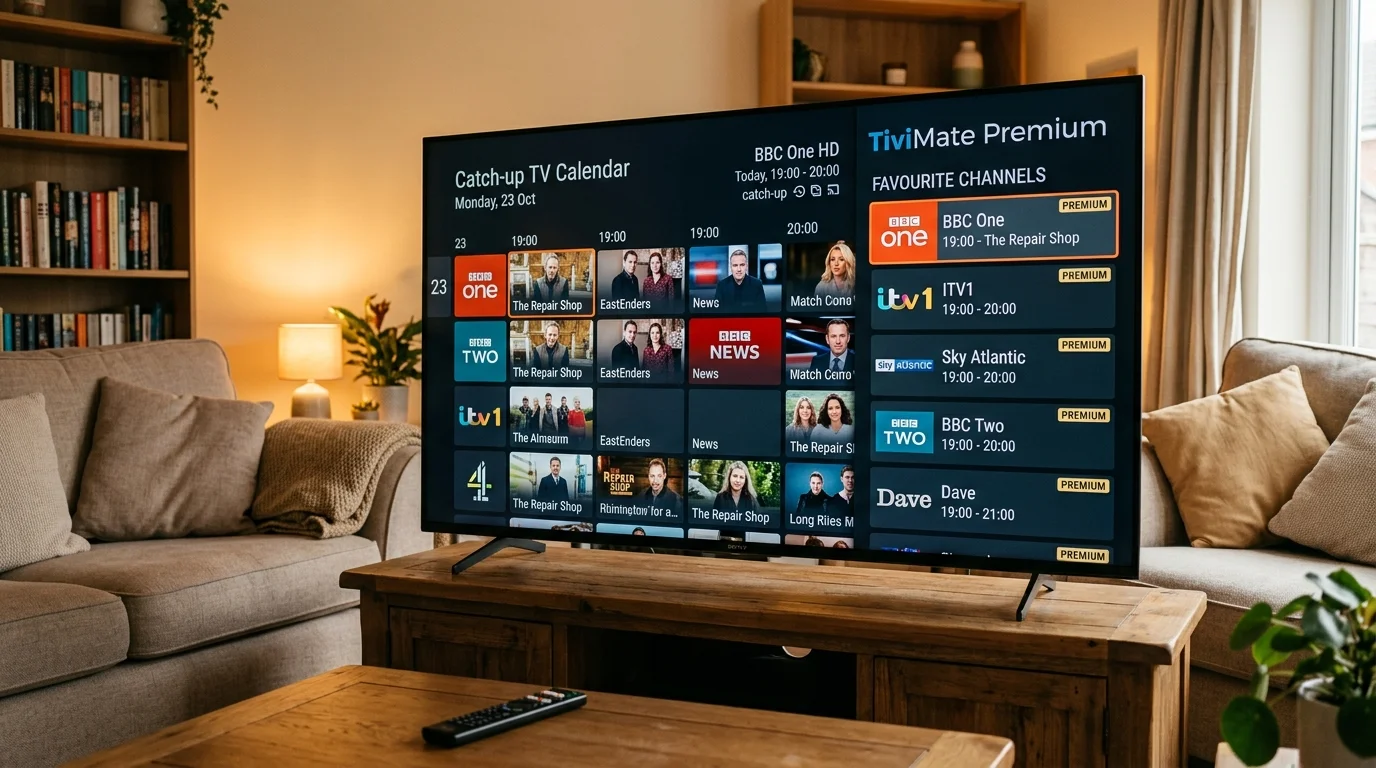
If you use IPTV regularly, TiviMate Premium is the single most impactful upgrade you can make. The free version is functional, but Premium transforms the experience from "IPTV app" to something that rivals — and in some ways beats — Sky Q's interface.
TiviMate Free vs Premium: What's Actually Different
| Feature | Free | Premium |
|---|---|---|
| Live TV playback | ✅ | ✅ |
| Basic EPG | ✅ | ✅ |
| Multiple playlists | ❌ | ✅ |
| Multi-view (up to 4 channels) | ❌ | ✅ |
| Recording to USB | ❌ | ✅ |
| Catch-up / Rewind | ❌ | ✅ |
| Auto-restart on crash | ❌ | ✅ |
| Parental PIN | ❌ | ✅ |
| Ad-free | ❌ | ✅ |
| Price | Free | ~£25/year |
The feature that changes everything for most UK users is Multi-View. During the Premier League weekend when multiple matches kick off simultaneously at 3 PM, you can watch four channels at once on a single screen — perfect for following multiple scores.
How to Buy TiviMate Premium
TiviMate Premium requires the TiviMate Companion app, which is only available on Android phones or tablets (not directly on Firestick). Here is the complete process:
Step 1: Install TiviMate Companion on an Android Phone
On your Android phone or tablet, open Google Play and search for "TiviMate Companion". Install it and open it. You will see an activation code.
Step 2: Purchase Premium
In TiviMate Companion, tap "Buy Premium". You will be directed to Google Play Billing. The cost is approximately £25 for a lifetime licence or £8–12 for an annual subscription — prices vary slightly.
Step 3: Activate TiviMate on Your Firestick
On your Firestick (where TiviMate is already installed), go to Settings within TiviMate > TiviMate Premium > Activate. Enter the activation code shown in TiviMate Companion on your phone.
That's it — Premium is activated on your Firestick. The code can be reused on multiple devices associated with your Google account.
Setting Up Multi-View
Once Premium is active, press the Menu button while watching any channel. Select "Add to Multi-View". Repeat for up to four channels. You can then switch between full-screen and multi-view using the dedicated button on the remote overlay.
For Premier League weekends, we suggest setting up a multi-view with Sky Sports Main Event, Sky Sports Premier League, TNT Sports 1, and NBC Sports (US feed for the 3pm blackout matches). Four matches simultaneously on one screen.
Setting Up Recording
Plug a USB drive (formatted as FAT32 or exFAT) into your Firestick or Android box. In TiviMate Premium, go to Settings > Recording. Set the USB drive as the recording destination. Then on any channel, press the record button in the player overlay.
Recorded quality matches the stream quality — if you record a Sky Sports 4K stream, the recording is 4K. File sizes run about 8–12 GB per hour for HD.
EPG Setup with IPTV UK Elite
TiviMate handles EPG automatically when using Xtream Codes — no manual XMLTV URL needed. Once you add your IPTV UK Elite credentials, the app downloads the channel list and EPG simultaneously. The EPG auto-refreshes every 24 hours.
If your EPG is showing "No Information", see our TiviMate EPG fix guide.
Ready to upgrade? Get your IPTV UK Elite trial and install TiviMate to see the difference immediately.
Ready to Try Premium IPTV UK?
Experience IPTV UK Elite with a free 24-hour trial. 45,000+ channels, 100,000+ VOD, and 4K quality.
Related Guides
TiviMate Companion Setup Guide
Activate TiviMate Premium via the Companion app on Android — full walkthrough.
TroubleshootingTiviMate 401 Error Fix
Resolve TiviMate authentication failures caused by expired credentials or server-side blocks.
TroubleshootingTiviMate No EPG Fix
Fix missing TV guide data in TiviMate — force EPG refresh, check XMLTV URL, and clear cache.
More IPTV UK Buying & Info Topics
Keep exploring high-volume IPTV UK search topics to compare providers, troubleshoot faster, and choose the right plan.