What is an EPG? Electronic Program Guide Explained
Why is my TV guide empty? Learn what EPG is, how it works on IPTV, and how to fix "EPG Not Loading" errors.
IPTV Setup & Troubleshooting Guides: M3U, EPG & TiviMate
Why Your TV Guide Matters
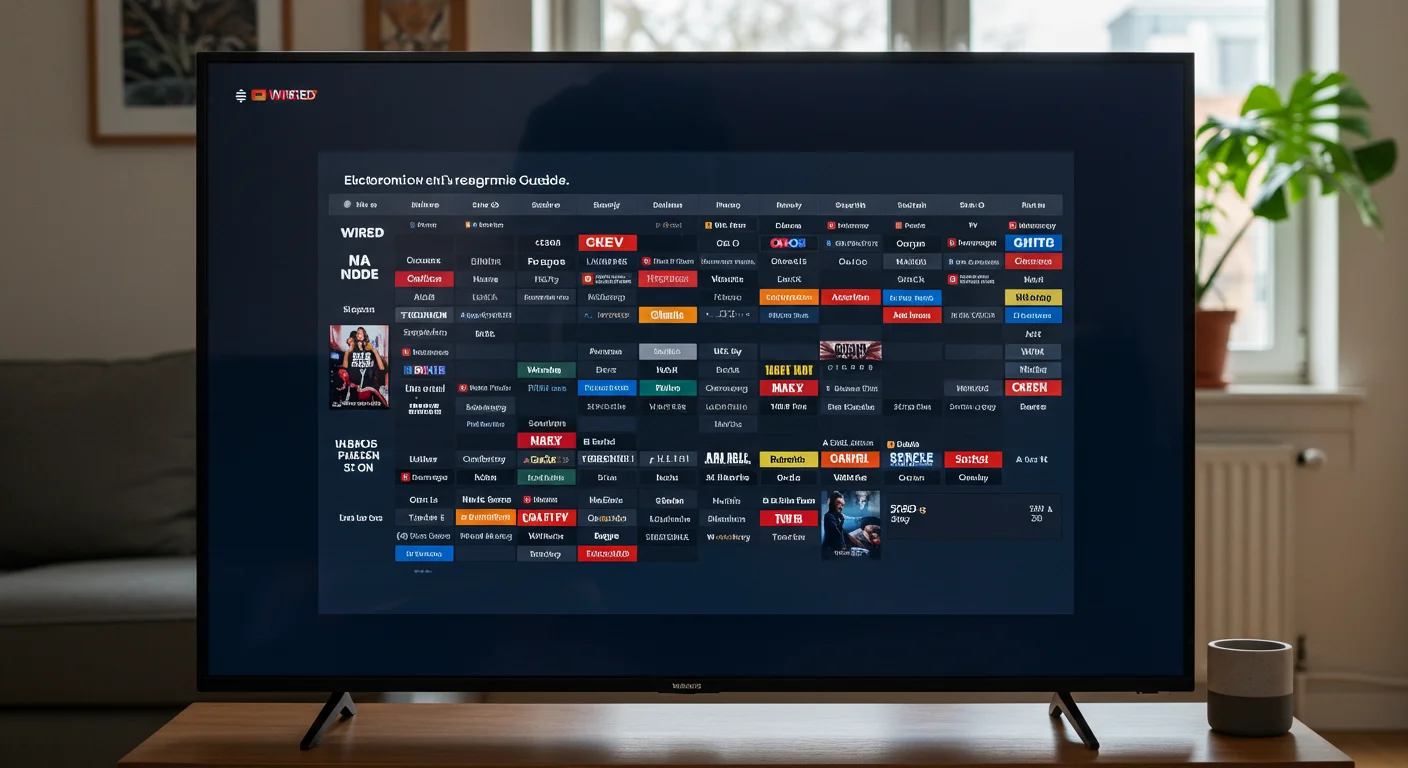
EPG (Electronic Program Guide) is just a fancy name for the TV functionality that shows you what is on now, next, and later.
On satellite TV, this data comes down the cable. On IPTV, it's downloaded from a server.
"EPG Not Loading" - The Most Common Itch

We get messages saying "My guide is empty!" quite often. It's rarely a server fault; it's usually your device getting stuck.
Quick Fixes
- Force Refresh: In Smarters, there is a button called "Install EPG" or "Update EPG". Click it manually.
- Clear Cache: If the file gets too big, the app chokes. Go to your Firestick settings and clear the cache for your app.
- Check Your Date/Time: This sounds silly, but if your Firestick thinks it's 1970 (which happens if it loses power), the guide won't load because the dates don't match!
Why IPTV UK Elite's EPG is Better
Many cheap providers only give EPG for the main 5 channels. We provide full EPG for practically all UK channels, including Sky Sports, Cinema, and Documentaries.
We know you don't want to browse blindly. Check out our Channel List to see what we cover.
How EPG Data is Sourced
The programme information you see in the guide does not come from the IPTV streams themselves — it comes from a separate EPG data feed.
IPTV providers collect guide data from multiple sources:
- Broadcast EPG signals: Captured from actual TV broadcasts and decoded for each channel.
- Third-party EPG aggregators: Services collect, clean, and publish guide data for thousands of channels worldwide.
- Provider-maintained databases: Some premium IPTV providers (including IPTV UK Elite) maintain their own EPG databases to ensure accuracy for UK channels like Sky Sports, BBC, ITV, and Channel 4.
The quality of EPG data varies between providers. With a premium service, you can expect programme titles, descriptions, start/end times, and category information. With free or budget providers, the EPG may be sparse, delayed, or simply missing for many channels.
Understanding the XMLTV Format
XMLTV is the standard file format for delivering EPG data to IPTV apps. It is a plain XML file containing programme listings with:
- Programme title and description
- Channel identifier (must match the channel ID in your M3U playlist)
- Start and stop time (in UTC)
- Category (News, Sport, Drama, etc.)
When you enter an EPG URL in TiviMate or IPTV Smarters, the app downloads this XMLTV file and maps each programme to the matching channel. If a channel shows "No EPG Data," it usually means the channel ID in the M3U does not match the channel ID in the XMLTV file.
Your IPTV UK Elite subscription includes a pre-configured EPG URL. All you need to do is paste it once into your app settings.
Setting EPG Update Frequency
EPG data needs regular refreshing to stay accurate. Most apps update automatically, but you can fine-tune the schedule:
TiviMate: Settings > EPG > Auto Update. Set to update daily at a quiet time — 3am is ideal. TiviMate caches 7 days of EPG data, so even if your internet drops temporarily, the guide remains functional.
IPTV Smarters: Settings > EPG Settings > Refresh Schedule. Choose daily or every 12 hours for live news and sports channels where scheduling changes frequently.
Manual refresh: If your EPG looks out of date, go to your app settings and tap "Refresh EPG Now". This forces an immediate re-download of the guide data.
Best EPG Sources for UK Channels
If you ever need to configure EPG manually, here are reliable sources for UK channel data:
- IPTV UK Elite EPG URL: Provided with your subscription. Covers all major UK channels with 7-day schedules and is pre-matched to our channel IDs.
- Rytec XMLTV: Community-maintained, excellent UK coverage including regional BBC and ITV variants.
For the best experience, stick with the EPG URL provided by your IPTV UK Elite subscription. Contact our support team if you need your EPG URL resent.
Ready to Try Premium IPTV UK?
Experience IPTV UK Elite with a free 24-hour trial. 45,000+ channels, 100,000+ VOD, and 4K quality.
Related Guides
M3U Playlist Guide for Beginners
What is an M3U file, how to load it into any IPTV player, and how to fix broken playlists.
TroubleshootingTiviMate No EPG Fix
Fix missing TV guide data in TiviMate — force EPG refresh, check XMLTV URL, and clear cache.
GuidesTiviMate Premium Guide UK
Unlock TiviMate Premium features — multi-panel, recording, catch-up, and EPG setup.
More IPTV UK Buying & Info Topics
Keep exploring high-volume IPTV UK search topics to compare providers, troubleshoot faster, and choose the right plan.