Fix "No Video" on IPTV Smarters (Sound But Black Screen)
Hearing the channel but seeing nothing? I'll show you the 2-minute fix for video decoding issues in IPTV Smarters Pro.
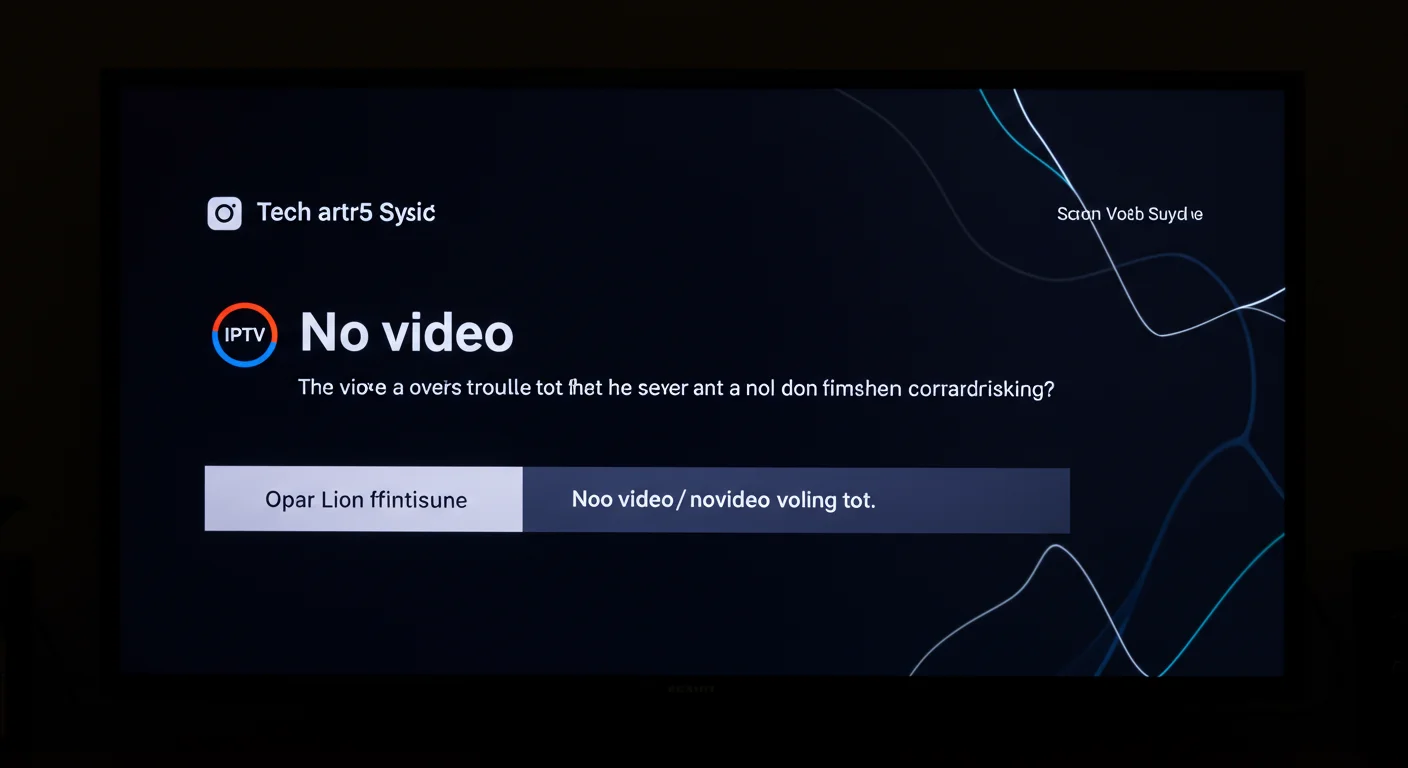
Switch to Software Decoder to Fix IPTV Smarters Pro Black Screen
The Black Screen Mystery
It's a common frustration. You click a channel, you can hear the commentator perfectly, but the screen is pitch black. This isn't a server fault; it's a "Decoder" mismatch. Your TV doesn't understand the video format being sent.
The Simple Fix
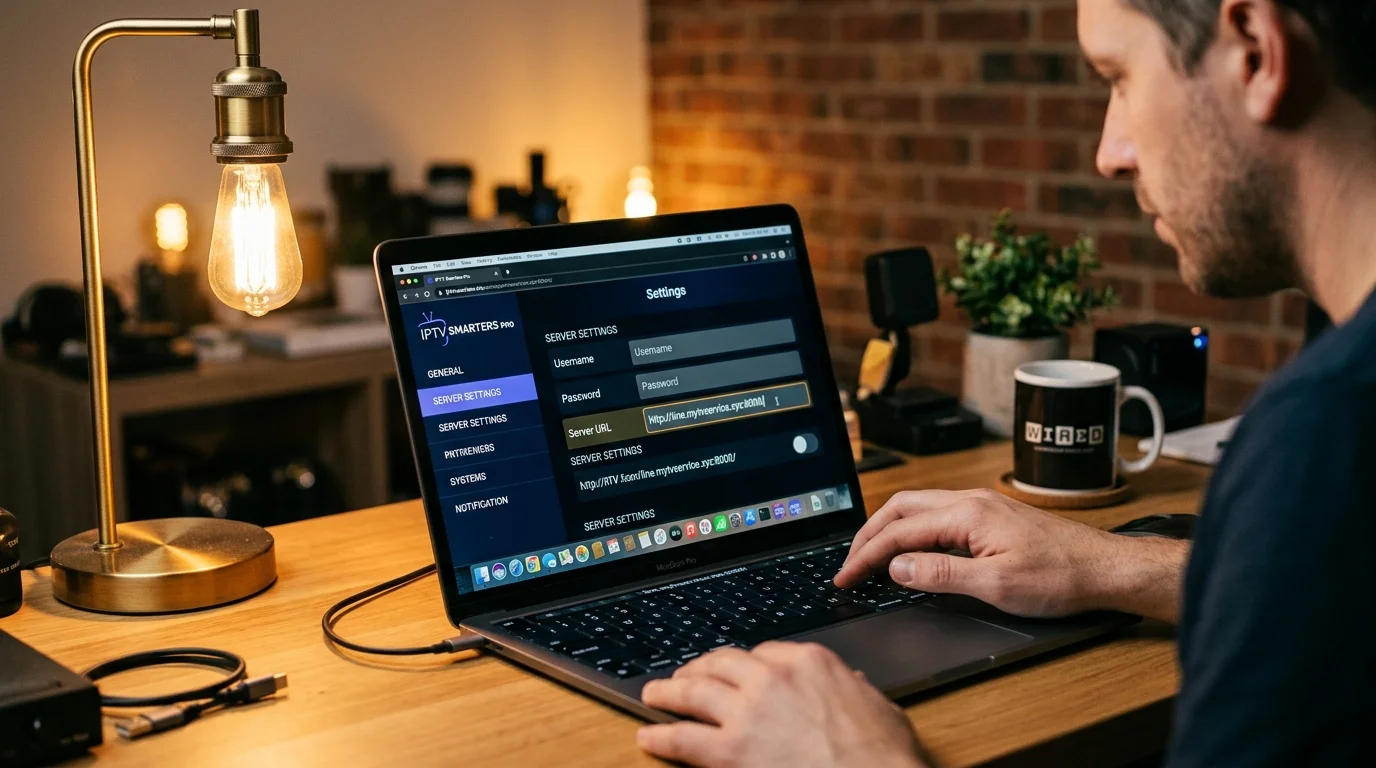
- Open IPTV Smarters Pro and go to Settings (the gear icon).
- Select Player Settings.
- Look for the option that says "Hardware Decoder" and change it to Software Decoder.
- Save and go back to the channel.
Why Does This Happen?
Older Smart TVs or budget Android boxes don't have the "Hardware" built in to decode modern, high-quality 4K or HEVC streams. Switching to "Software" makes the app's code do the work instead of the TV's chips.
Still Nothing?
If you still have a black screen, your device might be too old to handle our Premium Bitrate. Consider upgrading to a Firestick 4K Max for the best experience.
Message us on WhatsApp and we can help you find the right settings for your specific device.
Codec Compatibility Issues in IPTV Smarters
When IPTV Smarters plays a channel but shows a black screen or "No Video," a codec incompatibility is usually responsible. IPTV streams use various video codecs:
- H.264 (AVC): The most widely supported codec. Works on virtually every device. SD and HD streams.
- H.265 (HEVC): More efficient, used for 4K and some HD streams. Requires hardware support on older devices.
- VP9 and AV1: Occasionally used, limited hardware support on some Android boxes.
If IPTV Smarters shows no video on 4K channels but HD channels work fine, your device likely does not support hardware HEVC decode. Solution: switch to a compatible device (Firestick 4K, NVIDIA Shield Pro) or use TiviMate's software decoder as a fallback.
Enabling Hardware Decoding in IPTV Smarters
Hardware decoding offloads video decode processing from the CPU to dedicated GPU hardware, improving performance and reducing buffering:
- Open IPTV Smarters Pro.
- Go to Settings > Player Settings (or tap the gear icon during playback).
- Find Hardware Decoder or Hardware Acceleration.
- Toggle it ON — or try both ON and OFF, as sometimes toggling resolves the issue.
- Restart a channel that was showing no video.
If hardware decoding causes the no-video issue, switch to Software Decoder. Software decoding is more compatible but more CPU-intensive. On a Firestick 4K or modern Android device, software decoding of HD content runs without performance issues.
Clearing IPTV Smarters Cache and Data
Corrupted cache files cause persistent no-video issues that will not resolve through settings changes:
- On your Firestick: Settings > Applications > Manage Installed Applications > IPTV Smarters Pro.
- Select Clear Cache — this removes temporary files without deleting your account settings.
- Relaunch IPTV Smarters and test the affected channel.
If clearing cache does not work:
- Return to the same screen and select Clear Data.
- Note: Clear Data removes all saved playlists and account settings. You will need to re-enter your credentials.
- After clearing data, re-add your playlist and test.
Re-Adding Your Playlist from Scratch
If cache clearing does not resolve the issue, removing and re-adding your entire playlist often does:
- In IPTV Smarters, go to Manage Users or Playlists.
- Delete your existing playlist or account entry.
- Tap Add User or Add Playlist.
- Re-enter your credentials (Xtream Codes username/password/server, or M3U URL).
- Allow the app to fully re-download and process the channel list.
- Test the previously affected channels.
Contact IPTV UK Elite if you need your server URL or credentials resent before re-adding.
Alternative Players If IPTV Smarters Continues to Fail
If IPTV Smarters consistently shows no video even after all the above steps, test with alternative apps using the same credentials:
TiviMate: Load your Xtream Codes credentials or M3U URL. If TiviMate plays the channels successfully, the issue is specific to IPTV Smarters — a fresh install of Smarters or a permanent switch to TiviMate is the solution.
OTT Navigator: Another full-featured IPTV app for Android. Handles the same M3U and Xtream Codes credentials.
VLC Media Player: Load your M3U URL directly into VLC. If VLC displays video for the problematic channels, the stream is fine and the issue is isolated to IPTV Smarters' decoder configuration.
MX Player: Open MX Player > Network Stream > paste your stream URL. MX Player has excellent codec support and handles most streams that other apps struggle with.
If all alternative players show the same no-video issue, the problem is with the stream itself or your account — in which case contact IPTV UK Elite support for immediate assistance.
Ready to Try Premium IPTV UK?
Experience IPTV UK Elite with a free 24-hour trial. 45,000+ channels, 100,000+ VOD, and 4K quality.
Related Guides
Common IPTV Error Codes Explained
What every error code means and the fastest fix — from 401 Unauthorized to buffering timeouts.
TroubleshootingTiviMate 401 Error Fix
Resolve TiviMate authentication failures caused by expired credentials or server-side blocks.
TroubleshootingFix No Audio / Sound on IPTV
Step-by-step audio troubleshooting for TiviMate, IPTV Smarters, and Smart TV players.
More IPTV UK Buying & Info Topics
Keep exploring high-volume IPTV UK search topics to compare providers, troubleshoot faster, and choose the right plan.