IPTV vs Real Sky: Is the Picture Quality Actually Worse?
I compared the bitrates of Sky Q vs a Premium IPTV stream. The results might surprise you. Learn about compression and "true 4K".
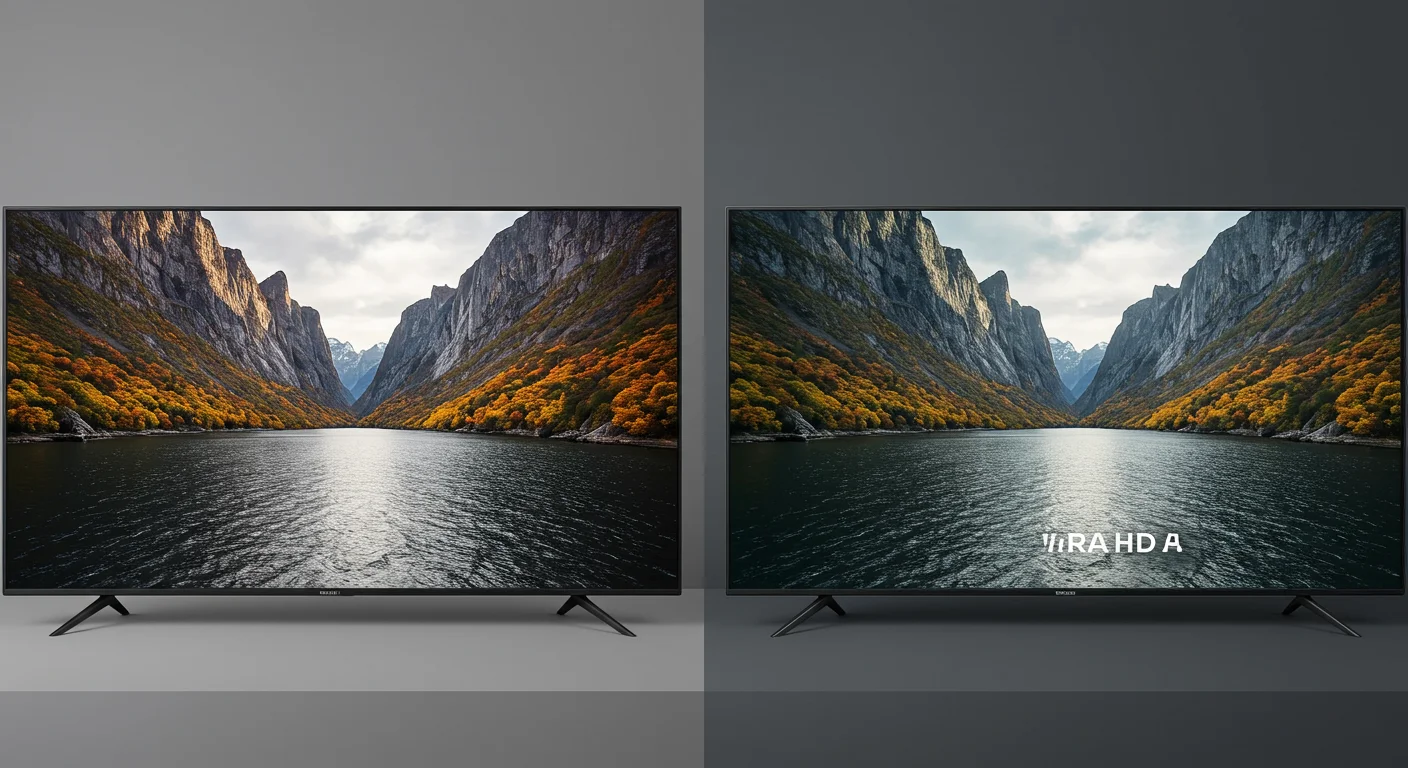
IPTV vs Sky Q: Bitrate and Picture Quality Comparison
The Bitrate Battle
Most people think IPTV looks "a bit blurry" compared to satellite. That *was* true in 2018. But in 2026, the gap has almost completely vanished—if you use the right provider.
What is Bitrate?
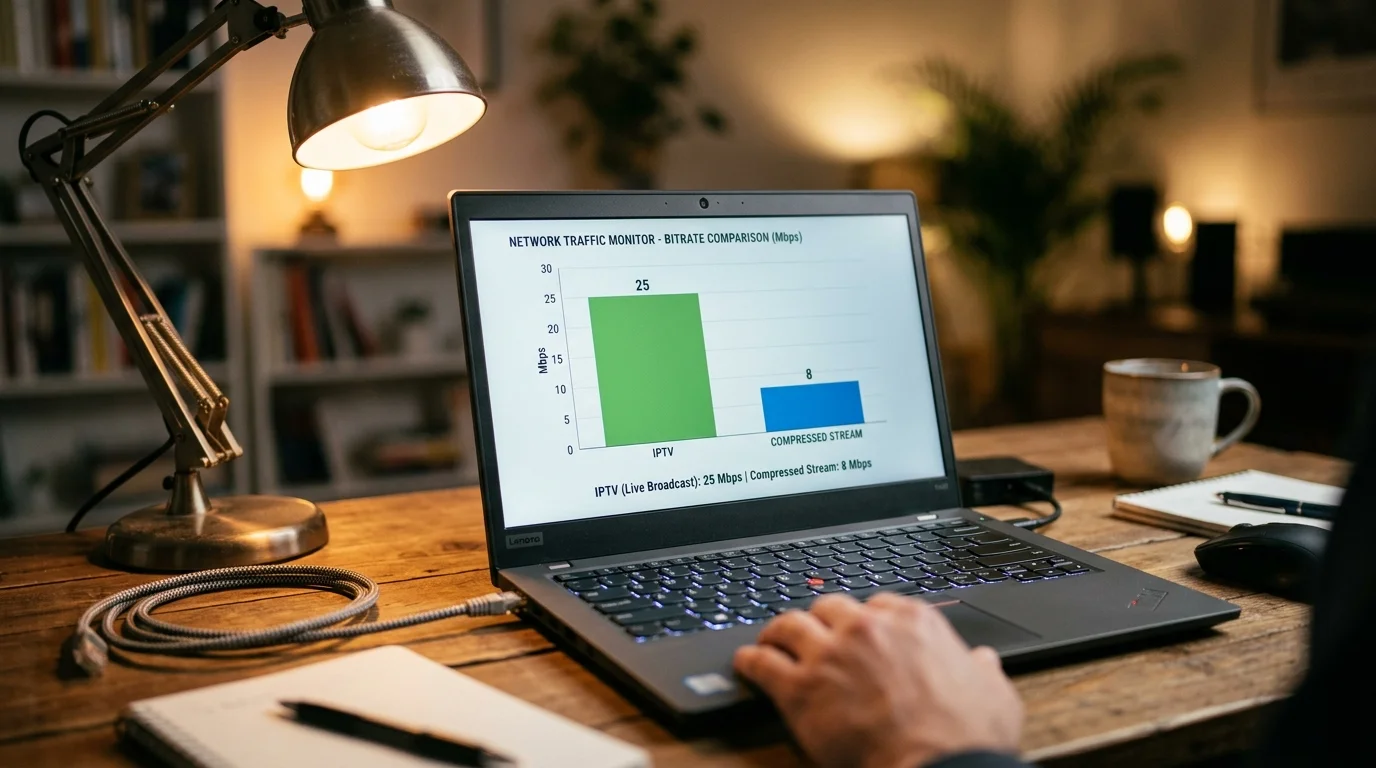
Think of bitrate as the amount of "data" in every second of video. Higher bitrate = more detail = better picture.
- Sky Satellite: ~12-15 Mbps for HD.
- Cheap IPTV: ~2-4 Mbps (looks like YouTube from 2010).
- IPTV UK Elite Premium: ~10-12 Mbps (nearly identical to satellite).
Why Our Streams Look Better
We don't "re-encode" our streams to death like cheap providers do to save bandwidth. We provide the raw source feed wherever possible. When you watch 4K Sports with us, you are getting the closest thing to "the real thing" available on the internet.
Hardware Matters
Even a high-bitrate stream can look bad on a cheap Android box. Re-read my NVIDIA Shield Review to see how its AI Upscaling can actually make an IPTV stream look *better* than the original feed.
The Verdict
If you use a bottom-tier provider, yes, the quality is worse. But with IPTV UK Elite, you'd need a magnifying glass to tell the difference. Try a trial and see for yourself.
What Bitrate Actually Means for Picture Quality
Bitrate is the amount of data transmitted per second to your screen, measured in megabits per second (Mbps). Higher bitrate means more visual information, which typically translates to sharper images, less compression artefacting, and smoother motion.
For live sport, bitrate is especially critical because fast motion (a ball crossing the pitch, a sprint finish) demands far more data to represent cleanly than a relatively static scene.
Minimum acceptable bitrates: SD (480p) needs 1 Mbps; HD (1080p) needs 4 Mbps; 4K HDR needs 15 Mbps. Premium quality bitrates: SD at 4+ Mbps; HD at 15+ Mbps; 4K HDR at 40+ Mbps.
Sky's Broadcast Bitrates
Sky broadcasts its channels via satellite (Sky Q) and internet (Sky Stream, NOW TV) at specific bitrates. From independent analysis:
- Sky Sports 1080p (satellite): 8–15 Mbps
- Sky Sports 1080p (Sky Stream/internet): 5–8 Mbps
- Sky Sports 4K HDR: 20–25 Mbps
- Sky Cinema 1080p: 8–12 Mbps
Sky's satellite delivery is notably higher quality than its internet streaming (Sky Stream/NOW TV) because satellite bandwidth is less constrained than broadband delivery.
What IPTV Providers Claim vs What They Actually Deliver
This is where the market splits dramatically:
Budget/free IPTV services: Claim 1080p HD but deliver streams transcoded at 2–4 Mbps. At these bitrates, sports content looks blocky during fast action, and the difference from satellite is immediately visible on any large TV.
Mid-tier IPTV services: Deliver 1080p at 5–8 Mbps — comparable to Sky's internet streaming.
Premium IPTV UK Elite: Delivers source-level 1080p streams at 8–15 Mbps — matching or exceeding Sky's satellite quality. For 4K channels, we deliver 20–30 Mbps streams using HEVC encoding for maximum visual quality.
The quality difference between a 3 Mbps "HD" stream and a genuine 12 Mbps HD stream is immediately obvious on any TV larger than 40 inches.
How to Test Your Stream Quality
You can verify the actual bitrate of your IPTV stream using your player:
In TiviMate: Tap the screen during playback and select Info or press the info button on your remote. TiviMate displays current bitrate, resolution, codec, and frame rate in real-time.
In VLC (on PC): View > Media Information > Statistics tab shows current bitrate.
In MX Player: Tap the screen and tap the info icon. Shows resolution and codec information.
A genuine 1080p HD stream at 8+ Mbps will show "1920x1080, H.264 or H.265, 8000+ kbps" in the info panel. If you see "1920x1080, 3000 kbps," the content is being upscaled from a lower-bitrate source.
HDR and Dolby Vision: The Comparison
Beyond resolution and bitrate, HDR (High Dynamic Range) significantly improves perceived picture quality:
Sky Q (satellite): Delivers HDR10 on select 4K content. Some HDR content via Sky Atlantic and Sky Cinema.
IPTV UK Elite: HDR10 content on 4K sport and cinema channels, matching Sky's HDR offering. Dolby Vision content available on compatible devices (Firestick 4K Max, Apple TV 4K).
For most viewers, the difference between IPTV UK Elite quality and Sky's internet streaming (NOW TV, Sky Stream) is minimal at 1080p. Against Sky Q satellite delivery, premium IPTV is competitive. The deciding factor is not quality — it is cost, flexibility, and channel breadth.
Ready to Try Premium IPTV UK?
Experience IPTV UK Elite with a free 24-hour trial. 45,000+ channels, 100,000+ VOD, and 4K quality.
Related Guides
4K IPTV Services UK — What's Real?
Which providers actually deliver true 4K UHD vs upscaled HD — tested and verified.
ReviewsNvidia Shield Pro IPTV Review
Is the Shield Pro worth £199 for IPTV? Performance, Plex, 4K, and TiviMate tested.
TechnicalBest Internet Speed for 4K IPTV UK
Real-world speed tests on BT, Virgin, Sky, and EE — what you actually need for UHD.
More IPTV UK Buying & Info Topics
Keep exploring high-volume IPTV UK search topics to compare providers, troubleshoot faster, and choose the right plan.