How to Watch IPTV on Nintendo Switch (unofficial guide)
Yes, you can watch TV on your Switch! I'll show you the workaround for streaming live UK TV on your favorite gaming console.
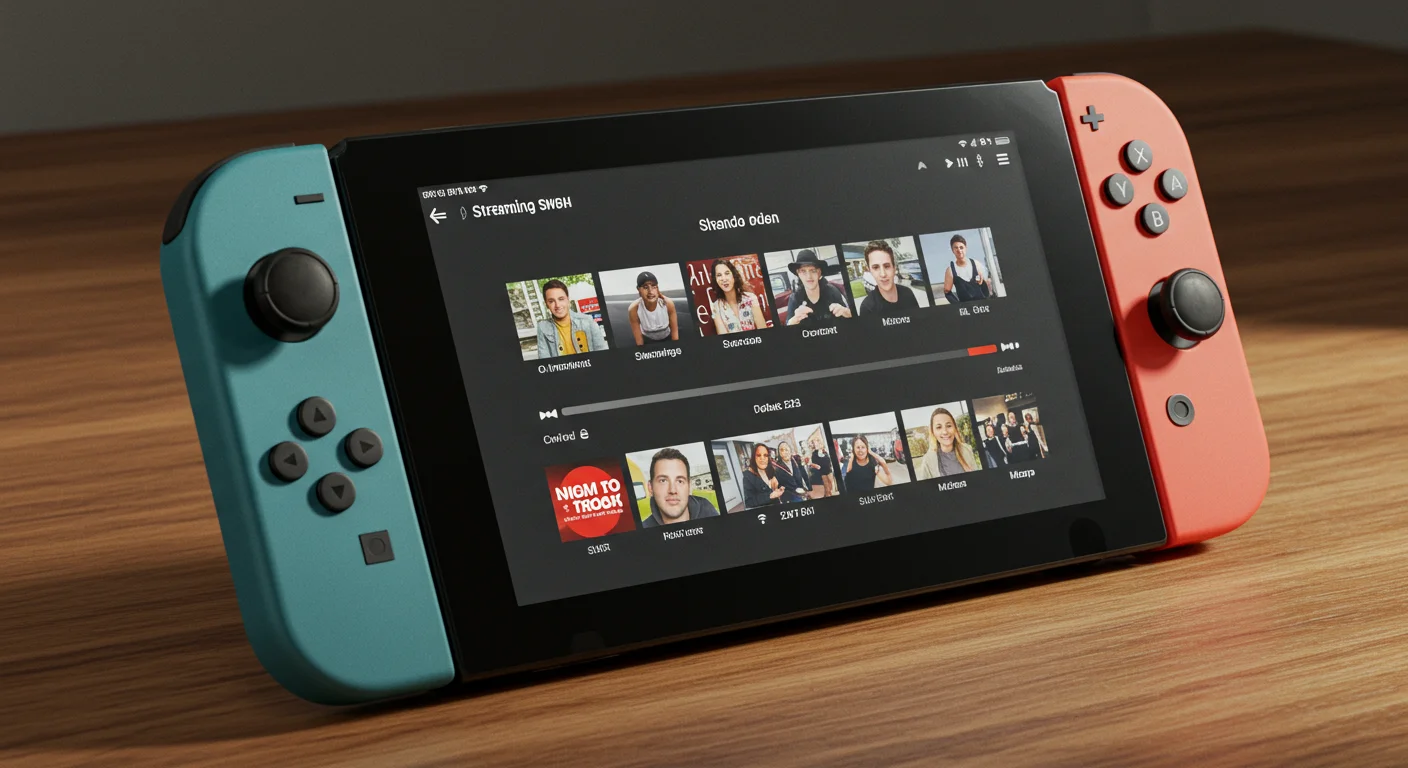
Final Recommendations: IPTV on Nintendo Switch & Better Devices
Gaming and Streaming
The Nintendo Switch is a great device, but it's notoriously locked down. There is no "IPTV Smarters" in the eShop. But where there's a will, there's a way (and a hidden web browser).
The "DNS Shortcut" Method
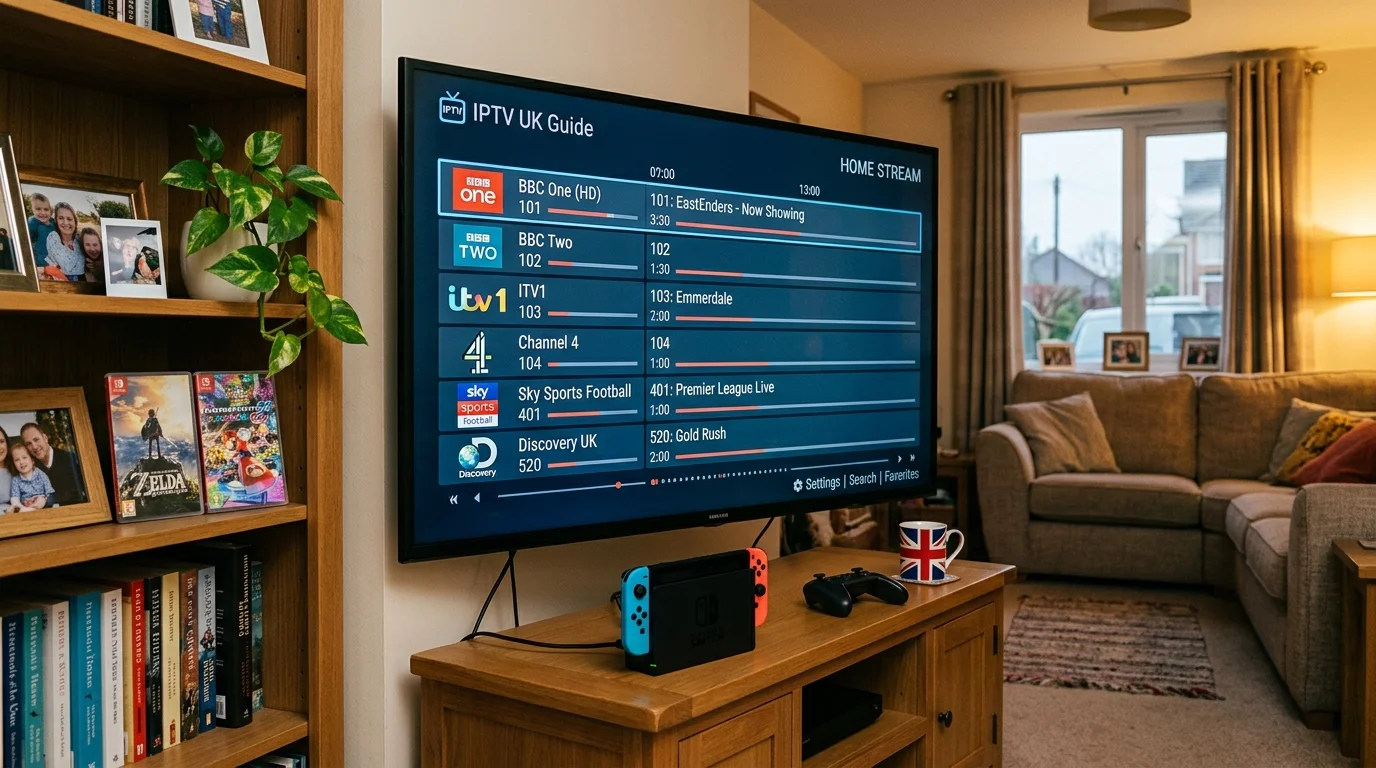
- Go to your Switch System Settings > Internet > Internet Settings.
- Select your WiFi and choose "Change Settings".
- Set "DNS Settings" to Manual. Set Primary DNS to 045.055.142.122.
- Save and "Connect to this Network".
- A Google page will pop up. From here, you can browse to our web-based player.
The Better Way: Homebrew (Advanced)
If you have a "v1" or "modded" Switch, you can install Android on it. Once your Switch is running Android, you can install TiviMate and it becomes the ultimate portable IPTV machine.
Conclusion
The Switch is great for a quick look at the F1 race while you're away from the TV, but for daily use, I'd always recommend a dedicated Firestick.
Try our web player today and take your TV anywhere!
Can the Nintendo Switch Run IPTV Apps Natively?
No — the Nintendo Switch eShop does not carry any IPTV apps. Nintendo's closed ecosystem prevents the installation of unsigned software through normal means, so there is no TiviMate, IPTV Smarters, or similar app available via official channels. The two workable options are the DNS trick (all Switch models, no modification) and the Android homebrew method (original V1 Switch only).
The DNS Method: Full Explanation
The DNS shortcut works because the Nintendo Switch has a built-in web browser that it uses for connecting to Wi-Fi captive portals (like hotel Wi-Fi). By pointing the Switch to a custom DNS server, you can force that hidden browser to open, then navigate to a web-based IPTV player.
Detailed steps:
- On your Switch, go to System Settings (the cog icon on the home screen)
- Select Internet then Internet Settings
- Select your Wi-Fi network name
- Press Change Settings
- Scroll down to DNS Settings and change from Automatic to Manual
- Set the Primary DNS to 045.055.142.122
- Leave Secondary DNS as is, then select Save
- Back on the Internet Settings screen, tap Connect to this Network
- The Switch will attempt to connect and trigger the captive portal browser
- You will see a Google-style page — from here, type the URL of a web-based IPTV player in the address bar
The web-based method works on the Nintendo Switch original (all revisions), Switch Lite, and Switch OLED without any hardware modification. Quality is limited to what the basic browser can handle — typically 720p — but it is enough for watching a match away from the main TV.
The Homebrew (Android) Method: Requirements and Risks
The homebrew method involves installing Android on a Nintendo Switch, turning it into a full Android tablet that can run TiviMate, IPTV Smarters, and any other Android app. The quality and experience is dramatically better than the DNS browser method.
However, this method:
- Only works on original V1 Switch consoles (serial numbers starting with XA, XK, or XW before a cutoff point — check on ismyswitchpatched.com)
- Requires a microSD card (128 GB minimum recommended)
- Involves significant technical steps including putting the Switch into RCM mode
- Risks voiding your warranty and may cause issues if Nintendo pushes firmware updates
- Is completely independent of your Nintendo account — games and saves are unaffected if done correctly
For most users, this is too complex. The DNS browser method or using a dedicated streaming device is simpler.
Better Alternatives for Gaming Setups
If you want IPTV while gaming, these alternatives are much more practical than fighting the Switch's limitations:
Amazon Firestick 4K on a spare HDMI port: Most TVs have 2–4 HDMI ports. A Firestick on HDMI 2 lets you switch between gaming and IPTV instantly with the TV remote. Cost: approximately £40.
Phone or tablet next to the TV: Use IPTV Smarters or TiviMate Companion on your iPhone or Android phone. Prop it up beside the TV while you game. No setup required if you already have an IPTV subscription.
Gaming PC via browser or app: If you play games on a PC, both IPTV Smarters (Windows app) and web-based players work natively without any workarounds.
Split-screen on a large TV: Some Samsung and LG TVs support multi-view or PIP (picture-in-picture), allowing an IPTV stream to appear in the corner of the screen while your Switch game plays in the main view.
Which Switch Games Pair Well With IPTV in the Background
For the DNS method users who want a small stream running on the Switch's screen while having the TV free:
- Stardew Valley, Animal Crossing — relaxed games that you can play while half-watching a match
- Any turn-based RPG — Pokémon, Fire Emblem, or similar games where reaction time is not critical
Competitive or fast-paced games (Mario Kart, Splatoon, Smash Bros) pair poorly with background streaming since both require full attention.
Get your IPTV UK Elite trial and test all your devices today.
Ready to Try Premium IPTV UK?
Experience IPTV UK Elite with a free 24-hour trial. 45,000+ channels, 100,000+ VOD, and 4K quality.
Related Guides
IPTV on Mobile Data (4G/5G)
How much mobile data does IPTV use? SD vs HD vs 4K data usage with EE, O2, and Vodafone.
ReviewsBest IPTV Android Box UK 2026
Top Android TV boxes for IPTV UK — X96 Max, Nvidia Shield, and budget picks compared.
GuidesM3U Playlist Guide for Beginners
What is an M3U file, how to load it into any IPTV player, and how to fix broken playlists.
More IPTV UK Buying & Info Topics
Keep exploring high-volume IPTV UK search topics to compare providers, troubleshoot faster, and choose the right plan.