Fastest IPTV Activation UK Providers 2026
Find UK IPTV providers with instant activation. Learn about activation times and how to start watching quickly after payment.
IPTV UK Elite Guides: 24/7 Support, Free Trial & Payment Methods
Fast IPTV Activation UK: What to Expect in 2026
Speed matters when you want to start watching immediately. If you have just found out that a match is starting in an hour, you do not want to spend the evening waiting for account credentials. Here is exactly how fast IPTV activation works, and what you need to do.
IPTV UK Elite Activation Times
| Request Type | Typical Wait |
|---|---|
| Free 24-hour trial | Under 5 minutes |
| Paid subscription (bank transfer) | 5–15 minutes after payment confirmed |
| Paid subscription (PayPal F&F) | 5–10 minutes (instant payment confirmation) |
| Paid subscription (crypto) | 5 minutes after blockchain confirmation |
These times apply 24 hours a day, 7 days a week, including Bank Holidays. There is no "office hours" — the team monitors WhatsApp continuously.
Step-by-Step: How to Get Activated
Step 1: Message Us on WhatsApp
Send a message to +212 776 702 201 saying you want a free trial or a specific subscription plan. You do not need to fill in a form, create an account, or enter payment details to start.
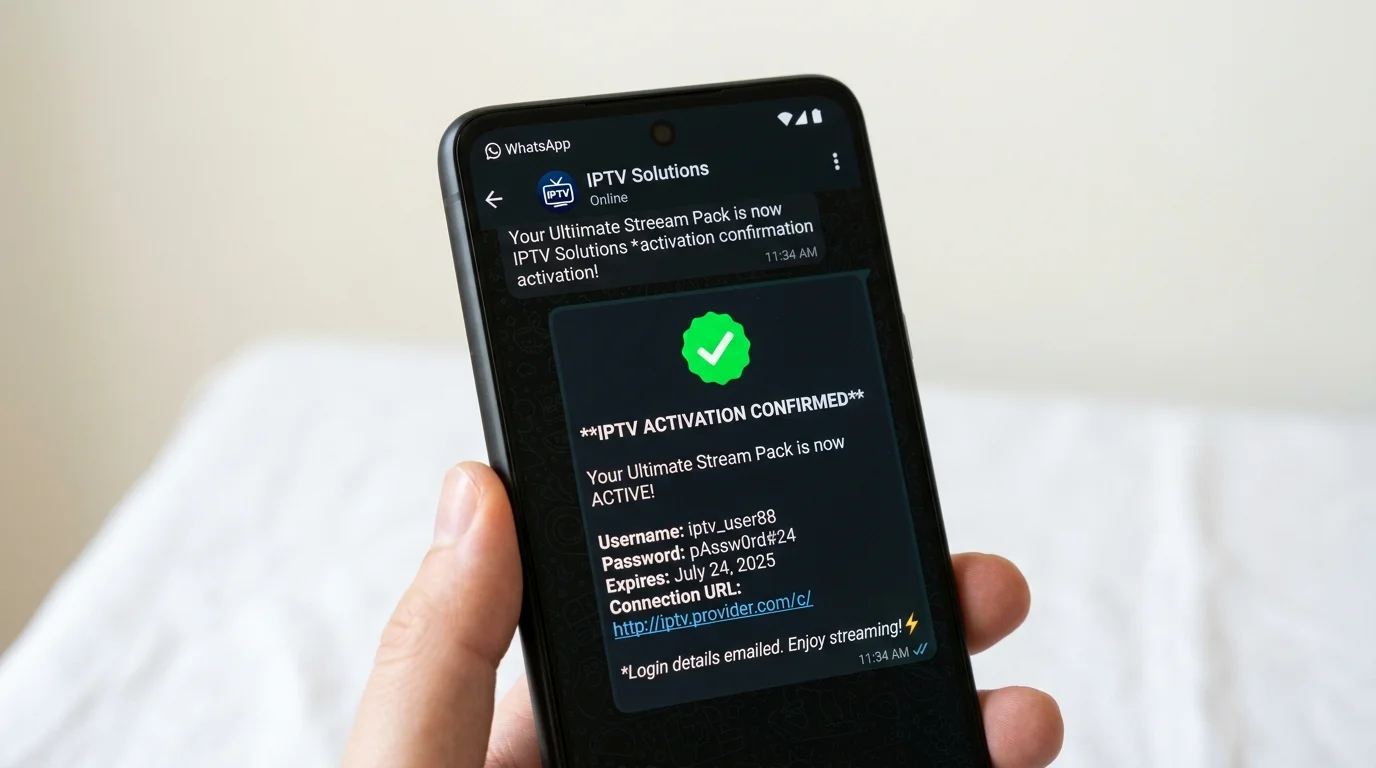
Step 2: Receive Your Credentials
Within minutes, we send you three things via WhatsApp:
- Server URL — the address of the IPTV server
- Username — your unique account identifier
- Password — your account password
These are called Xtream Codes and they work with all major IPTV player apps.
Step 3: Install Your Player App
On a Firestick, open the Amazon Appstore and search for IPTV Smarters Pro (free). On an Android box or Smart TV, find it on Google Play. On iOS (iPhone or iPad), download GSE Smart IPTV from the App Store. For the best experience, TiviMate is available on Android devices.
Step 4: Enter Your Credentials
In IPTV Smarters, tap "Add User" and choose "Login with Xtream Codes API". Enter the server URL, username, and password exactly as sent. The app connects and downloads your channel list — this usually takes 30–60 seconds.
Step 5: Start Watching
Your channel list, VOD library, and EPG (TV guide) are live immediately. Sky Sports, BBC One, TNT Sports — everything is ready within 2–3 minutes of entering your credentials. The EPG syncs in the background and should be fully populated within 5 minutes.
Why We're Faster Than Most Providers
Many IPTV providers operate a ticket system where you submit a request and wait for someone to process it during working hours. We use WhatsApp because it is immediate, personal, and works on every device. When you message us, a team member responds — not a bot, not an automated email sequence.
What Happens After the Trial?
After your 24-hour trial, you can subscribe instantly via bank transfer or PayPal. Send payment, send us confirmation (screenshot or reference number), and your subscription is live within minutes. No waiting period, no contract, no direct debit setup.
Ready to start in the next 5 minutes? Message us now.
Ready to Try Premium IPTV UK?
Experience IPTV UK Elite with a free 24-hour trial. 45,000+ channels, 100,000+ VOD, and 4K quality.
Related Guides
IPTV UK 24/7 Support
How IPTV UK Elite's round-the-clock WhatsApp support works — what's covered and response times.
PricingIPTV Free Trial UK 2026
How to claim your free 24-hour IPTV trial — what's included and how to activate.
PaymentsIPTV UK Payment Methods
How to pay for IPTV safely in the UK — crypto, PayPal, bank transfer, and card options.
More IPTV UK Buying & Info Topics
Keep exploring high-volume IPTV UK search topics to compare providers, troubleshoot faster, and choose the right plan.