Best IPTV for Zgemma & Enigma2 Boxes (2026 Guide)
Sticking with the classic Zgemma or VU+ box? Learn how to get the most stable IPTV experience on Enigma2 hardware.
IPTV Device Reviews and Enigma2 Setup Guides
The Enigma2 Enthusiasts
There are plenty of you who still love your Zgemma, VU+, or Dreambox. These boxes were the kings of the satellite era, and with the right setup they can handle IPTV surprisingly well. Here is the complete guide.
Understanding Enigma2 and IPTV
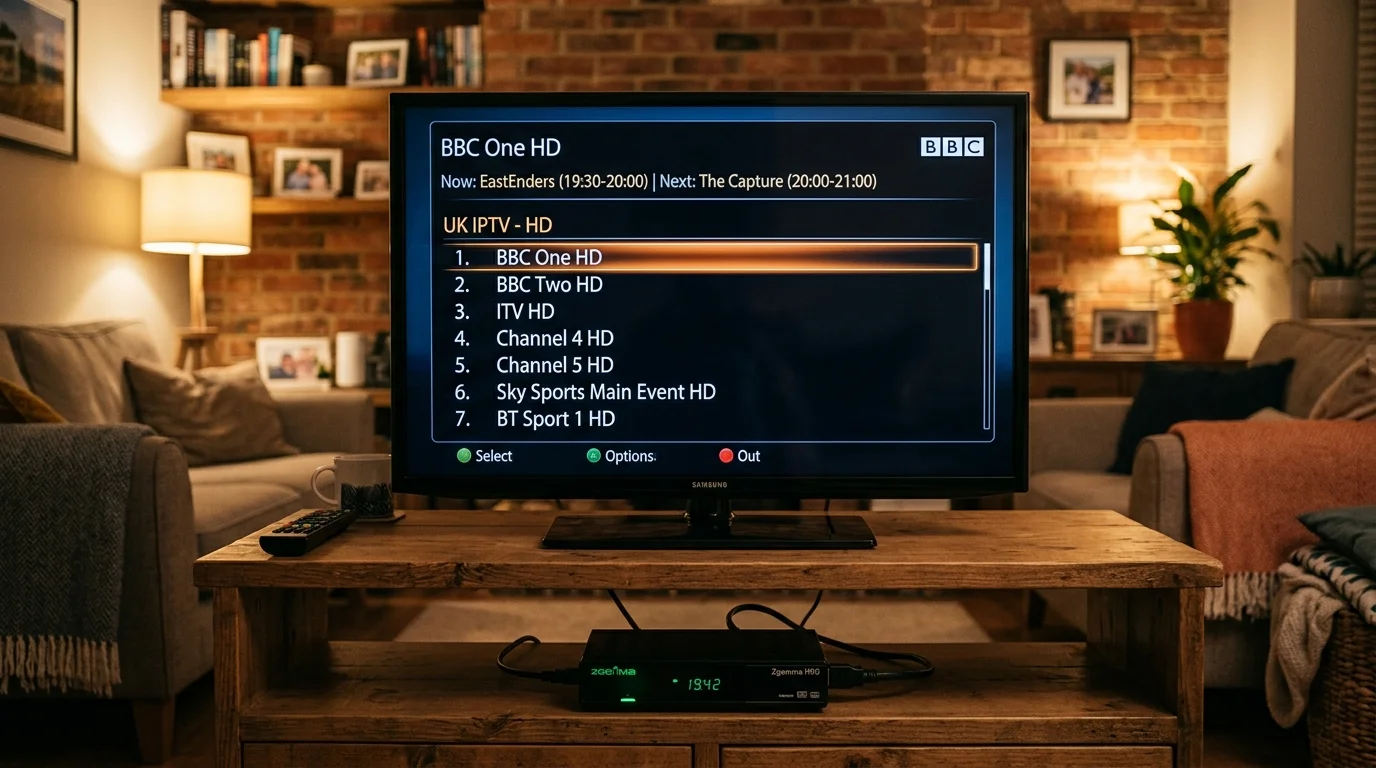
Enigma2 is the Linux-based operating system that runs Zgemma, VU+, Dreambox, and similar satellite boxes. Unlike Android boxes, it does not have Google Play — apps are installed via the built-in Package Manager or downloaded as .ipk files.
IPTV on Enigma2 works through two approaches: bouquet import (channels appear in your satellite-style Favourites list) or dedicated IPTV plugins (apps that provide a streaming platform experience within Enigma2).
Method 1: Bouquet Import Script
This is the traditional Enigma2 IPTV method. A Python script downloads your channel list from the IPTV UK Elite server and creates a set of Favourites bouquets that look exactly like satellite channel groups.
Setup steps:
- SSH into your box (default username: root, password: dreambox or as set by you)
- Navigate to /tmp and download the script we send you
- Run: python /tmp/iptv_bouquet.py
- Restart Enigma2 (Settings > System > Restart GUI)
- Your new bouquets appear in the channel list under "IPTV UK Elite"
The advantage: it feels exactly like satellite TV. Press OK on any channel and it plays — no different workflow from using a satellite bouquet. The EPG downloads from our XMLTV source automatically.
Recommended interval: Run the script weekly or after any service changes to keep the channel list current.
Method 2: Jedi Maker Xtream Plugin
Jedi Maker Xtream (JMX) is the most powerful IPTV plugin available for Enigma2. It connects to your Xtream Codes API, downloads the full channel list and EPG, and creates bouquets automatically — without SSH.
Installation on OpenATV:
- Press Menu on your remote > Plugins > Plugin Browser
- Press the yellow button (Download Plugins)
- Navigate to Extensions and find Jedi Maker Xtream
- Install it and restart
- Open Jedi Maker Xtream from the blue button menu
- Select "Add Xtream Codes Provider" and enter your server URL, username, and password
JMX builds full bouquets for Live TV, VOD, and Series, complete with EPG data. It refreshes automatically on a schedule you set.
On OpenPLi: The process is similar but Jedi Maker Xtream may require manual .ipk installation. Contact us and we will send you the correct package for your image version.
Method 3: E2M3U2Bouquet
For advanced users, E2M3U2Bouquet converts any M3U playlist into Enigma2 bouquets with XMLTV EPG support. More technical to configure but extremely flexible for custom channel ordering.
Hardware Limitations to Know
4K: Most Zgemma boxes (H2S, H7S, H9S Pro) use older chipsets without hardware H.265/HEVC decoding. Attempting to play 4K HEVC streams will result in heavy buffering or no playback. The Zgemma H9 Combo supports HEVC at 1080p50 but not true 4K. If 4K is important to you, a Firestick 4K Max is a £35 upgrade.
RAM: Boxes with 1 GB RAM (Zgemma H2S) can run basic IPTV but may struggle with large channel lists. The Zgemma H9S (2 GB RAM) handles large lists more gracefully.
Storage: IPTV UK Elite's full channel list is large. Ensure your box has at least 512 MB free internal storage for bouquet files and EPG data.
Best Enigma2 Images for UK IPTV
- OpenATV 7.4: Recommended. Best plugin support, largest UK community, Jedi Maker Xtream included in the Plugin Browser.
- OpenPLi 9.x: Most stable on older VU+ hardware. Plugin selection is smaller but the OS is rock-solid.
- DreamElite: Popular on Dreambox hardware with good Xtream Codes support.
Is It Worth Staying on Enigma2?
Honestly, it depends. If you love the classic satellite interface and your box runs well, the bouquet import method gives you a seamless experience. But if you want a polished VOD browser, picture-in-picture, multi-view, or TiviMate's features, an NVIDIA Shield Pro or even a budget Android box will serve you much better.
That said, we support Enigma2 fully. Message us on WhatsApp with your box model and image version, and we will get you set up.
Ready to Try Premium IPTV UK?
Experience IPTV UK Elite with a free 24-hour trial. 45,000+ channels, 100,000+ VOD, and 4K quality.
Related Guides
Formuler Z11 vs Firestick 4K
Which device wins for IPTV in 2026? Hardware specs, app support, and real-world performance.
ReviewsNvidia Shield Pro IPTV Review
Is the Shield Pro worth £199 for IPTV? Performance, Plex, 4K, and TiviMate tested.
GuidesWhat Is EPG? TV Guide Explained
Electronic Programme Guide explained — how EPG works in IPTV players and how to set it up.
More IPTV UK Buying & Info Topics
Keep exploring high-volume IPTV UK search topics to compare providers, troubleshoot faster, and choose the right plan.