IPTV on Fire TV Cube UK 2026
Amazon's most powerful streaming device meets the UK's best IPTV service. Built-in Ethernet, Wi-Fi 6E, 4K Dolby Vision — the Fire TV Cube is the ultimate IPTV experience. 45,000+ channels from £12/month.
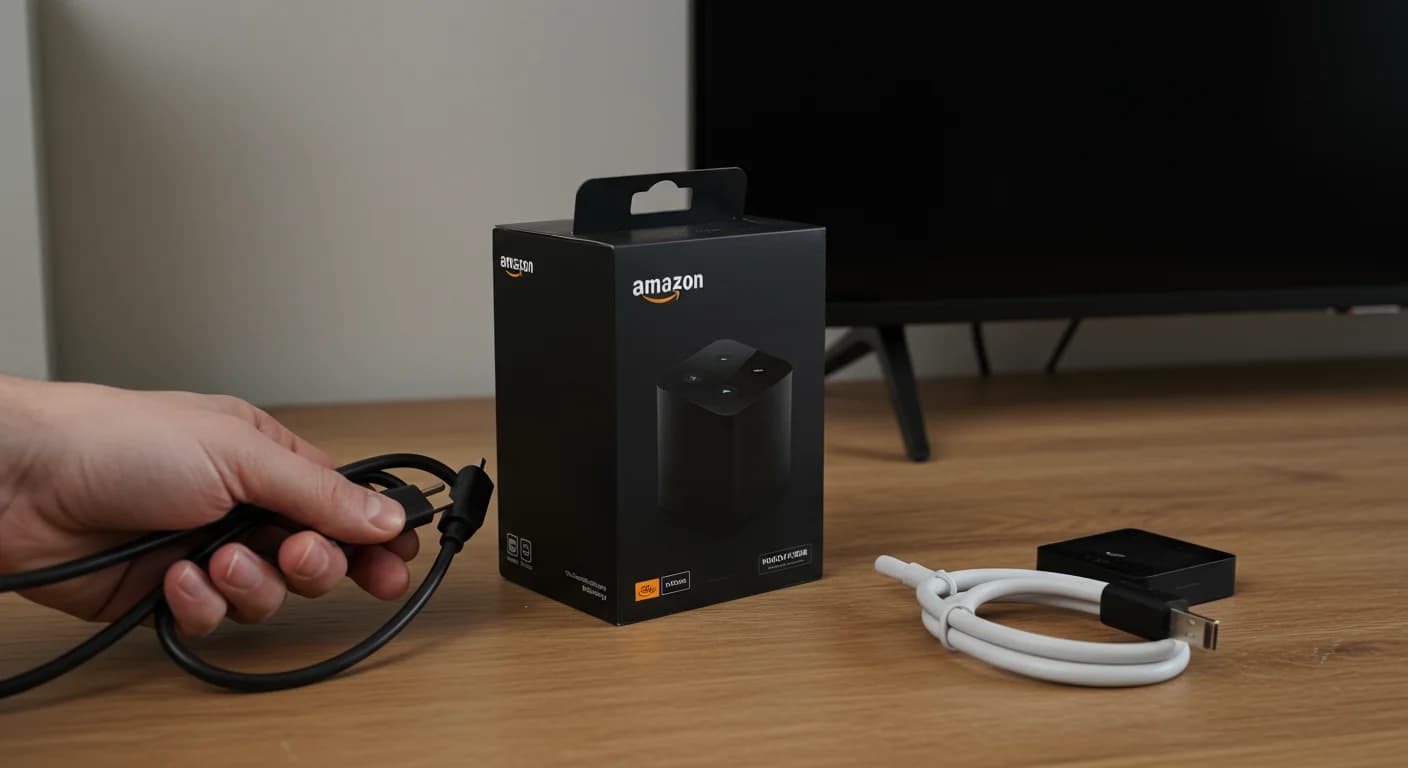
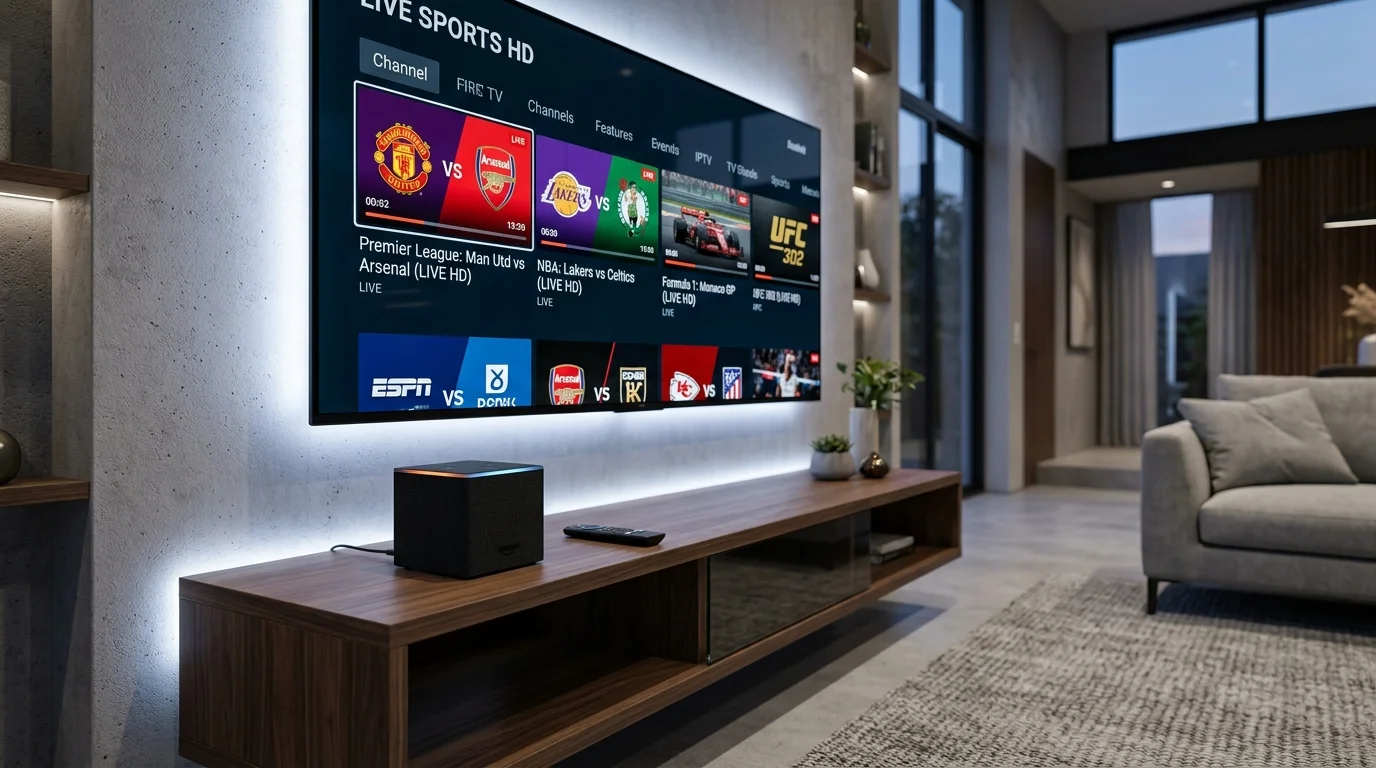
Why Fire TV Cube is the Best Amazon Device for IPTV UK
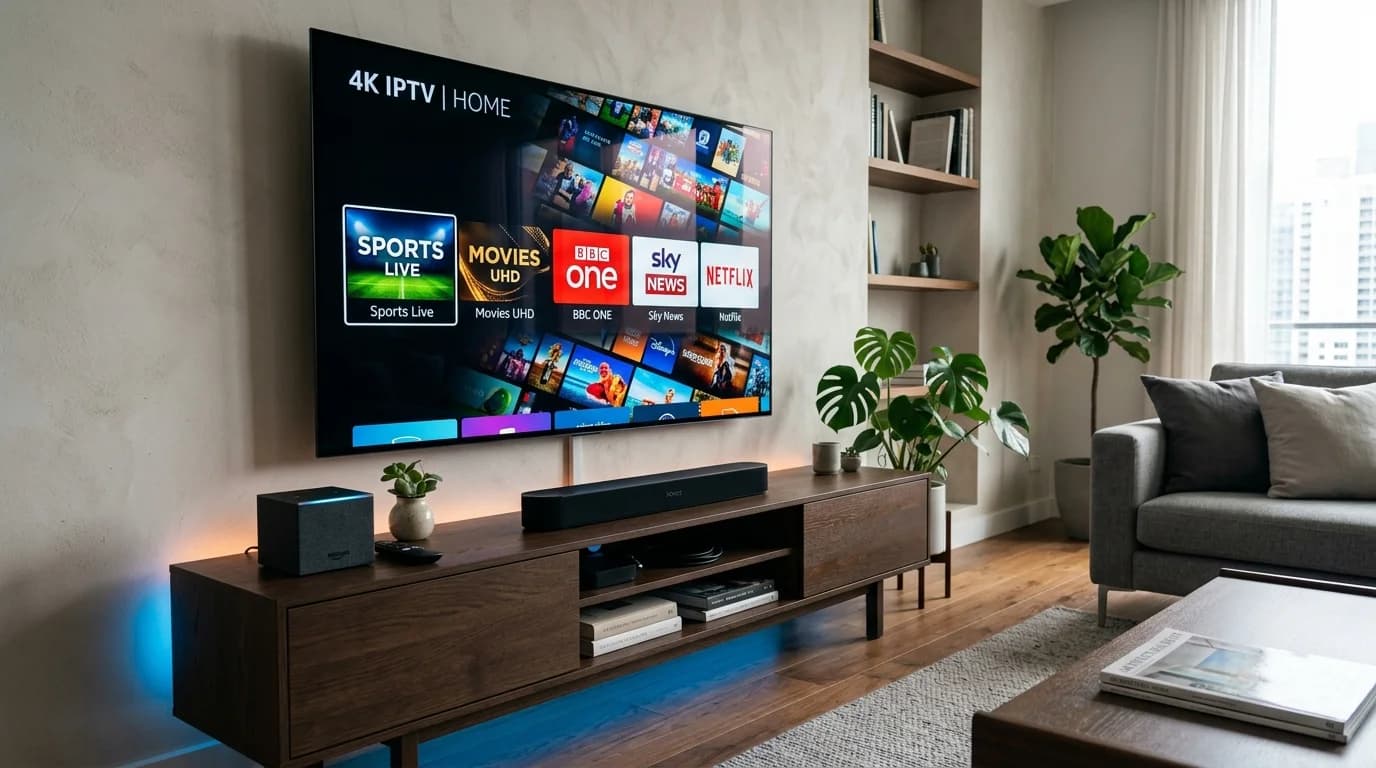
The Amazon Fire TV Cube is Amazon's most powerful streaming device, and it's exceptional for IPTV. The key differentiator that separates it from every Firestick model is the built-in Gigabit Ethernet port. While Firesticks rely on WiFi — subject to interference, congestion, and signal drops — the Fire TV Cube connects directly to your router via a cable, delivering the kind of rock-solid stability that serious IPTV viewers demand.
The 3rd generation Fire TV Cube (released 2022) features an octa-core processor — considerably more powerful than any Firestick — combined with Wi-Fi 6E support, 2GB RAM, and full 4K Ultra HD with Dolby Vision, HDR10+, HDR10, HLG, and Dolby Atmos audio. This hardware specification means the Fire TV Cube handles even the most demanding 4K IPTV streams without breaking a sweat, while older Firestick models may struggle with particularly high-bitrate 4K channels.
The setup process is identical to any Firestick: enable Unknown Sources in Developer Options, install Downloader, sideload IPTV Smarters Pro, enter your IPTV UK Elite credentials, and start watching. The additional benefit is connecting via the built-in Ethernet port before starting — this alone eliminates the majority of IPTV buffering issues experienced by WiFi-only Firestick users.
Fire TV Cube vs Firestick 4K Max – IPTV Comparison
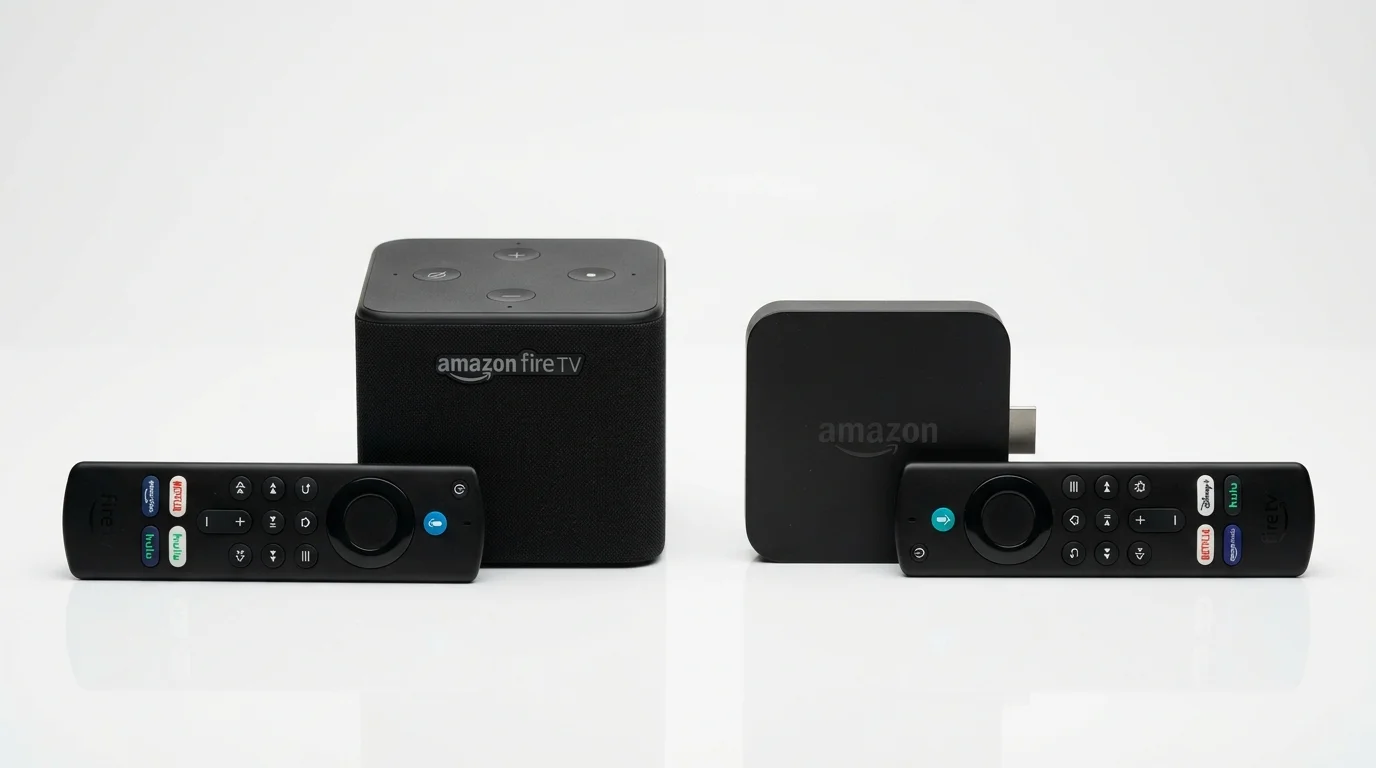
Which Amazon device is best for IPTV UK?
| Feature | Fire TV Cube (3rd Gen) | Firestick 4K Max (2023) |
|---|---|---|
| Ethernet Port | Built-in (no adapter) | Requires £15 adapter |
| Processor | Octa-core 2.0 GHz | Quad-core 1.8 GHz |
| RAM | 2 GB | 2 GB |
| Wi-Fi | Wi-Fi 6E (fastest) | Wi-Fi 6E |
| 4K HDR Support | Dolby Vision, HDR10+ | Dolby Vision, HDR10+ |
| Alexa | Built-in speaker (hands-free) | Remote only |
| IPTV Performance | Excellent (wired) | Very Good (wireless) |
| Price (approx) | £139 | £59 |
How to Set Up IPTV on Fire TV Cube UK
Step-by-step guide to getting IPTV running on your Fire TV Cube.
Connect via Ethernet First
Before anything else, plug an Ethernet cable from your router directly into the Fire TV Cube's built-in Ethernet port on the back of the device. This is the biggest IPTV performance advantage the Cube has over regular Firesticks.
Enable Apps from Unknown Sources
Navigate to Settings → My Fire TV → Developer Options. Toggle on "Apps from Unknown Sources" and "ADB Debugging". This enables installation of IPTV apps not available in the Amazon App Store.
Install the Downloader App
From the Fire TV Cube home screen, search for "Downloader" in the app store and install it for free. This app allows you to download APK files from URLs provided by IPTV UK Elite support.
Install IPTV Smarters Pro
Open Downloader, enter the IPTV Smarters Pro APK URL (available from IPTV UK Elite WhatsApp support), download the file, and install it. Accept any security prompts to allow the installation.
Enter Credentials and Start Watching
Open IPTV Smarters Pro, select "Login with Xtream Codes API", enter your Server URL, Username, and Password provided by IPTV UK Elite. Your full channel list loads in under 30 seconds. Enjoy buffer-free 4K streaming via your wired Ethernet connection.
Get IPTV on Your Fire TV Cube Today
From £12/month. The ultimate IPTV experience on Amazon's best device.
IPTV on Smart TVs, Android Boxes & Fire TV Cube Guides
IPTV on Smart TV UK 2026
Watch IPTV directly on Samsung, LG and Sony Smart TVs without any extra hardware.
DevicesIPTV on Android Box UK 2026
Best Android TV boxes for IPTV UK in 2026 — 4K streaming on any TV.
TutorialsHow to Install Downloader on Firestick
The first step for any Firestick IPTV setup — enable sideloading in 2 minutes.
Fire TV Cube IPTV UK – Frequently Asked Questions
Is the Fire TV Cube good for IPTV UK?
Excellent. The Fire TV Cube 3rd gen is the best Amazon device for IPTV, with a built-in Ethernet port, powerful octa-core processor, and full 4K Dolby Vision support — delivering the most stable IPTV experience in Amazon's lineup.
Does Fire TV Cube support 4K IPTV?
Yes. The Fire TV Cube fully supports 4K Ultra HD, HDR10+, Dolby Vision, and Dolby Atmos. IPTV UK Elite provides 4K HDR streams for qualifying channels, displayed at full quality on the Fire TV Cube.
What is the difference between Firestick and Fire TV Cube for IPTV?
The Fire TV Cube has a built-in Ethernet port (no extra adapter needed), a faster octa-core processor, and a built-in Alexa speaker. For IPTV, the wired Ethernet connection is the key advantage — it eliminates WiFi buffering completely.
Can I use Alexa with IPTV on Fire TV Cube?
You can use Alexa to launch the IPTV app and control Fire TV functions (volume, pause). Direct channel switching by voice isn't supported in third-party IPTV apps, but standard Fire TV Alexa controls work throughout.
Is there a free trial for IPTV on Fire TV Cube?
Yes. IPTV UK Elite provides a free 24-hour trial compatible with Fire TV Cube. Contact us via WhatsApp for instant trial credentials and we'll walk you through the setup if needed.