IPTV UK Beginner's Guide: Everything You Need to Know in 2026
New to IPTV? This comprehensive beginner's guide covers everything from what IPTV is, how to choose a provider, setup guides, and tips for the best streaming experience in the UK.
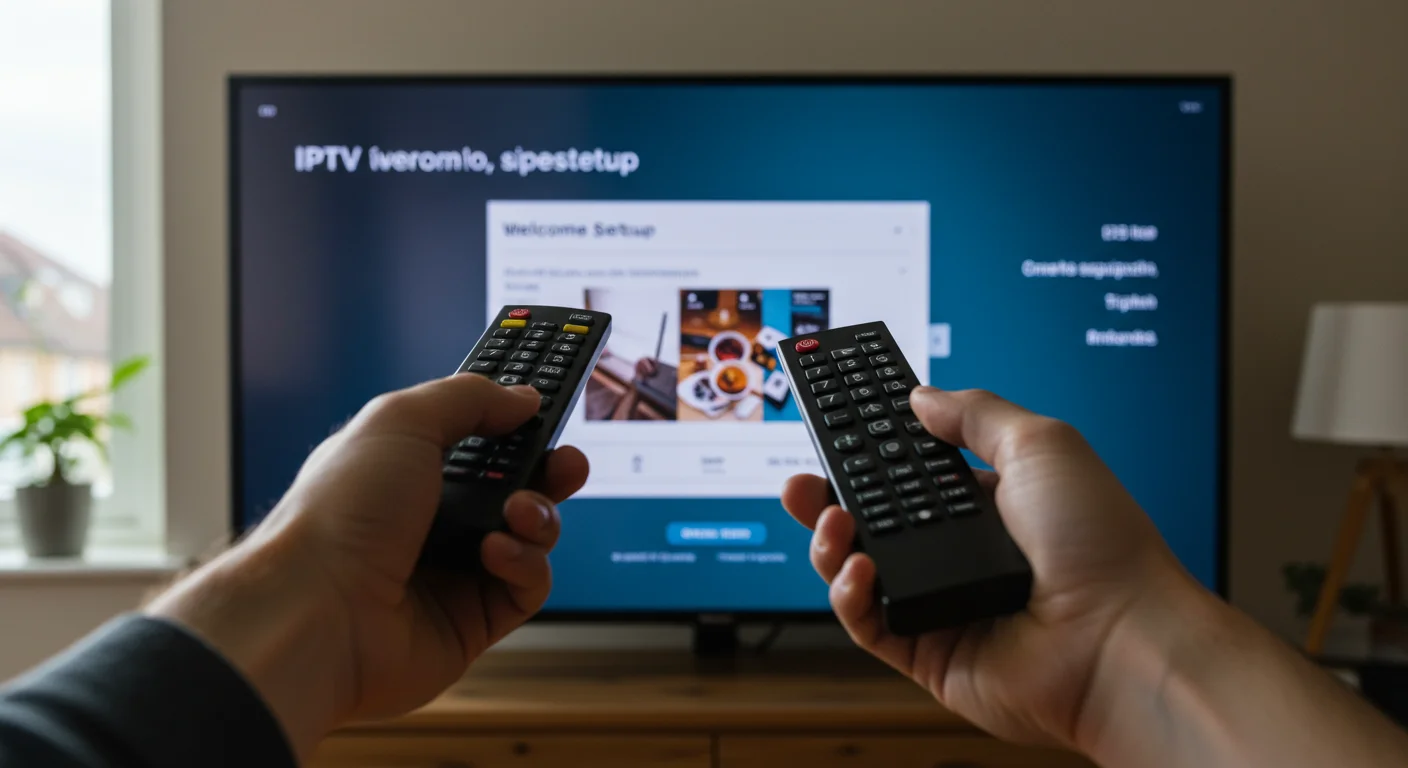
What Is IPTV UK? Definition, Features & Benefits
What is IPTV UK?
IPTV (Internet Protocol Television) is simply watching TV over the internet instead of through a satellite dish or cable box. If you've ever used BBC iPlayer or Netflix, you've used a form of IPTV.
The main difference with a dedicated IPTV subscription is that it gives you access to live TV channels—usually thousands of them—including premium sports and movies that would cost a fortune with traditional providers.
Why Everyone is Switching

I've spoken to hundreds of customers who are tired of their monthly bills creeping up. The main reasons people switch are simple:
- Massive Savings: You can save over £800 a year compared to a full Sky or Virgin package.
- More Choice: We're talking 45,000+ channels from around the world, not just the standard Freeview 70.
- Flexibility: Watch on your phone while commuting, or on your Smart TV in the lounge. No technician needs to drill holes in your wall.
What You Need to Get Started
You don't need a satellite dish or a complex contract. You just need:
- Fast Internet: I recommend at least 20 Mbps for a buffer-free HD experience. If you want 4K, aim for 40+ Mbps.
- A Device: Most people use an Amazon Firestick (it's cheap and works great), but Smart TVs, Android boxes, and even your phone work fine.
- A Subscription: This is where IPTV UK Elite comes in. We provide the login details.
- An App: Software like IPTV Smarters or TiviMate to play the content.
Choosing the Right Device
In my experience, the Amazon Firestick 4K is the best bang-for-buck device for UK viewers. It handles 4K streams easily and hides neatly behind your TV.
If you have a Samsung or LG Smart TV, you can download apps directly, but they can sometimes be a bit slower than a dedicated stick.
How to Avoid Bad Providers
The IPTV world can be a bit like the Wild West. Here is what to look out for:
- No Free Trial: If they won't let you test it for free, they are hiding something.
- Support: Try messaging them. If they don't reply in an hour, what will happen when your big game freezes?
- "Lifetime" Subs: Avoid these. They usually disappear after a few months. Stick to monthly or yearly plans.
Setting Up is Easy
It really only takes about 10 minutes.
- Get your login details from us.
- Download an app like IPTV Smarters.
- Enter your username and password.
- Start watching.
We have a detailed Firestick Setup Guide if you need step-by-step help.
Final Thoughts
IPTV is a game-changer for UK entertainment. It's cheaper, clearer, and offers way more variety. Just make sure you have a decent internet connection and a reliable provider.
Ready to test it? Grab a free trial and see for yourself.
Ready to Try Premium IPTV UK?
Experience IPTV UK Elite with a free 24-hour trial. 45,000+ channels, 100,000+ VOD, and 4K quality.
Related Guides
IPTV Free Trial UK 2026
How to claim your free 24-hour IPTV trial — what's included and how to activate.
TutorialsHow to Record IPTV UK (PVR Guide)
Record live TV with TiviMate Premium or a dedicated PVR — full setup walkthrough.
GuidesM3U Playlist Guide for Beginners
What is an M3U file, how to load it into any IPTV player, and how to fix broken playlists.
More IPTV UK Buying & Info Topics
Keep exploring high-volume IPTV UK search topics to compare providers, troubleshoot faster, and choose the right plan.