IPTV on MAG Box UK 2026
The dedicated IPTV experience. MAG boxes deliver a clean, purpose-built interface for live TV with an intuitive remote, full EPG, and rock-solid streaming. 45,000+ UK and global channels from £12/month.
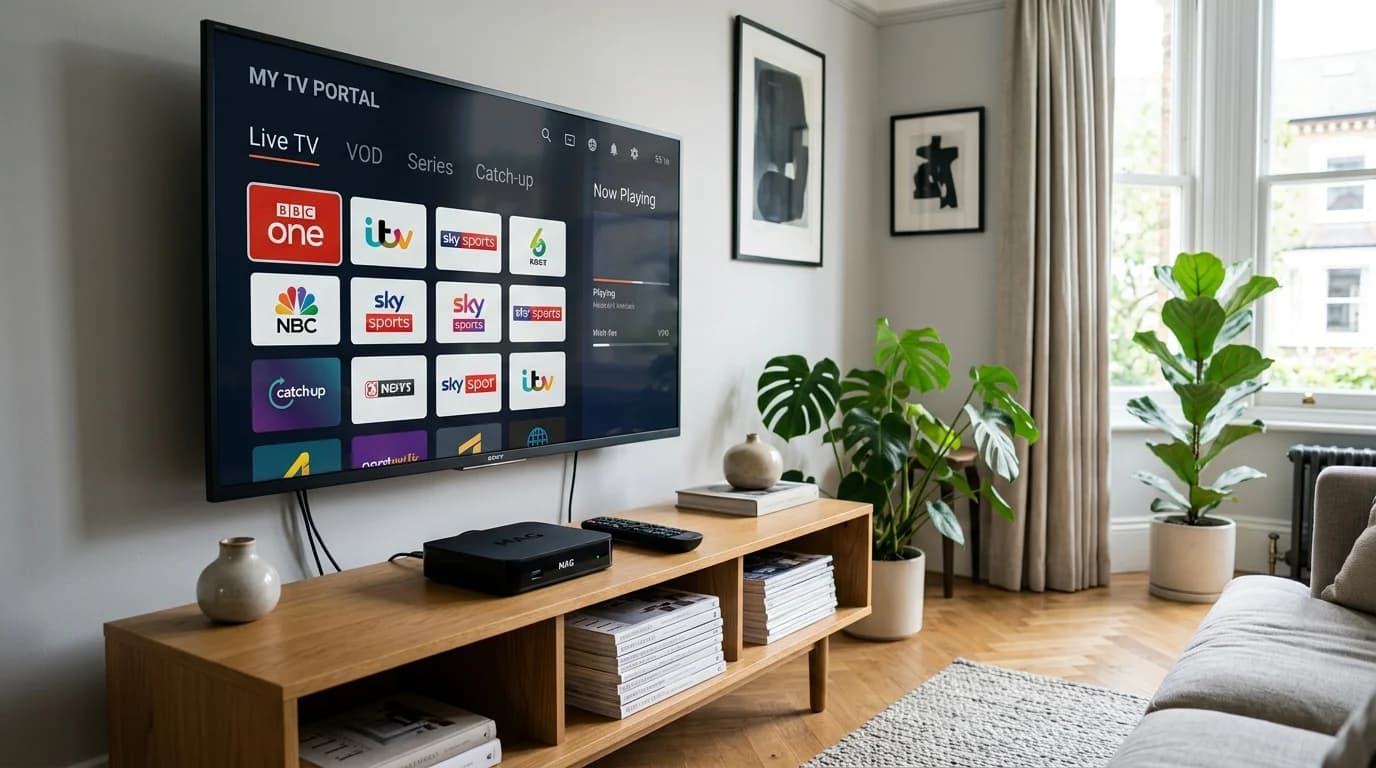
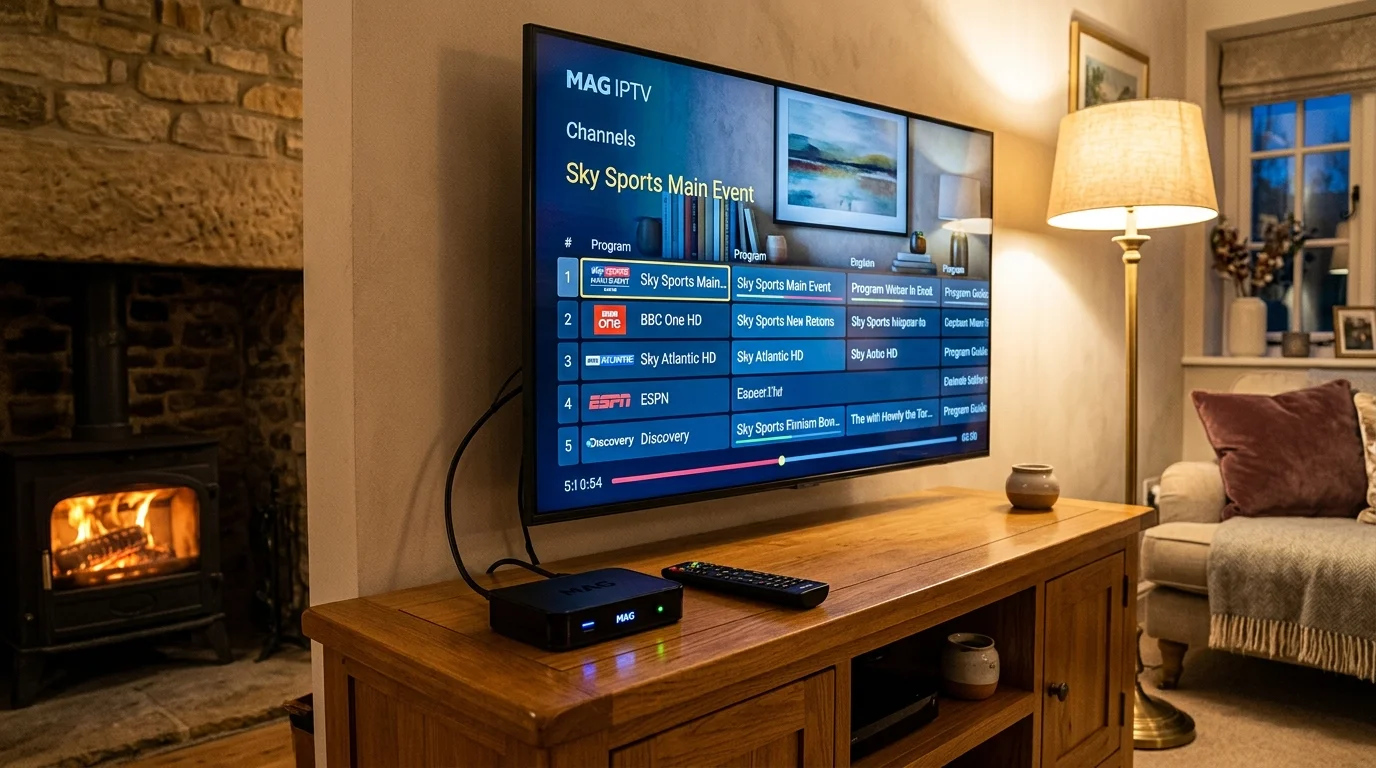
What is a MAG Box and How Does IPTV Work on It?
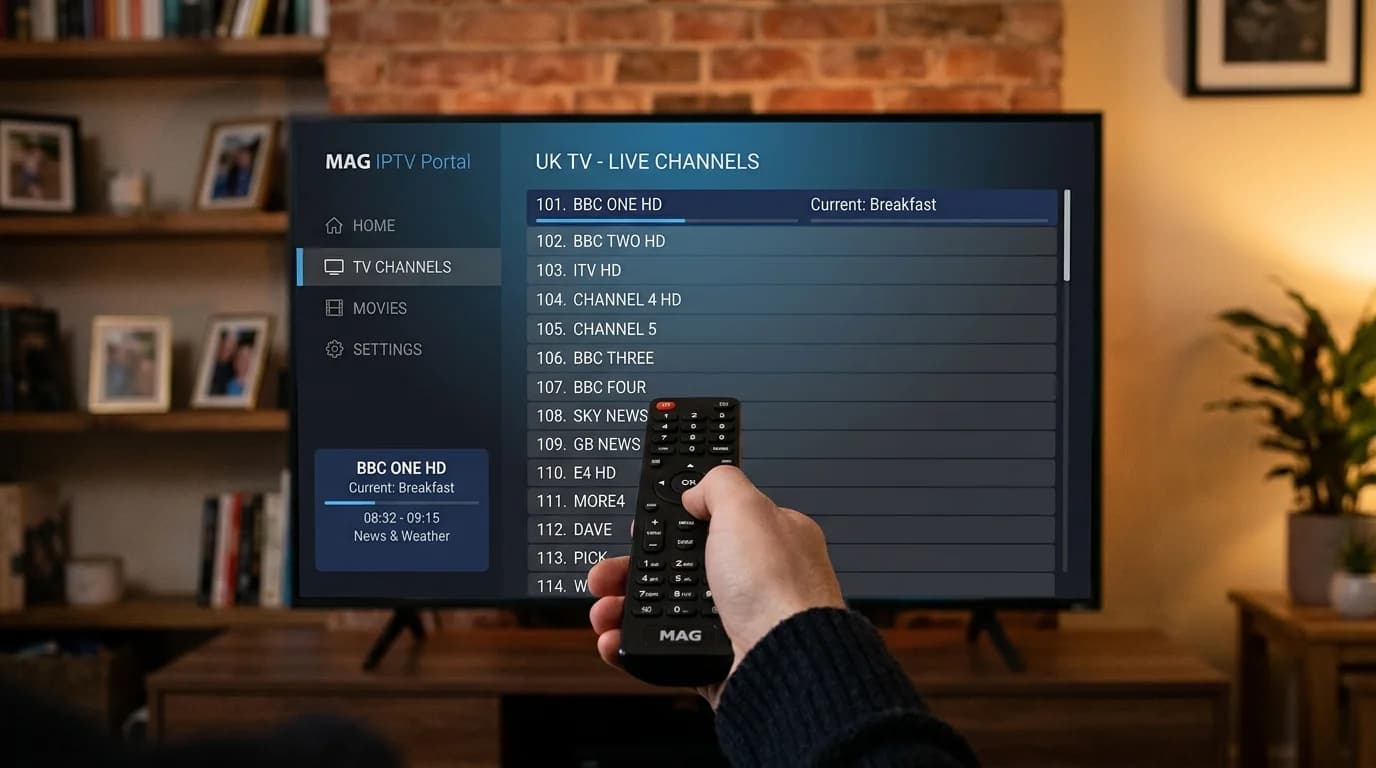
MAG boxes, manufactured by Infomir, are dedicated set-top-box devices purpose-built for IPTV streaming. Unlike Android boxes or Firesticks which are general-purpose streaming devices, MAG boxes run the proprietary Linux-based Stalker Middleware operating system, optimised entirely for IPTV performance. The result is a clean, television-centric interface with a familiar channel guide, intuitive remote control navigation, and excellent streaming stability.
IPTV on MAG boxes works through a "Stalker portal" system. Rather than installing an app, you configure a portal URL in the MAG box settings. When the box starts up, it connects to that portal server, authenticates using your device's unique MAC address, and loads your full channel list and EPG automatically. The experience closely mirrors a traditional cable TV set-top box — the same familiar interface, the same remote-controlled navigation, but with thousands more channels.
IPTV UK Elite fully supports the Stalker portal protocol used by all MAG boxes. When you subscribe, simply send us your MAG box's MAC address (found in Settings → About), and we'll activate your subscription. You then enter our portal URL in your MAG box settings, reboot, and start watching — it's that straightforward.
Compatible MAG Box Models
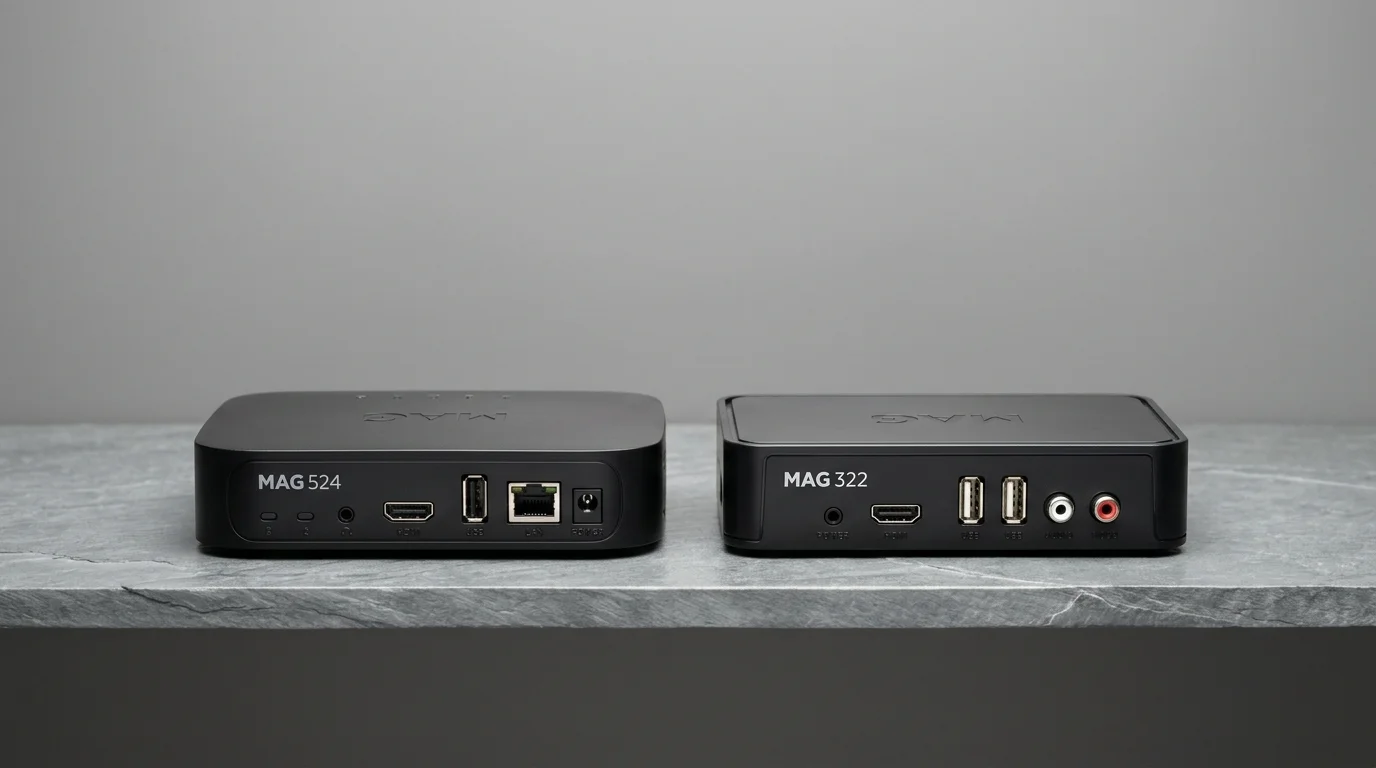
IPTV UK Elite works with all MAG models. Here are the key specs for popular models.
MAG 540 / 540W3
4K UHD | Android 9 | HEVCLatest flagship MAG box with 4K support, Android 9, Google Play, and built-in WiFi. Best MAG box for IPTV in 2026.
MAG 522 / 522W3
4K UHD | Linux | HEVC4K capable MAG box running Linux Stalker OS. Excellent build quality with fast channel switching and low power consumption.
MAG 420 / 421
4K UHD | Linux | AmlogicMid-range 4K MAG box. Smooth 4K playback, dual-band WiFi, and a user-friendly interface. Great value for money.
MAG 322 / 324
1080p HD | Linux | HEVCPopular HD MAG boxes with solid performance for standard HD IPTV streaming. Widely used across the UK.
MAG 256 / 257
1080p HD | LinuxPrevious generation HD MAG boxes. Still fully functional for HD IPTV. Widely available second-hand at low cost.
Formuler Z10 Pro / Z11 Pro
4K UHD | Android | myTVOnlineFormuler boxes run Android TV and support both Stalker portal and myTVOnline2 app. The Z11 Pro is a top-tier IPTV device.
How to Set Up IPTV on MAG Box UK
Follow these steps to configure your MAG box portal in under 10 minutes.
Connect the MAG Box
Plug the MAG box into your TV's HDMI port. Connect an Ethernet cable from the MAG box to your router (highly recommended over WiFi for IPTV stability). Power on the device.
Find Your MAC Address
From the MAG box main menu, go to Settings → About. Note down the MAC address shown (format: XX:XX:XX:XX:XX:XX). You'll need this to activate your IPTV UK Elite subscription.
Subscribe and Get Your Portal URL
Contact IPTV UK Elite via WhatsApp and share your MAC address. After choosing your plan, we'll provide your unique Stalker portal URL and confirm activation of your MAC address.
Enter the Portal URL
On your MAG box, go to System → Settings → Servers → Portals. In "Portal 1 Name" type "IPTV UK Elite". In "Portal 1 URL" paste the portal URL provided by us. Press OK to save.
Reboot and Enjoy
Navigate to System → Reboot and restart your MAG box. On startup, it will connect to the IPTV UK Elite portal and load your full channel list. Use the remote to browse, press OK to watch, and use the EPG for programme schedules.
Activate IPTV on Your MAG Box Today
Send us your MAC address and choose your plan. Activated within minutes.
Explore Related IPTV Guides: Setup, Devices & Comparisons
IPTV on Smart TV UK 2026
Watch IPTV directly on your Samsung, LG or Sony Smart TV — no MAG box needed.
DevicesIPTV on Android Box UK 2026
Modern Android boxes outperform MAG boxes — 4K HEVC support and app flexibility.
GuidesBest IPTV for Zgemma & Enigma2 2026
How to get IPTV on legacy Zgemma and Enigma2 hardware in 2026.
MAG Box IPTV UK – Frequently Asked Questions
How do I set up IPTV on a MAG box UK?
Go to System → Settings → Servers → Portals. Enter "IPTV UK Elite" as the portal name and our provided URL as Portal 1 URL. Save, reboot, and your channels load automatically.
Which MAG box models are compatible?
All MAG box models are compatible — MAG 250, 254, 256, 322, 324, 420, 522, 524, 540, and all Formuler devices. Send us your MAC address when subscribing to activate your plan.
What is a Stalker portal URL for MAG box IPTV?
It's the server address your MAG box connects to on startup. When you subscribe to IPTV UK Elite, we provide your unique portal URL. Your MAC address authenticates the connection — no username/password needed on the box itself.
Is a MAG box or Firestick better for IPTV?
MAG boxes offer a cleaner, dedicated IPTV interface. Firestick 4K Max is more versatile (Netflix, Disney+, etc.) and supports 4K. For pure IPTV use, MAG is excellent; for a multi-use streaming device, Firestick wins.
Do MAG boxes support 4K IPTV UK?
Newer models (MAG 522, 540, 541, Formuler Z10/Z11 Pro) support 4K. Older models (MAG 250/256/322) are limited to 1080p HD. IPTV UK Elite provides 4K streams for all 4K-capable MAG devices.