Try IPTV Before Buying: Your Complete Risk-Free Guide
Complete guide to trying IPTV before buying in 2026. How to activate a trial, install the right app, test the 5 key quality metrics, and spot fraudulent providers before they cost you.
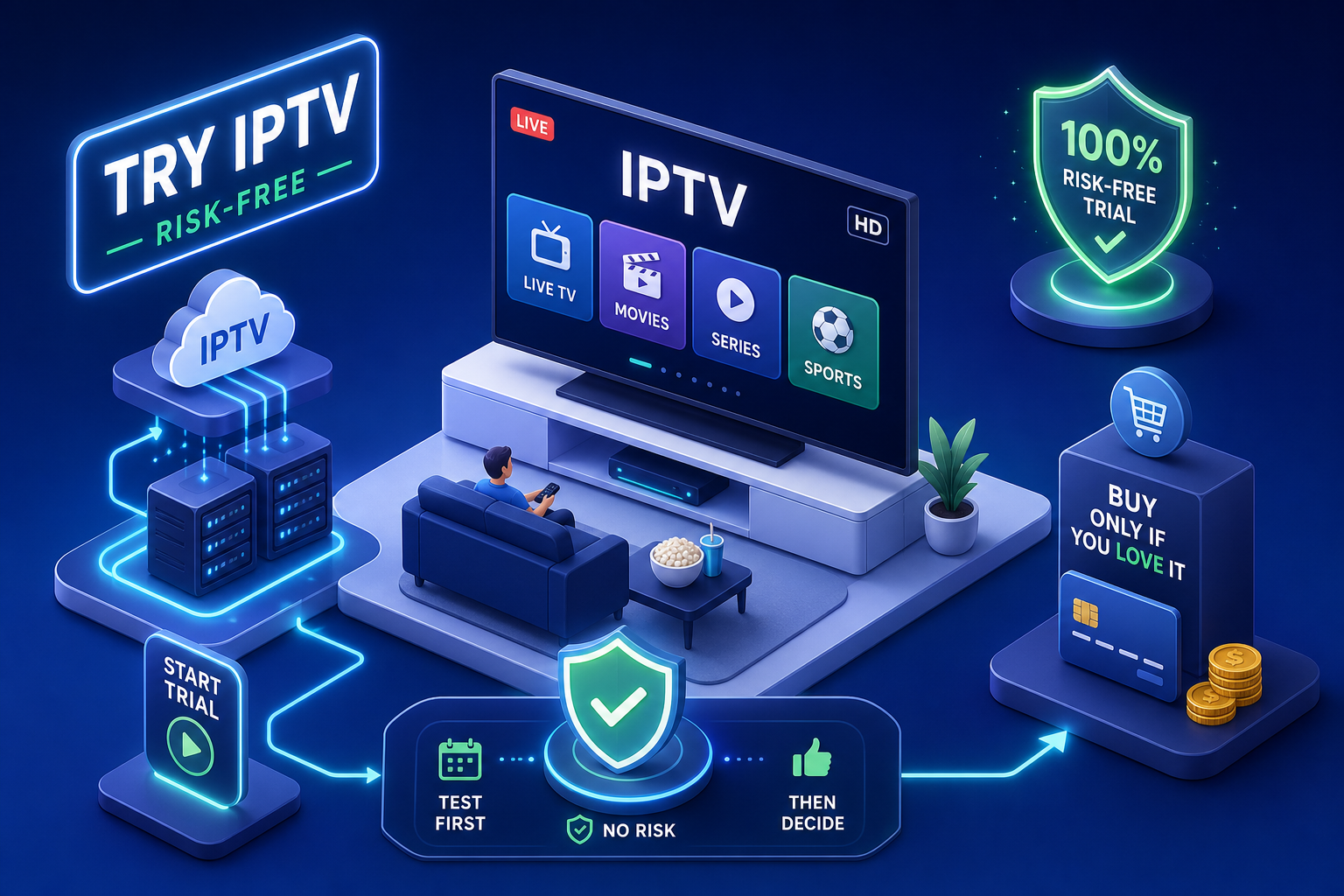
The Final IPTV Trial Checklist: Verify Service Quality
What a legitimate IPTV free trial actually looks like
Trial length and what should be included
A common trial length in 2026 ranges from 12 to 48 hours at no cost, with 24 hours being the most widely offered window. A proper trial gives you full access to the live channel library, VOD catalogue, and EPG guide from the moment your credentials arrive — not a stripped-down demo feed running on a dedicated showcase server. A curated demo tells you nothing about the quality you'll actually receive after paying.
How trial activation typically works
Standard activation is straightforward. After a simple signup — usually just an email address — the provider sends M3U URL credentials or Xtream Codes login details (a username, password, and server URL) via email or WhatsApp. No credit card should be required. You install an IPTV player on your chosen device, enter the credentials, and the channel list loads within seconds if the server is healthy.
Instant credential delivery is itself a quality signal. A provider that takes hours to send trial details either runs a manual operation or is processing far more requests than its infrastructure can handle. Legitimate providers automate the process.
How to try IPTV before buying: the best apps and tools for testing
IPTV players worth installing before you start
Four players cover every device and use case:
- TiviMate — the preferred choice for Amazon Firestick and Android TV testing. It supports multiple playlists, displays a clean 14-day EPG, and delivers accurate buffering feedback that reflects server performance.
- IPTV Smarters Pro — the easiest entry point for beginners. Supports both M3U and Xtream Codes logins across Firestick, Android, iOS, and Smart TVs.
- XCIPTV — the best free option for Android TV users who don't want to pay for TiviMate.
- VLC — available on every platform and the most reliable way to inspect an individual stream. Paste the M3U URL directly into the Network Stream dialog to monitor real-time bitrate data.
Checking your connection before you touch the IPTV app
A marginal internet connection mimics poor IPTV quality exactly. Before touching any trial, run three speed checks and confirm a sustained minimum of 10 Mbps for HD and 25 Mbps for 4K. For a clean stream, aim for jitter under 20ms and packet loss below 0.1%. Wired Ethernet consistently outperforms Wi-Fi for this test.
Setting up your IPTV trial account on popular devices
Firestick and Android TV: how to try IPTV before buying on your TV
On Firestick, start by installing the Downloader app from the Amazon Appstore. Use it to sideload IPTV Smarters Pro or TiviMate, then enable "Apps from Unknown Sources" in Settings under My Fire TV and Developer Options. Once installed, open the app, select Add Playlist, choose M3U URL or Xtream Codes, enter the trial credentials, and let the channel list populate.
The whole process takes under five minutes on a clean device. As a practical rule of thumb, many reviewers expect the channel list to load in under 30 seconds after entering valid credentials — a noticeably longer delay can indicate a sluggish server worth flagging.
Smart TV, iOS, and desktop setup
On Samsung or LG Smart TVs, search for IPTV Smarters Pro in the native app store. If the app is unavailable, enable Developer Mode and sideload via USB. On iOS, GSE Smart IPTV is the most accessible App Store option for loading M3U playlists.
Desktop testing via VLC is particularly useful for inspecting stream data. Open VLC, go to Media, select Open Network Stream, paste the M3U URL, and hit Play. Then navigate to Tools and Codec Information to monitor Input Bitrate in real time. This shows you the actual bitrate the server is delivering, not what it claims.
What to actually measure during your IPTV trial
Stream quality benchmarks that matter
Five concrete metrics determine whether a trial passes or fails:
- Channel startup time — under five seconds from selection to full playback
- Buffering rate — below 2% of total watch time (roughly two to three brief pauses in a 90-minute match)
- Average bitrate — 8 to 15 Mbps for 1080p content, 15 to 25 Mbps for 4K
- Resolution stability — holding at the advertised quality without visible compression artifacts
- EPG load time — under five seconds, with accurate programme data displayed
To measure buffering rate manually, count buffering events during a 30-minute session and calculate them as a percentage of total watch time. To check bitrate in VLC, play a stream, open Tools, select Codec Information, and monitor Input Bitrate over five to ten minutes. A stable bitrate reading is more meaningful than a peak reading: wide fluctuation during a single session suggests server instability.
Testing channels across categories and peak hours
A single channel at 2 pm on a quiet Tuesday tells you almost nothing. The real stress test covers four content types: a live sports broadcast during a match window, a 4K VOD title, a mainstream UK channel like BBC One or Sky Sports, and at least one international channel. Run these tests across both an afternoon session and an evening peak window.
EPG accuracy deserves a dedicated check. Pull up the displayed schedule for ten channels and compare it against the broadcaster's published schedule. A provider delivering accurate, up-to-date EPG data has invested properly in backend data feeds.
Red flags that expose an unreliable or fraudulent provider
Pricing and payment warning signs
Any provider offering lifetime access for a one-time payment is a serious risk. Server infrastructure for tens of thousands of channels costs thousands of pounds per month to maintain. Services priced below £5 per month for large channel libraries raise the same concern: the economics don't work at that price point with quality infrastructure.
Payment method is one of the clearest legitimacy signals available. Providers that only accept cryptocurrency, gift cards, or wire transfers are deliberately removing chargeback protection. Legitimate providers accept PayPal or card payments and publish a clear refund policy.
Review, support, and website red flags
Check a provider's domain age using a Whois lookup: a site claiming three years of experience but registered six months ago is a scam signal. No transparent business information, no professional support channel, and support that only operates through anonymous Telegram DMs are equally serious warning signs.
Providers that offer no way to try IPTV before buying deserve particular scepticism. A payment page with no trial option suggests the operator knows the service won't survive scrutiny. Real providers offer free trials and refund guarantees precisely because their infrastructure holds up.
Making the call: when to subscribe after your trial
The checklist before you commit
After the trial period ends, run through these criteria before entering payment details. Streams should load in under five seconds consistently. Buffering should be rare or absent during evening peak hours. The EPG should load accurately across at least ten channels. The VOD library should match the breadth advertised. Support should have responded helpfully to any question raised during the trial. Sports channels should have held up during a live broadcast window.
If those criteria are all met, the service has passed a genuine real-world test and the subscription carries minimal risk.
Why IPTV UK Elite is worth testing first
IPTV UK Elite is built around removing every barrier to testing. The free 24-hour trial requires no credit card and delivers full credentials within minutes. The provider claims access to 45,000+ live channels, including Sky Sports, TNT Sports, BBC, ITV, Channel 4, and over 50 international packages, alongside 100,000+ VOD titles. Paid plans are backed by a stated 30-day money-back guarantee. 24/7 WhatsApp support is available and the provider claims most issues are resolved quickly.
The bottom line
The process is straightforward once you know what to look for. Find a provider offering a genuine 24-hour trial with full credentials, install TiviMate or IPTV Smarters Pro on your device, run tests across multiple channel categories and peak hours, measure the five key quality metrics, verify the provider's legitimacy before entering payment details, and only subscribe after the service has proven itself under real conditions.
Always try IPTV before buying — it protects both your time and your money. Any provider unwilling to offer a trial is communicating something important about the confidence they have in their own infrastructure.
Start with IPTV UK Elite's free 24-hour trial and run it through the checklist in this guide. Test a live match during peak hours, check a 4K VOD title, verify the EPG across multiple channels, and monitor the bitrate in VLC. If it passes every metric, you'll already know whether the subscription is worth it — before spending a penny.
Ready to Try Premium IPTV UK?
Experience IPTV UK Elite with a free 24-hour trial. 45,000+ channels, 100,000+ VOD, and 4K quality.
Related Guides
More IPTV UK Buying & Info Topics
Keep exploring high-volume IPTV UK search topics to compare providers, troubleshoot faster, and choose the right plan.